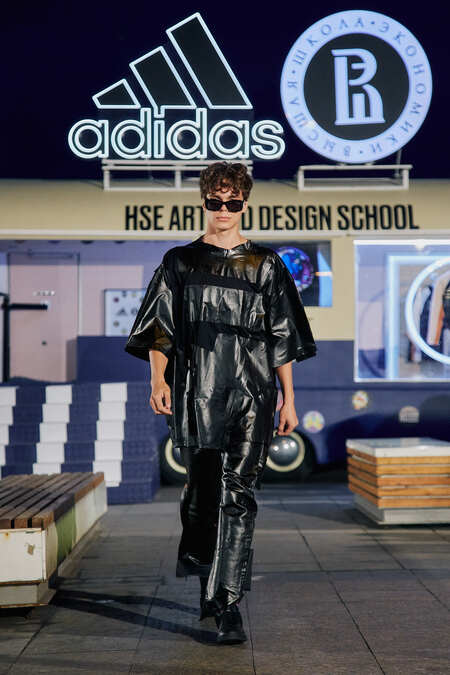
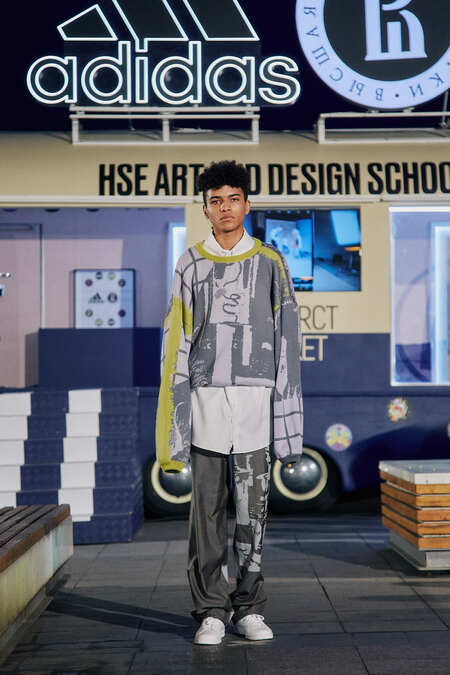
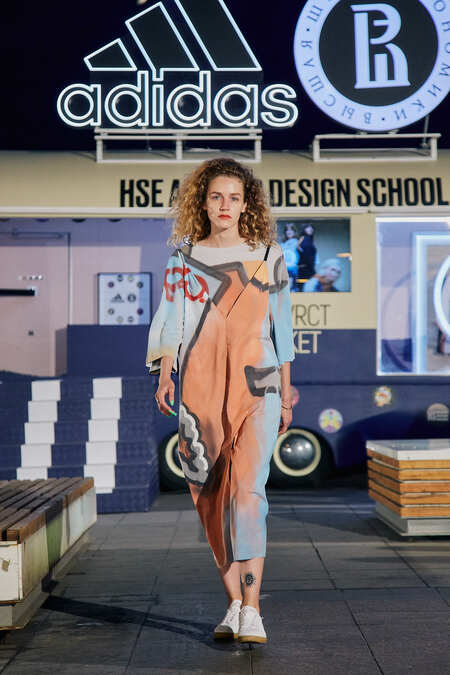
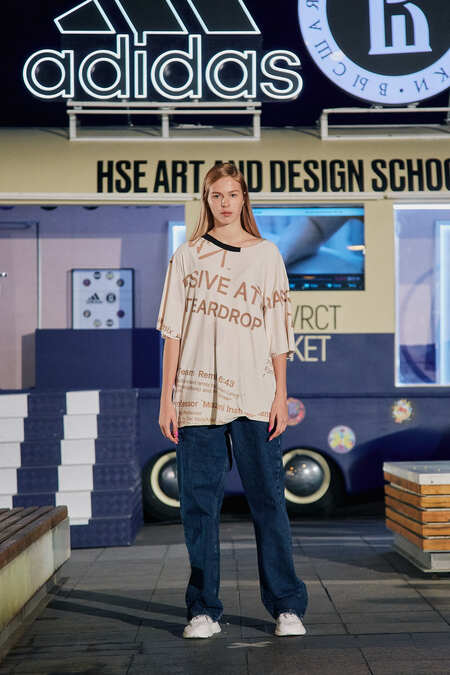
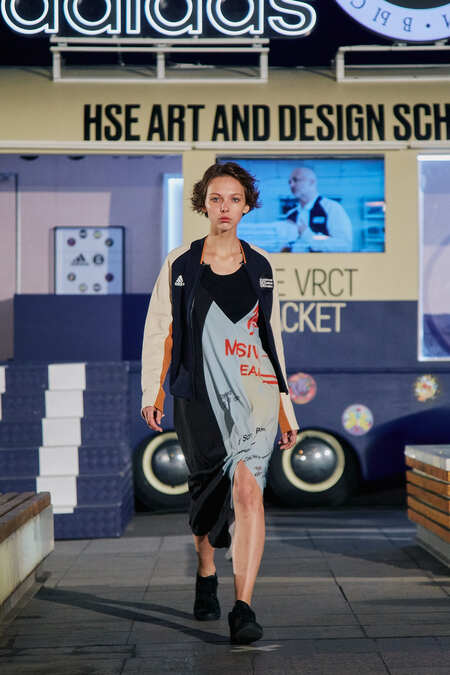
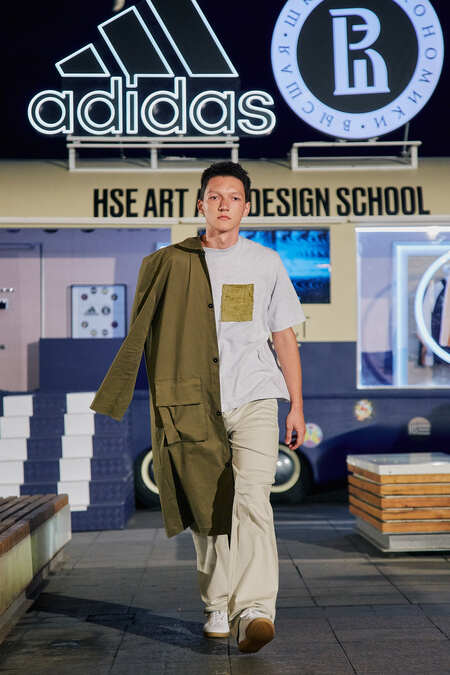
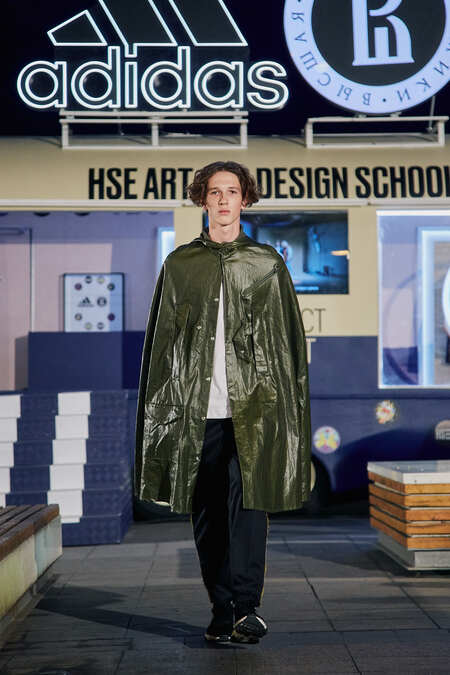
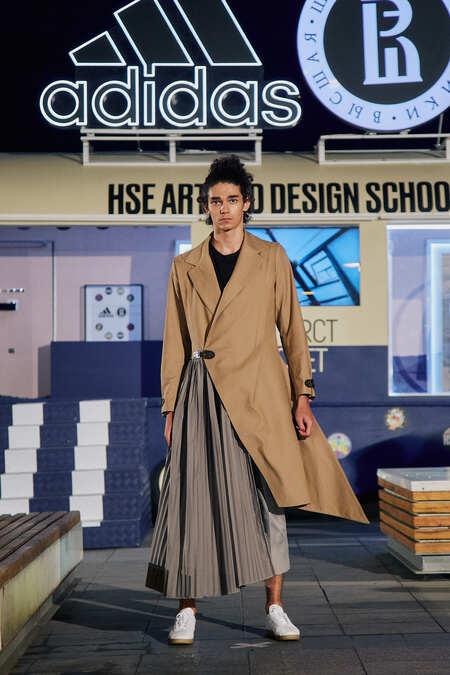
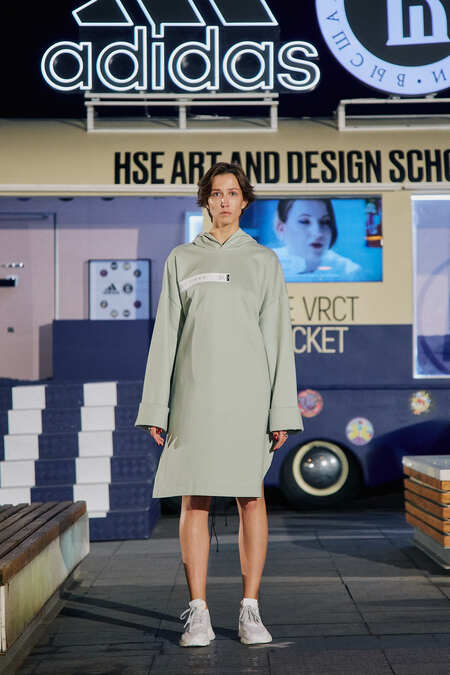
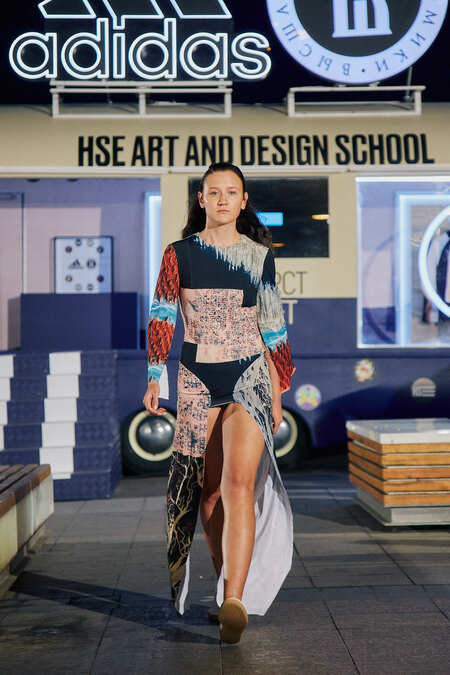
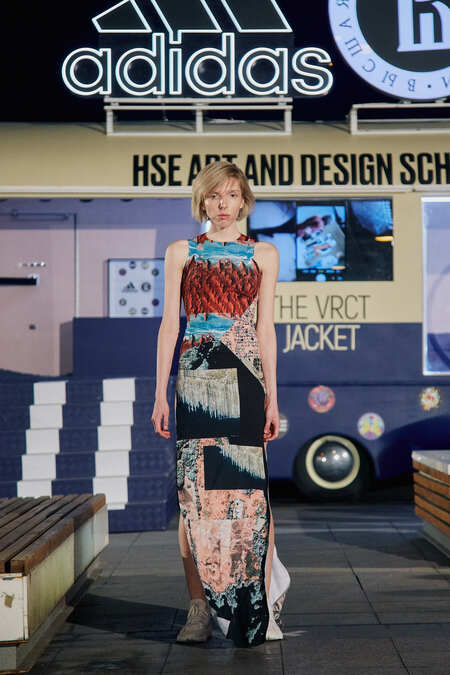
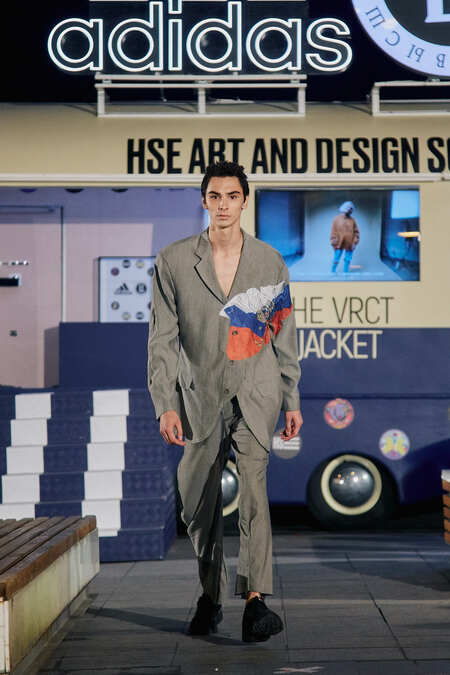
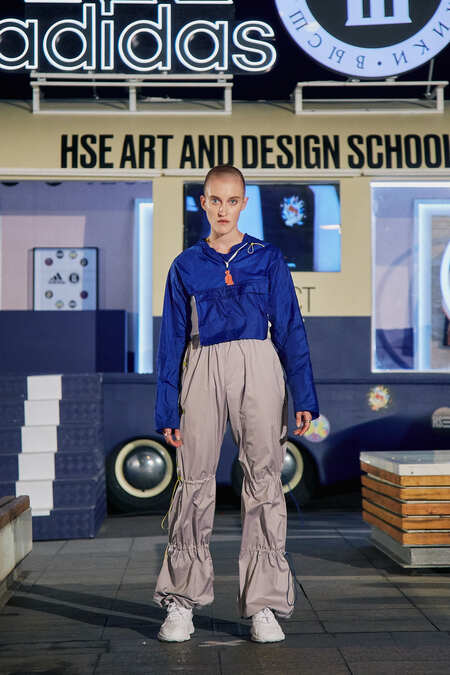
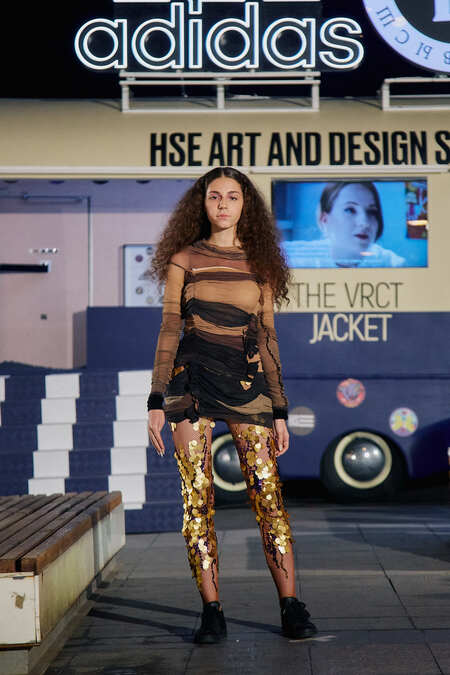
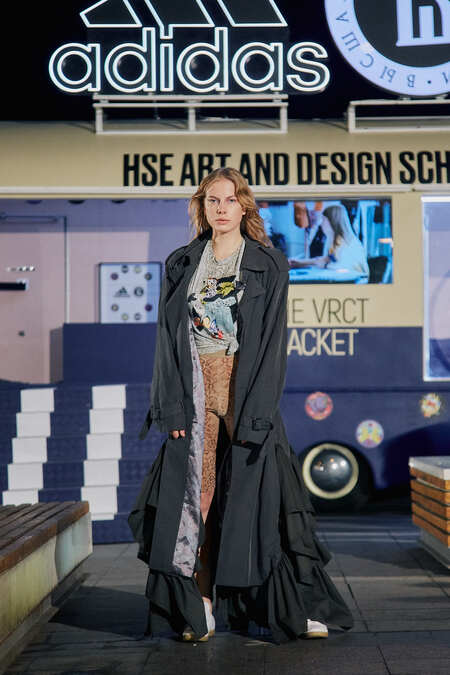
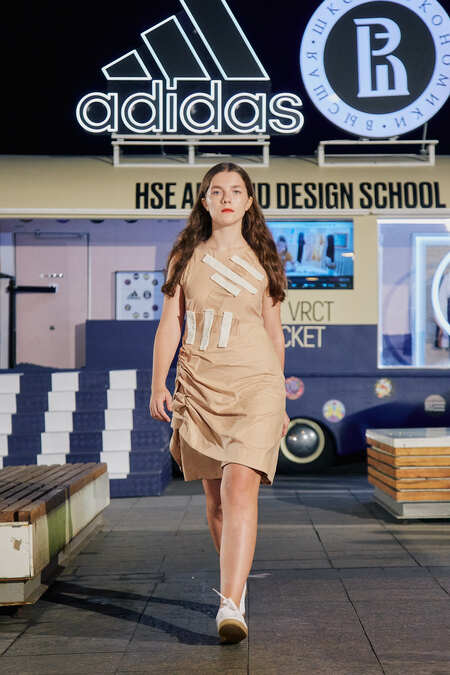
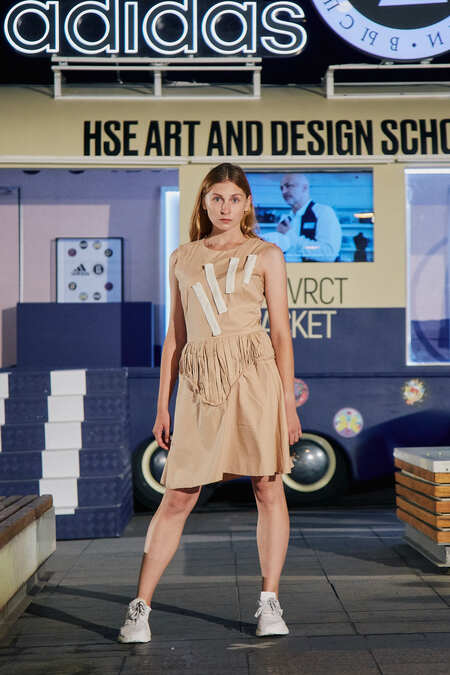
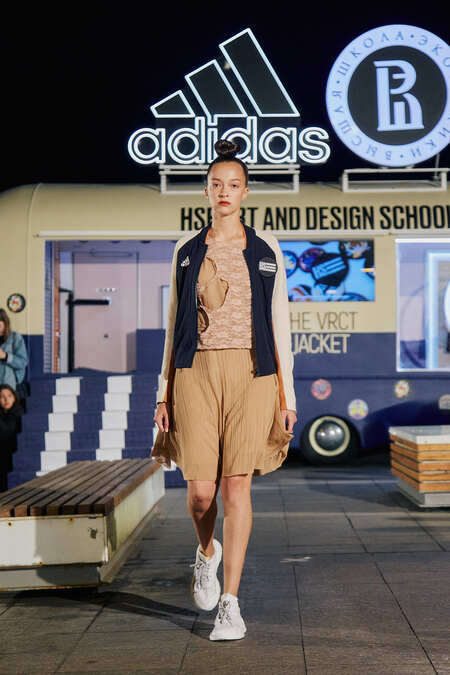
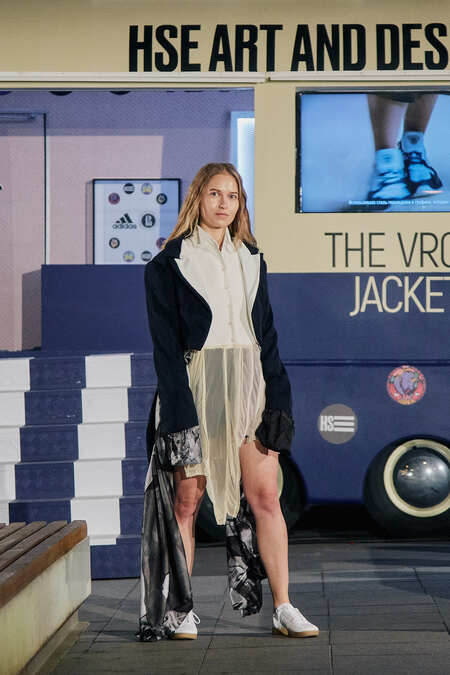
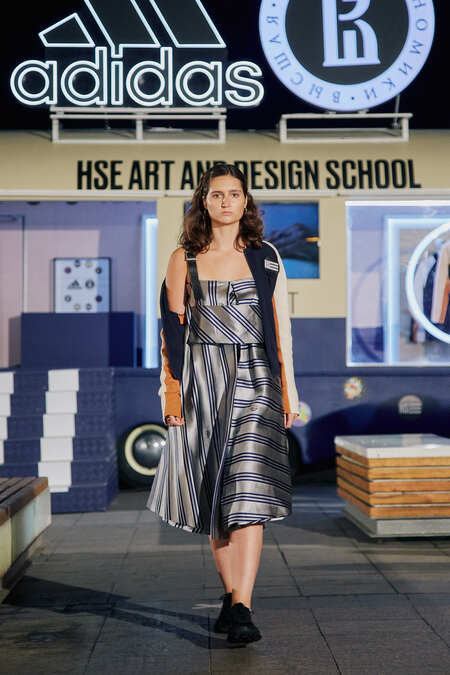
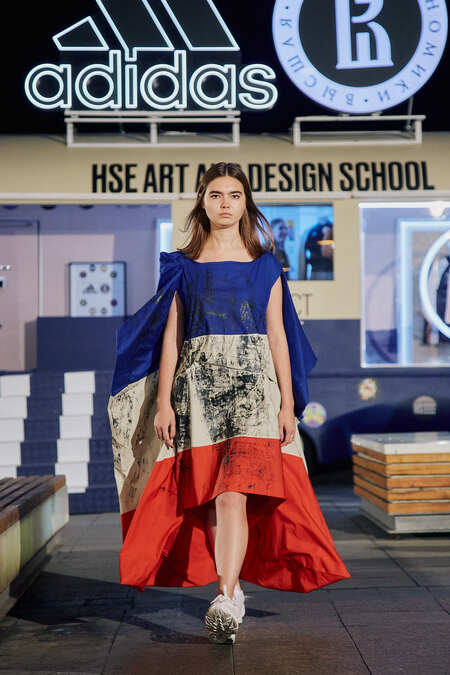
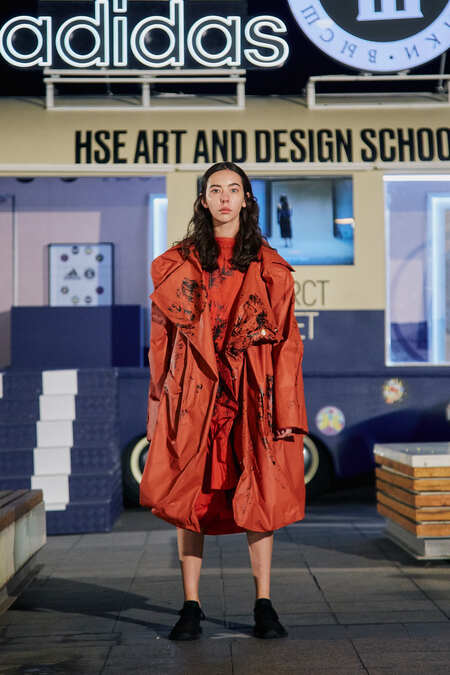
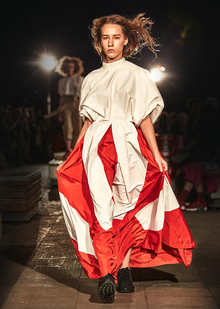
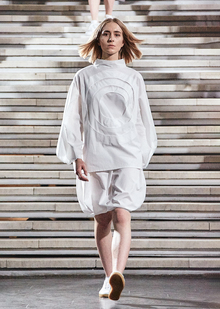
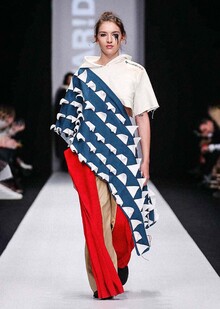
5 сентября в День Вышки в парке Горького студенты Школы дизайна направления «Мода» провели открытый показ «HARD 007: знаки и коды».Показ был основан на исследовании феномена субкультур и посвящен субкультурам и личностям, сформировавшим молодежную культуру последних десятилетий. Исследуя культуру, язык и стиль разнообразных субкультур от 70-х годов XX века до наших дней, молодые дизайнеры создавали свои работы как высказывание на тему молодости и актуальной моды.
HARD — это коллективный проект студентов Школы дизайна НИУ ВШЭ, бренд-творческая лаборатория молодых дизайнеров, где они имеют возможность высказать свое видение актуальной моды и продемонстрировать его в профессиональном формате.
Сорежиссерами показа выступили кураторы Школы дизайна: Леонид Алексеев, Екатерина Павелко, Екатерина Сычёва, Мария Смирнова.
HARD 007: знаки и коды. День Вышки. Показ в парке Горького. 05.09.2019
Студенты Школы дизайна НИУ ВШЭ провели показ моды «HARD 007: знаки и коды» в парке Горького 5 сентября 2019 года. Проект был посвящён субкультурам и личностям, сформировавшим молодёжную культуру последних десятилетий.
HSE Fashion представил показ модной коллекции, вдохновлённой субкультурами, в парке Горького 13 сентября 2018 года. Проект включал исследование молодежных движений, таких как панки, скейтеры, руферы и вичхаус, с акцентом на их стиль и идеологию.
Студенты Школы дизайна НИУ ВШЭ представили свою первую коллекцию на Mercedes-Benz Fashion Week Russia 21 марта 2016 года. Проект HARD 001 включал работы девяти дизайнеров, созданные специально для профессиональной недели моды и показанные под кураторством Екатерины Сычевой.
HSE Fashion организовал показ студенческих работ в Третьяковской галерее 18 мая 2019 года. Показ включал более 120 вещей, созданных студентами Школы дизайна НИУ ВШЭ, и сопровождался видеоинсталляцией агентства «Сила света».
HSE Fashion представила коллекцию HARD 004, созданную студентами Школы дизайна НИУ ВШЭ для Mercedes-Benz Fashion Week Russia 14 марта 2018 года. Проект включал исследования темы «духа юности» через смесь уличной моды, исторических элементов и ироничных деталей в дизайне.
cgrave
Portfolio CG Rave — это открытая площадка для авторских портфолио 3D художников. Размещайте свои работы, чтобы их заметили в сообществе CG, ваши будущие коллеги и потенциальные заказчики.
Press space bar to start a drag.
When dragging you can use the arrow keys to move the item around and escape to cancel.
Some screen readers may require you to be in focus mode or to use your pass through key
Press space bar to start a drag.
When dragging you can use the arrow keys to move the item around and escape to cancel.
Some screen readers may require you to be in focus mode or to use your pass through key
Press space bar to start a drag.
When dragging you can use the arrow keys to move the item around and escape to cancel.
Some screen readers may require you to be in focus mode or to use your pass through key
Press space bar to start a drag.
When dragging you can use the arrow keys to move the item around and escape to cancel.
Some screen readers may require you to be in focus mode or to use your pass through key
Press space bar to start a drag.
When dragging you can use the arrow keys to move the item around and escape to cancel.
Some screen readers may require you to be in focus mode or to use your pass through key
Press space bar to start a drag.
When dragging you can use the arrow keys to move the item around and escape to cancel.
Some screen readers may require you to be in focus mode or to use your pass through key
Press space bar to start a drag.
When dragging you can use the arrow keys to move the item around and escape to cancel.
Some screen readers may require you to be in focus mode or to use your pass through key
Press space bar to start a drag.
When dragging you can use the arrow keys to move the item around and escape to cancel.
Some screen readers may require you to be in focus mode or to use your pass through key
Press space bar to start a drag.
When dragging you can use the arrow keys to move the item around and escape to cancel.
Some screen readers may require you to be in focus mode or to use your pass through key
Press space bar to start a drag.
When dragging you can use the arrow keys to move the item around and escape to cancel.
Some screen readers may require you to be in focus mode or to use your pass through key
Press space bar to start a drag.
When dragging you can use the arrow keys to move the item around and escape to cancel.
Some screen readers may require you to be in focus mode or to use your pass through key
Press space bar to start a drag.
When dragging you can use the arrow keys to move the item around and escape to cancel.
Some screen readers may require you to be in focus mode or to use your pass through key
Press space bar to start a drag.
When dragging you can use the arrow keys to move the item around and escape to cancel.
Some screen readers may require you to be in focus mode or to use your pass through key
Press space bar to start a drag.
When dragging you can use the arrow keys to move the item around and escape to cancel.
Some screen readers may require you to be in focus mode or to use your pass through key
Press space bar to start a drag.
When dragging you can use the arrow keys to move the item around and escape to cancel.
Some screen readers may require you to be in focus mode or to use your pass through key
Press space bar to start a drag.
When dragging you can use the arrow keys to move the item around and escape to cancel.
Some screen readers may require you to be in focus mode or to use your pass through key
Press space bar to start a drag.
When dragging you can use the arrow keys to move the item around and escape to cancel.
Some screen readers may require you to be in focus mode or to use your pass through key
Press space bar to start a drag.
When dragging you can use the arrow keys to move the item around and escape to cancel.
Some screen readers may require you to be in focus mode or to use your pass through key
Press space bar to start a drag.
When dragging you can use the arrow keys to move the item around and escape to cancel.
Some screen readers may require you to be in focus mode or to use your pass through key
Press space bar to start a drag.
When dragging you can use the arrow keys to move the item around and escape to cancel.
Some screen readers may require you to be in focus mode or to use your pass through key
Press space bar to start a drag.
When dragging you can use the arrow keys to move the item around and escape to cancel.
Some screen readers may require you to be in focus mode or to use your pass through key
Press space bar to start a drag.
When dragging you can use the arrow keys to move the item around and escape to cancel.
Some screen readers may require you to be in focus mode or to use your pass through key
Press space bar to start a drag.
When dragging you can use the arrow keys to move the item around and escape to cancel.
Some screen readers may require you to be in focus mode or to use your pass through key
Press space bar to start a drag.
When dragging you can use the arrow keys to move the item around and escape to cancel.
Some screen readers may require you to be in focus mode or to use your pass through key