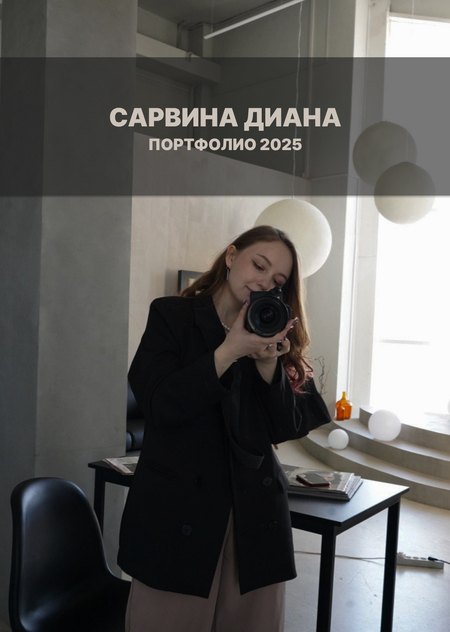
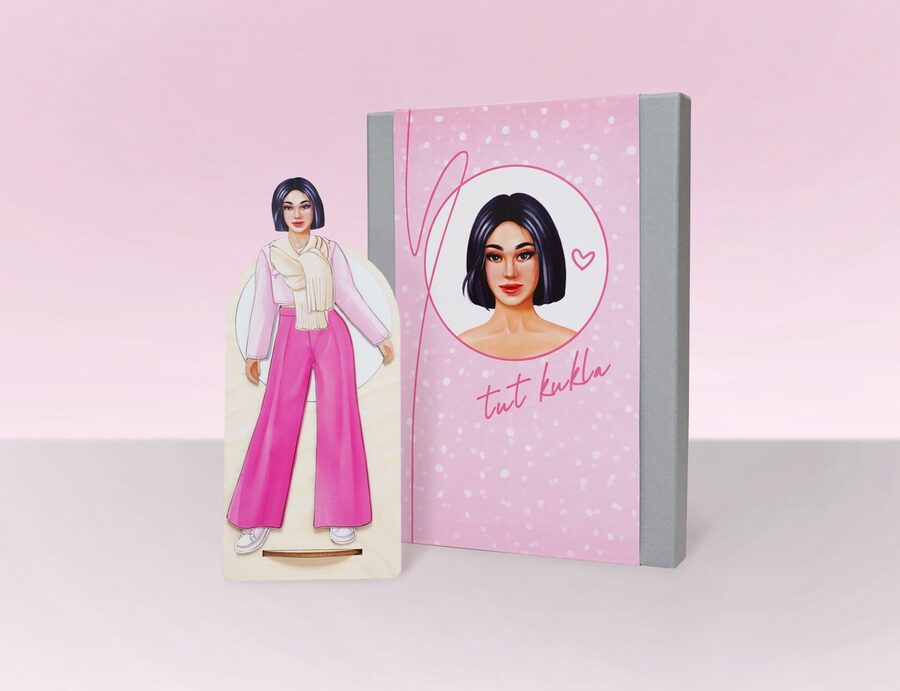
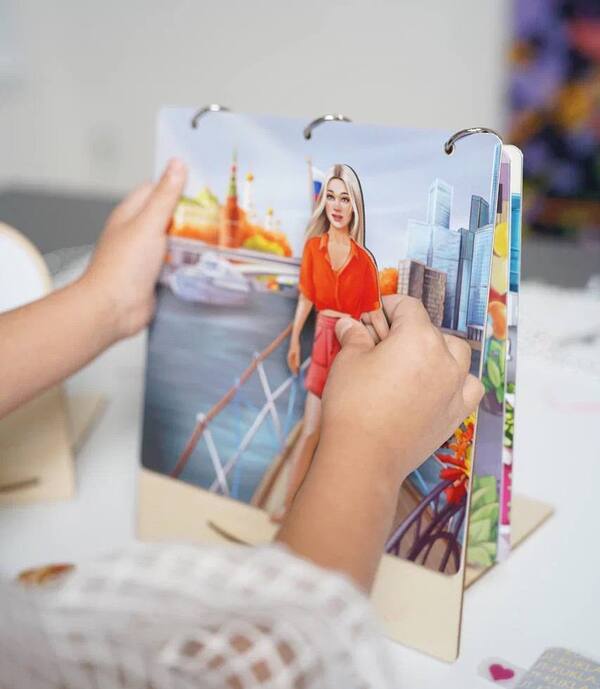
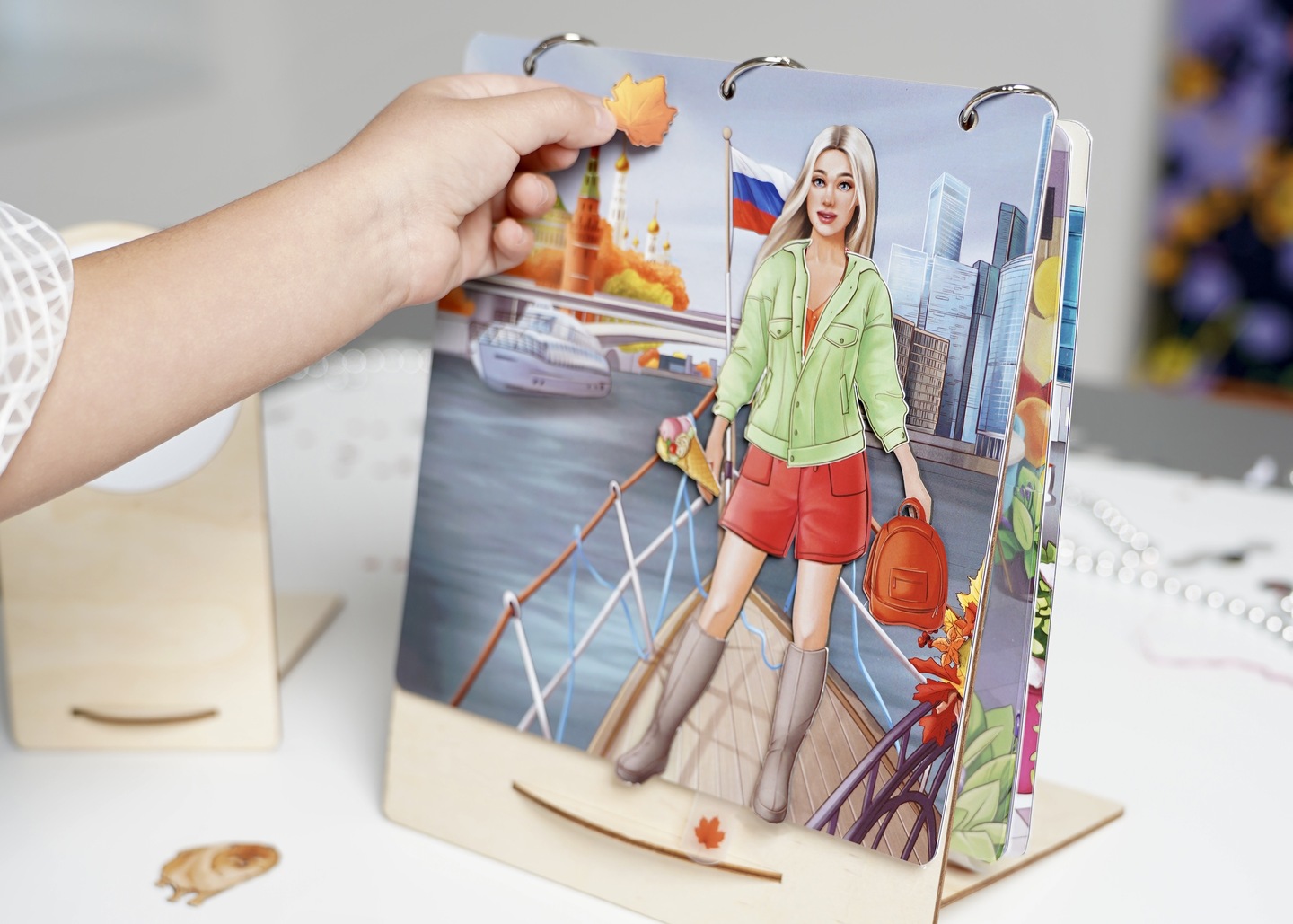
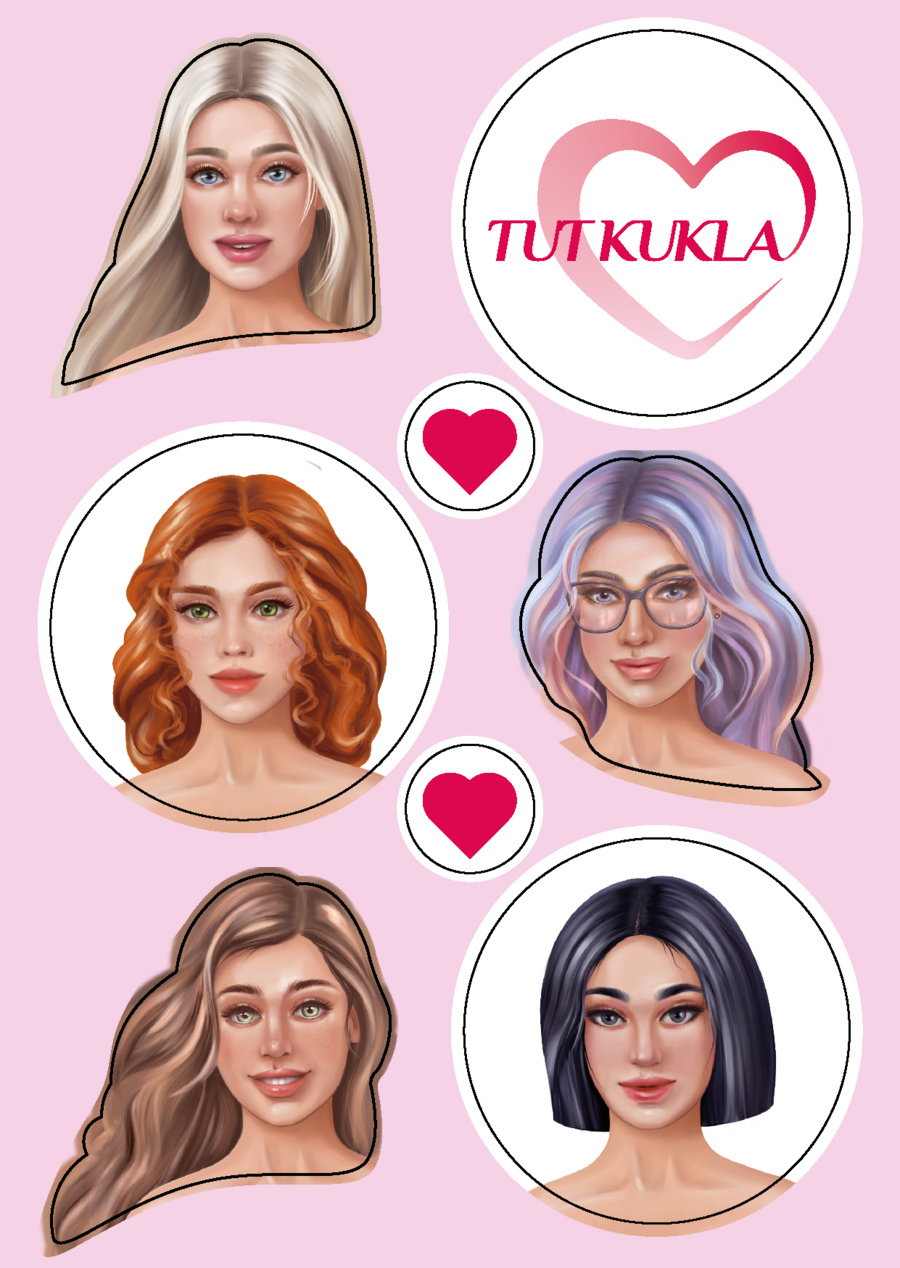
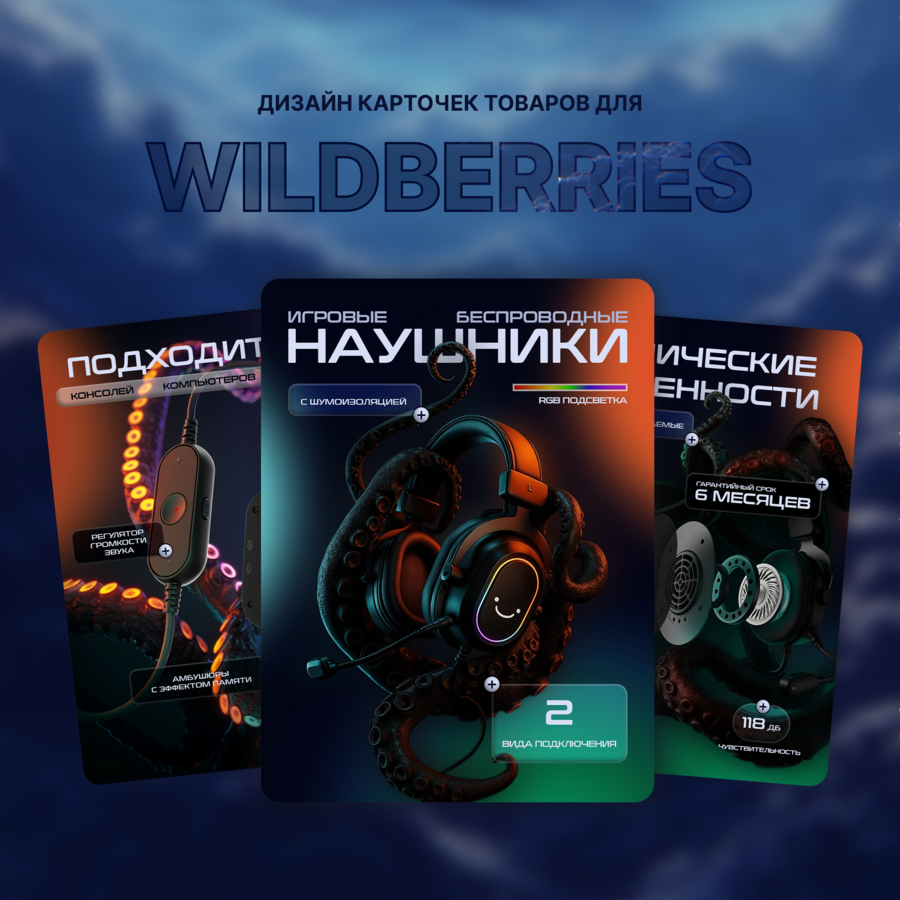
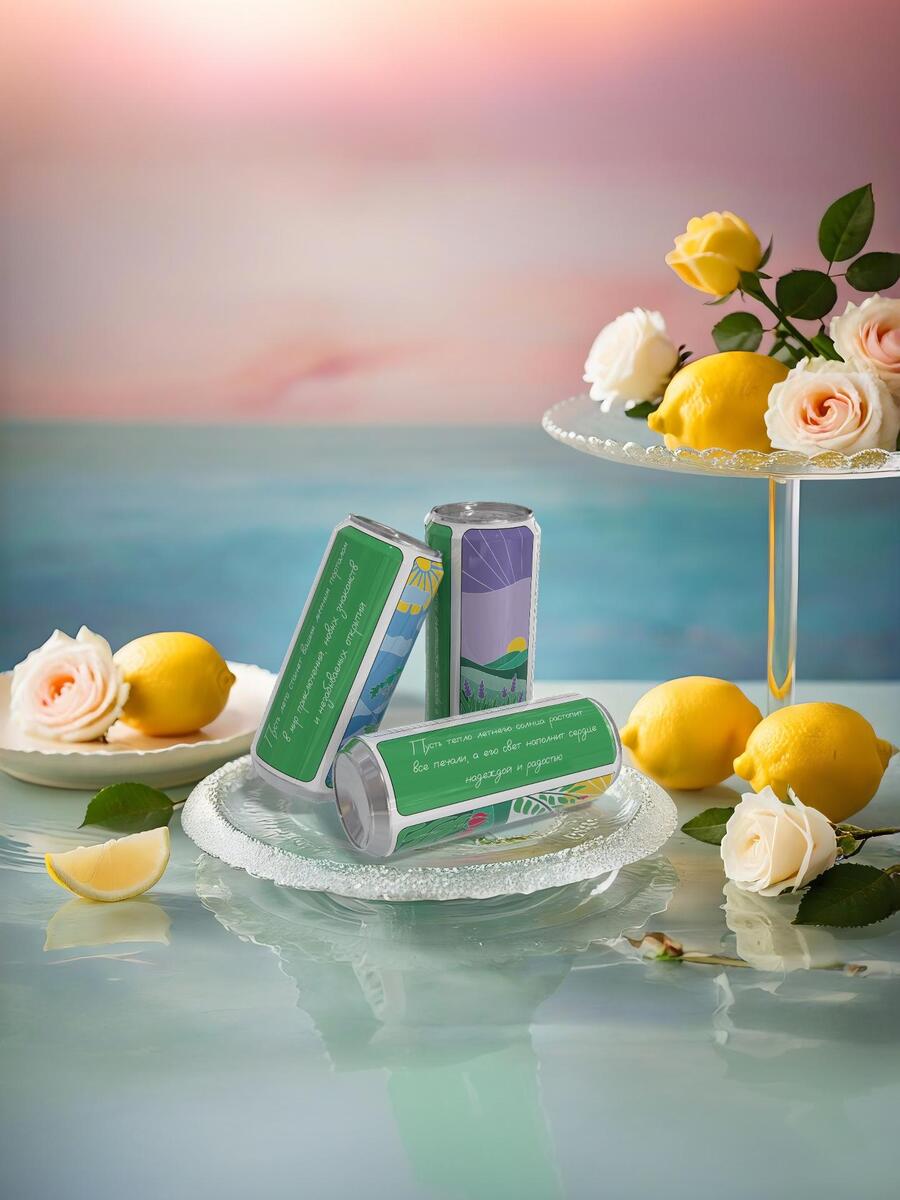
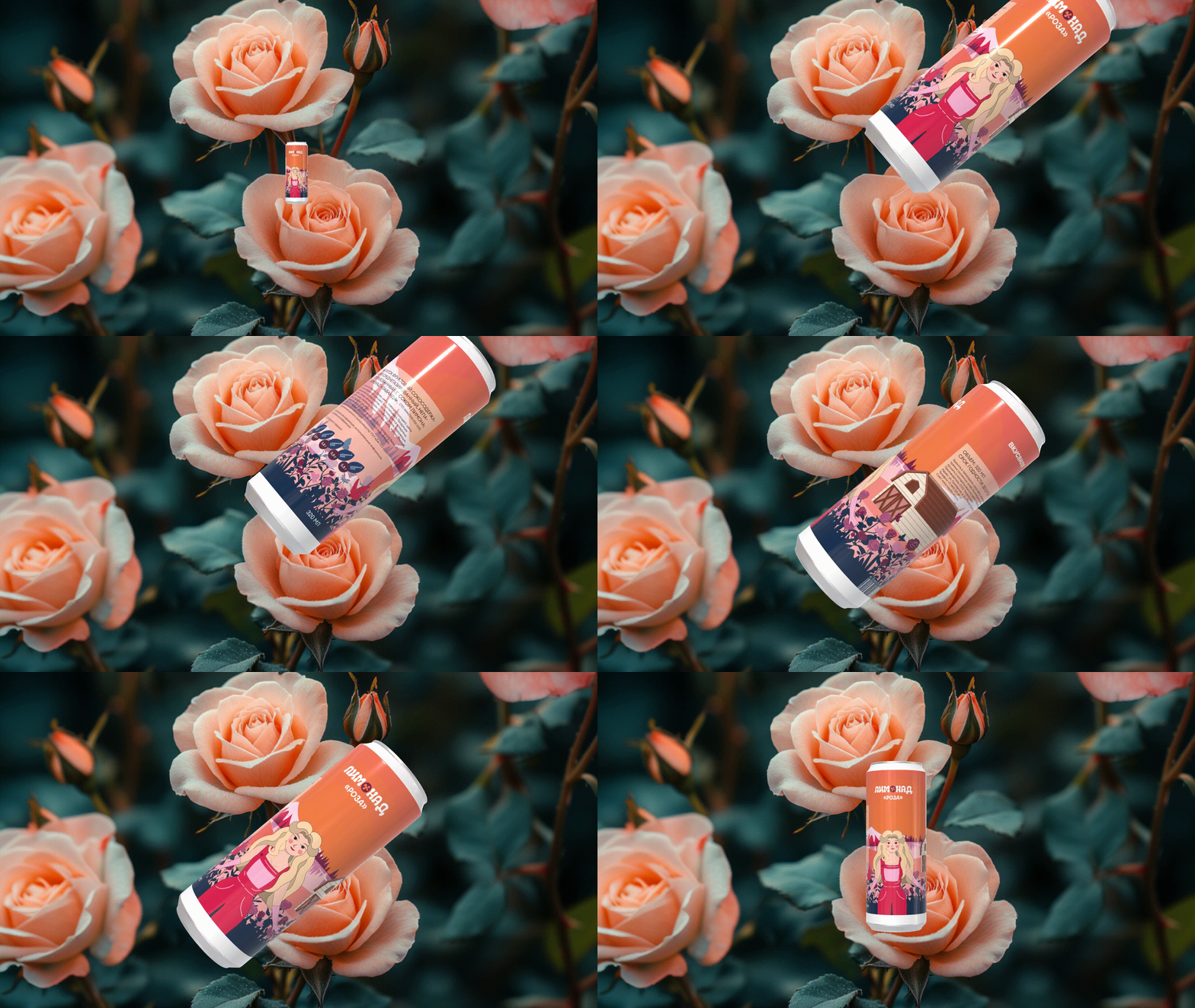
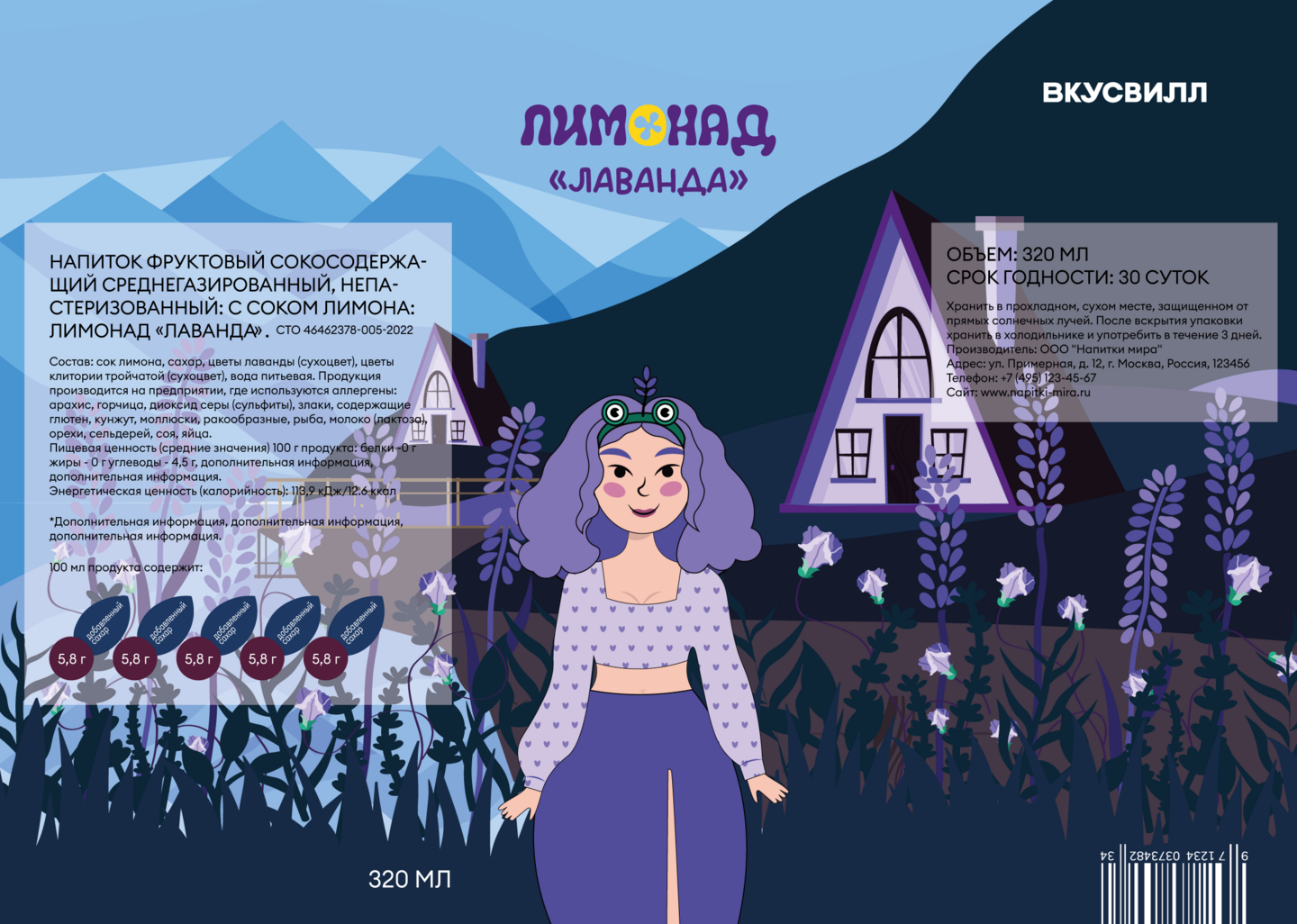
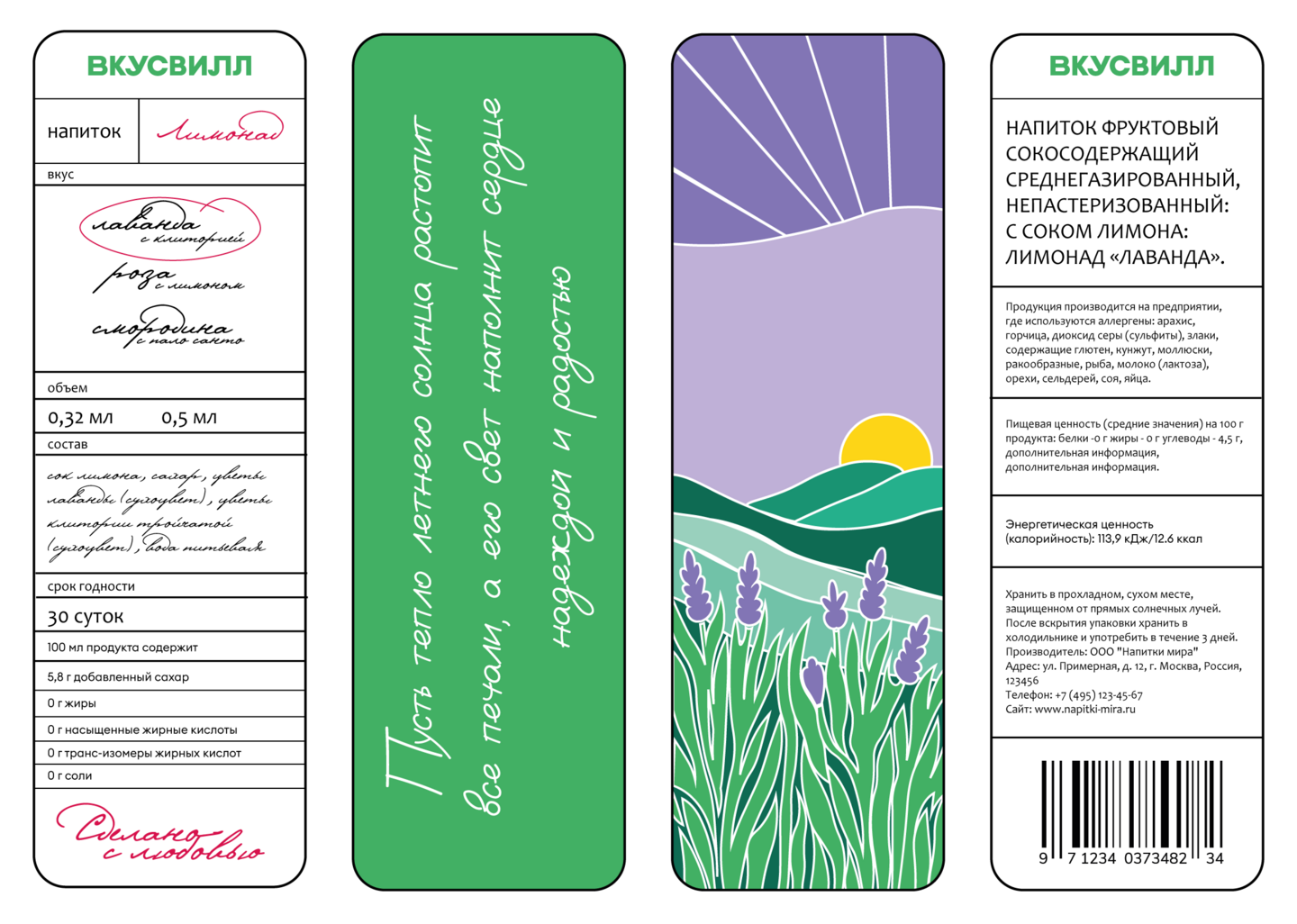
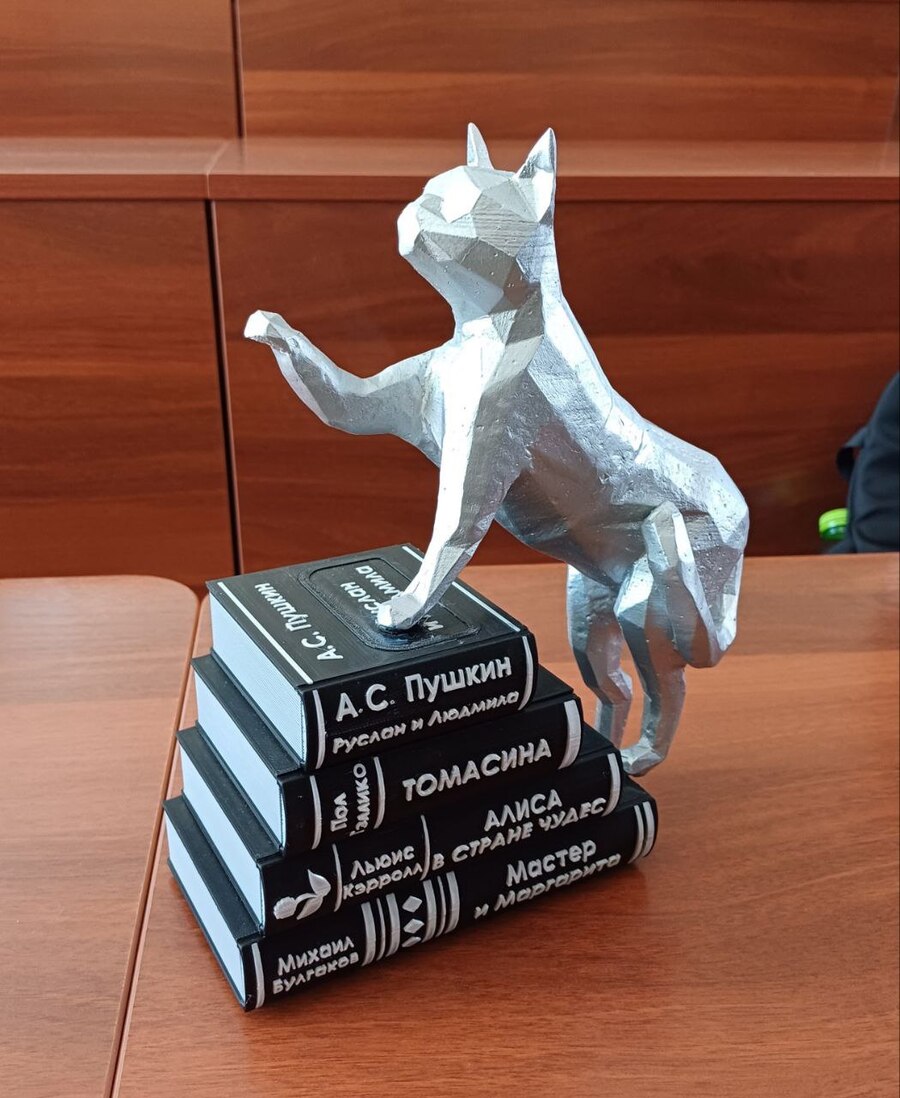
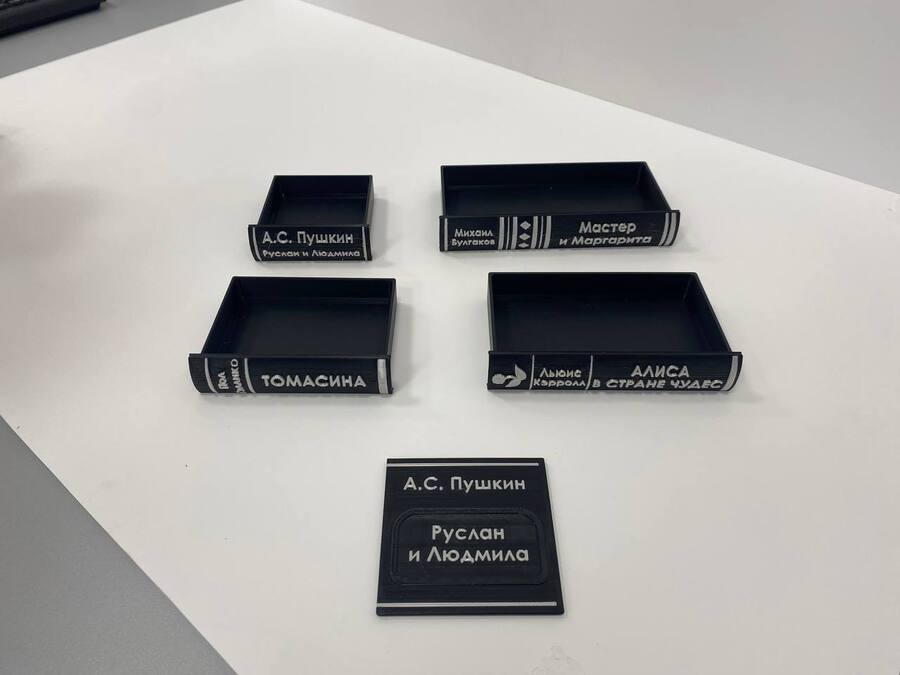
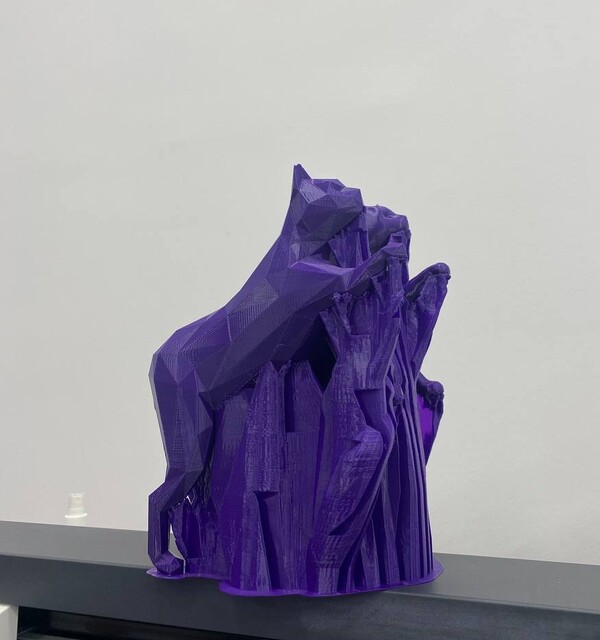
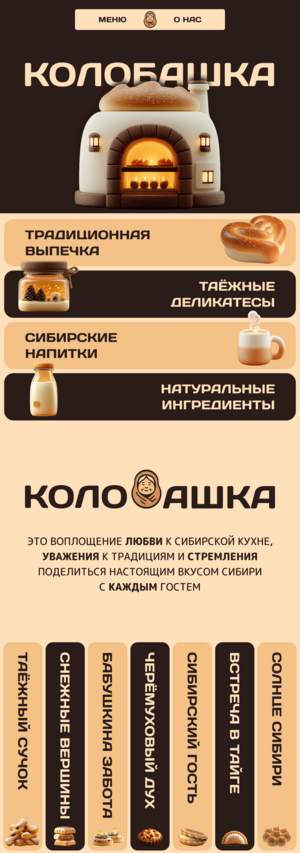
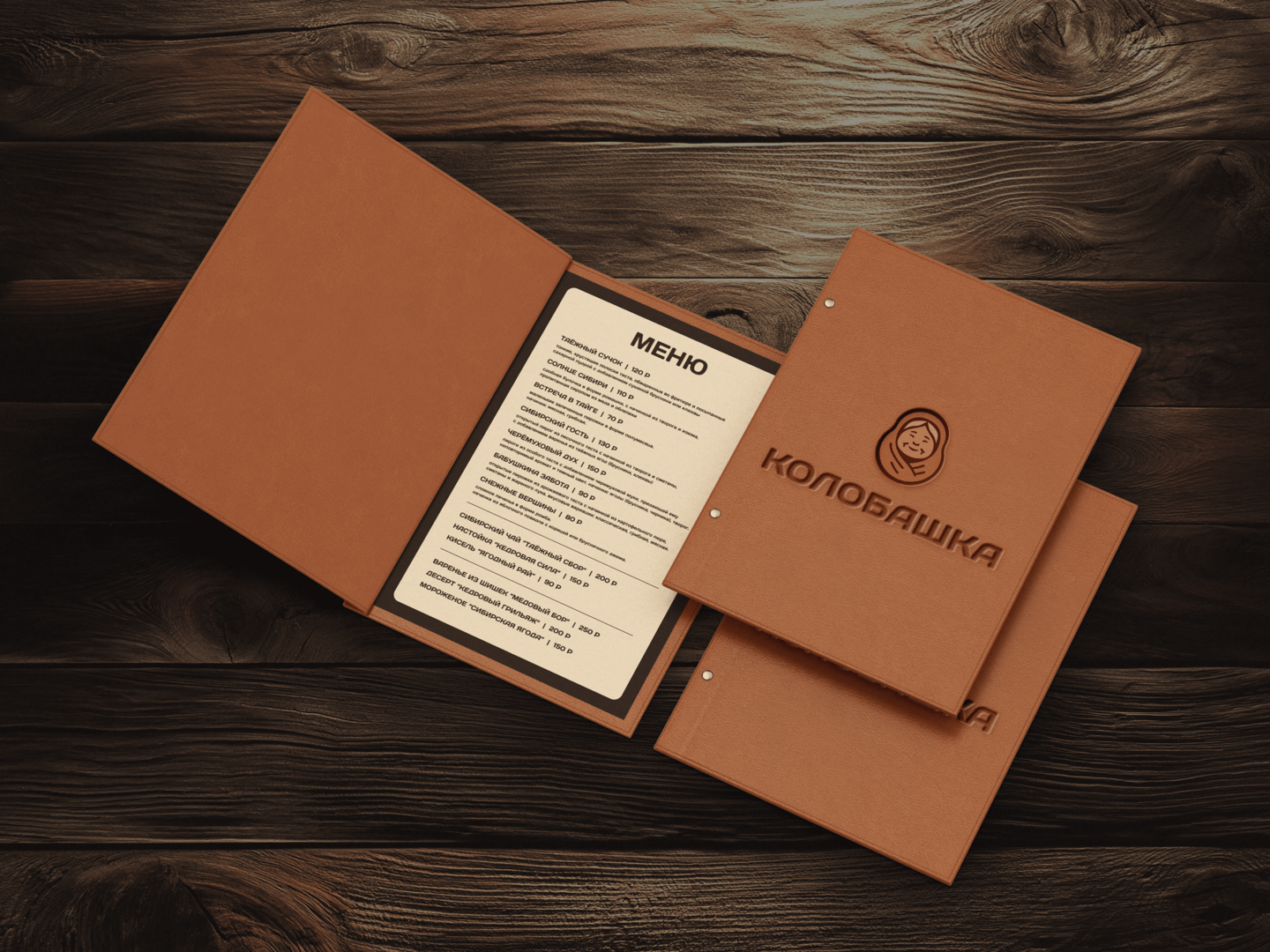
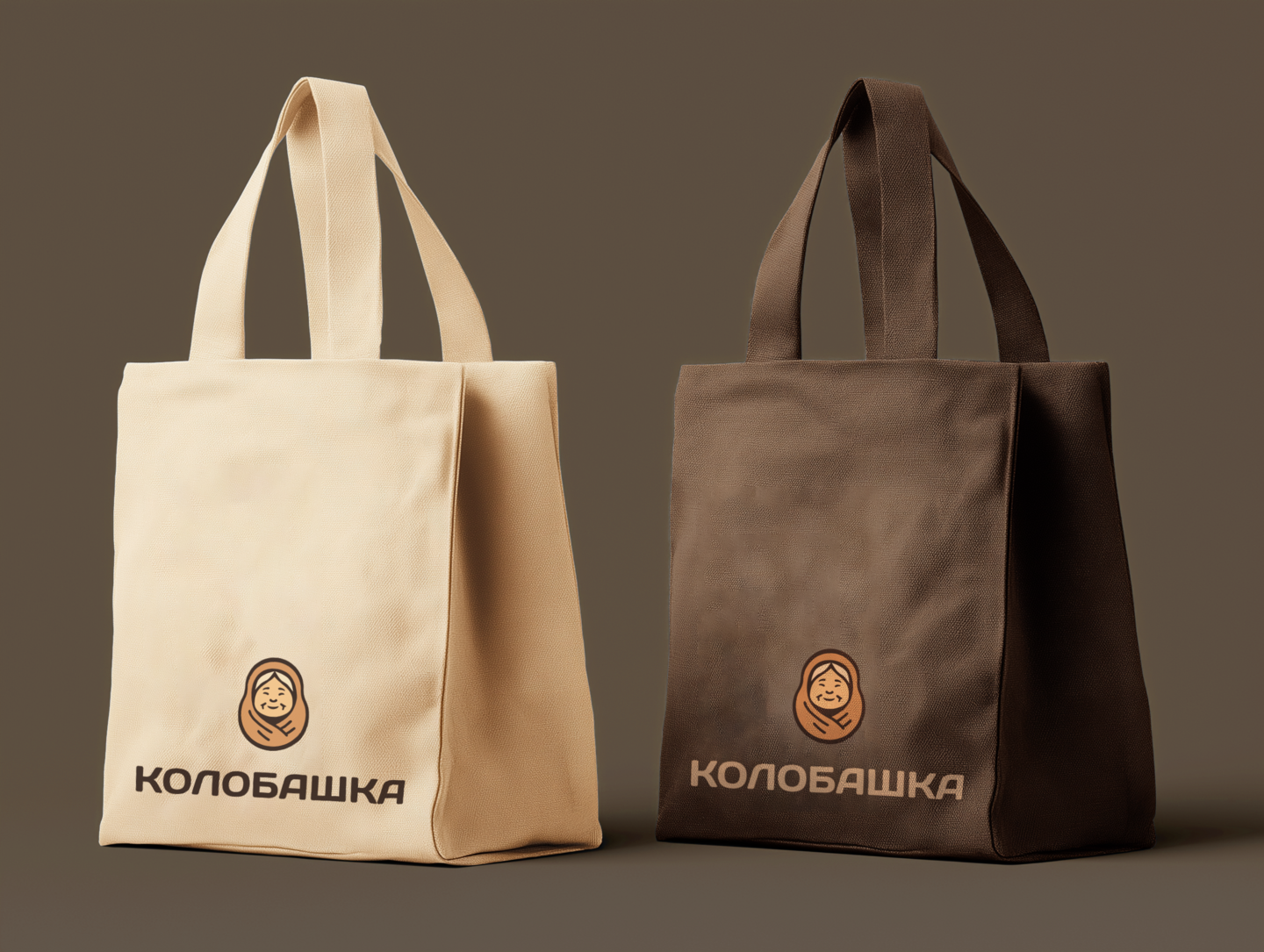
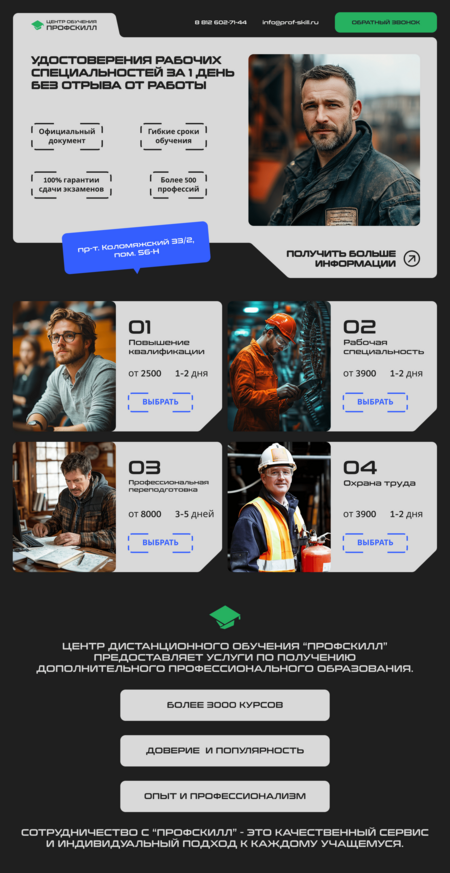
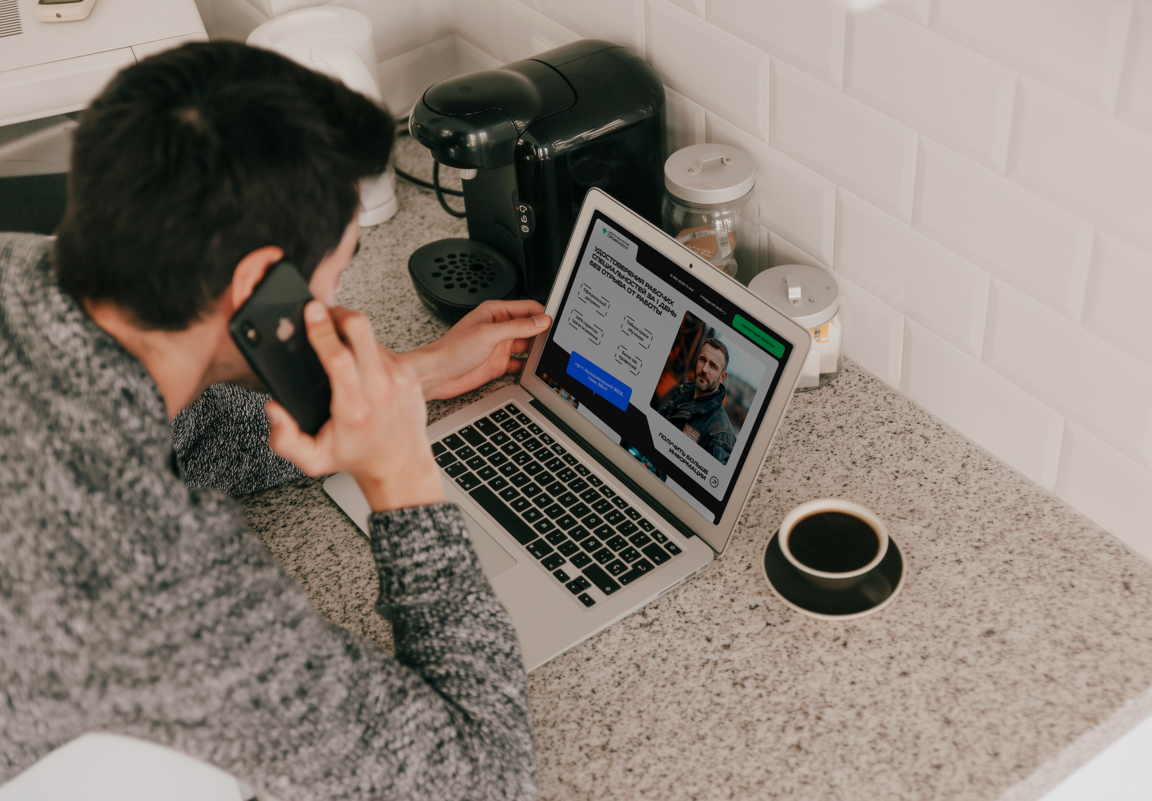
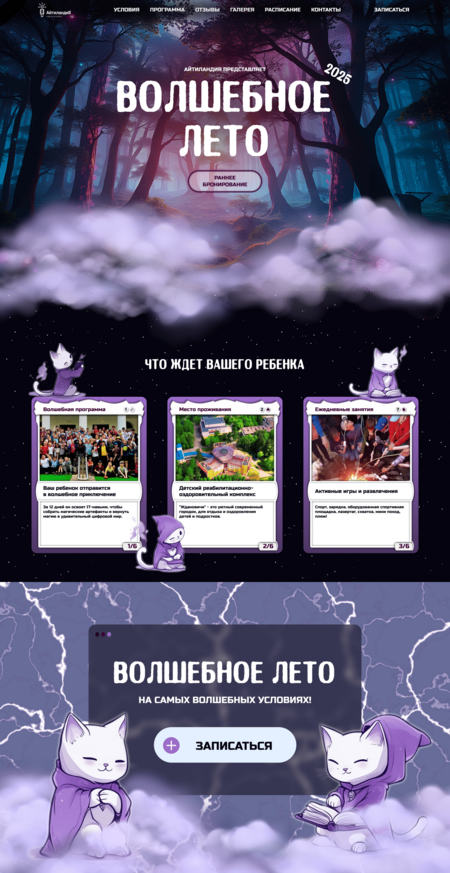
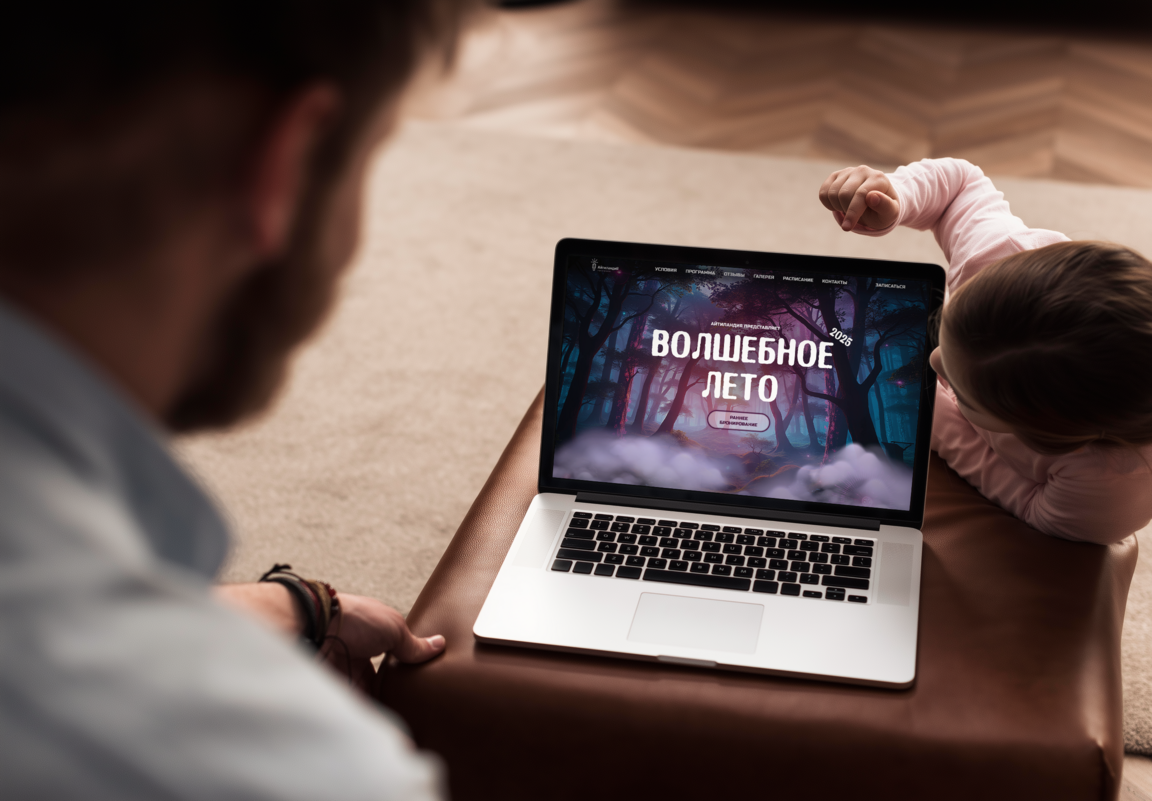
Диана Сарвина подготовила портфолио 2025, включающее работы в различных графических и 3D-программах. Проект включает проекты, созданные с использованием нейросетей, а также работы в Blender-3D и Компас 3D.
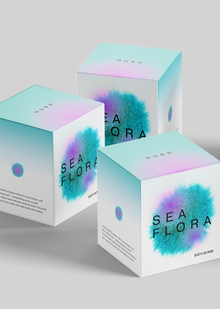
Екатерина Кравченко создала упаковку для бомбочек для ванны HUSH, которые издают тихий звук "шшш" и помогают расслабиться в воде. Дизайн упаковки выполнен вручную акварелью, передавая ощущение растворения бомбочки в воде.
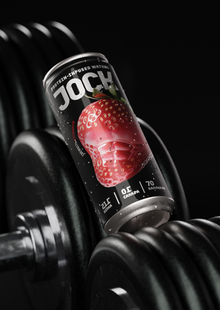
Ксения Иванова создала дизайн протеиновой воды Jock, который играет с идеями спорта и физической формы в неожиданном ключе. Проект использует абсурдный подход, сравнивая протеиновые напитки с фруктами, чтобы подчеркнуть современные тренды в восприятии спорта.
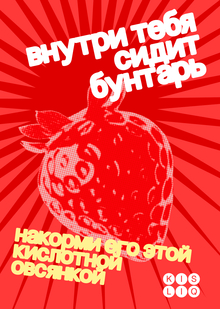
Полина Гривина и Ирина Буракова создали упаковку кислой каши с мармеладом KISLIQ, которая предлагает необычный вкусовой опыт. Проект представляет собой съедобный вызов, сочетающий овсянку с кислыми мармеладками для нестандартного завтрака.
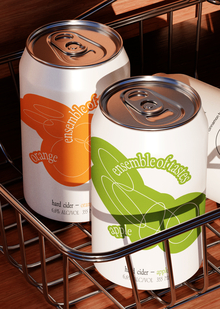
Полина Гривина создала упаковку сидра Ensemble of Tastes, вдохновлённую симфонией вкусов и музыкальными инструментами. Проект включает гибкие диски, символизирующие ударные, трубу и банджо, что подчёркивает гармоничное сочетание элементов в каждом глотке сидра.
cgrave
Portfolio CG Rave — это открытая площадка для авторских портфолио 3D художников. Размещайте свои работы, чтобы их заметили в сообществе CG, ваши будущие коллеги и потенциальные заказчики.
portfolio
tutorials
media
Press space bar to start a drag.
When dragging you can use the arrow keys to move the item around and escape to cancel.
Some screen readers may require you to be in focus mode or to use your pass through key
Press space bar to start a drag.
When dragging you can use the arrow keys to move the item around and escape to cancel.
Some screen readers may require you to be in focus mode or to use your pass through key
Press space bar to start a drag.
When dragging you can use the arrow keys to move the item around and escape to cancel.
Some screen readers may require you to be in focus mode or to use your pass through key
Press space bar to start a drag.
When dragging you can use the arrow keys to move the item around and escape to cancel.
Some screen readers may require you to be in focus mode or to use your pass through key
Press space bar to start a drag.
When dragging you can use the arrow keys to move the item around and escape to cancel.
Some screen readers may require you to be in focus mode or to use your pass through key
Press space bar to start a drag.
When dragging you can use the arrow keys to move the item around and escape to cancel.
Some screen readers may require you to be in focus mode or to use your pass through key
Press space bar to start a drag.
When dragging you can use the arrow keys to move the item around and escape to cancel.
Some screen readers may require you to be in focus mode or to use your pass through key
Press space bar to start a drag.
When dragging you can use the arrow keys to move the item around and escape to cancel.
Some screen readers may require you to be in focus mode or to use your pass through key
Press space bar to start a drag.
When dragging you can use the arrow keys to move the item around and escape to cancel.
Some screen readers may require you to be in focus mode or to use your pass through key
Press space bar to start a drag.
When dragging you can use the arrow keys to move the item around and escape to cancel.
Some screen readers may require you to be in focus mode or to use your pass through key
Press space bar to start a drag.
When dragging you can use the arrow keys to move the item around and escape to cancel.
Some screen readers may require you to be in focus mode or to use your pass through key