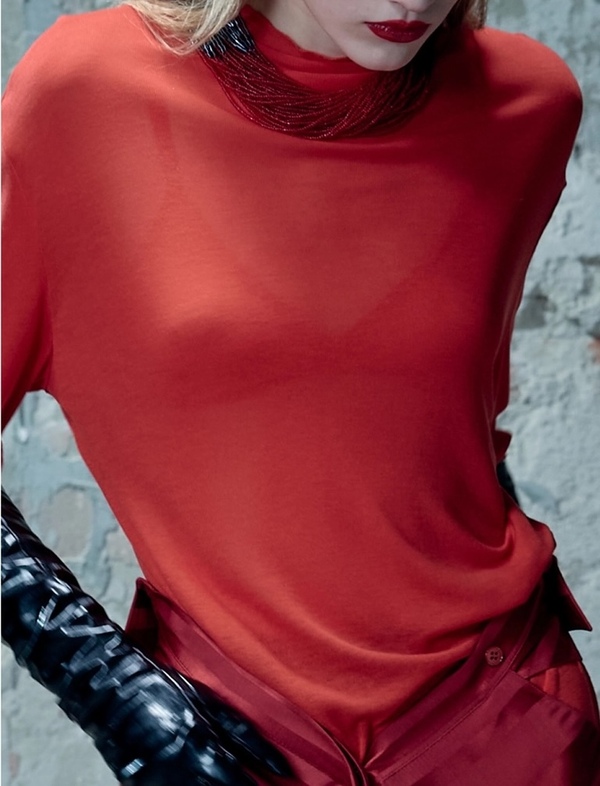
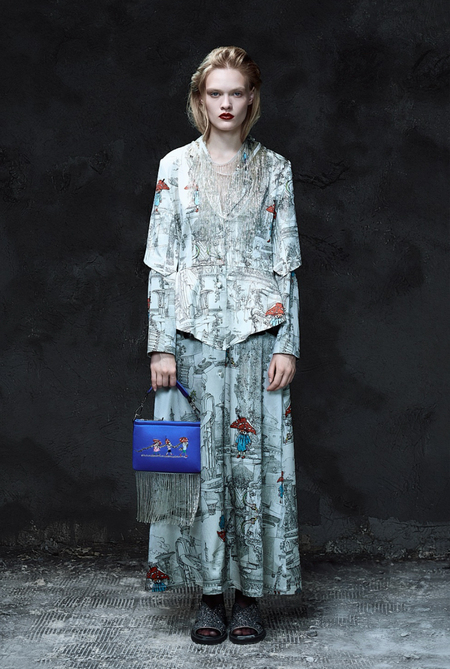
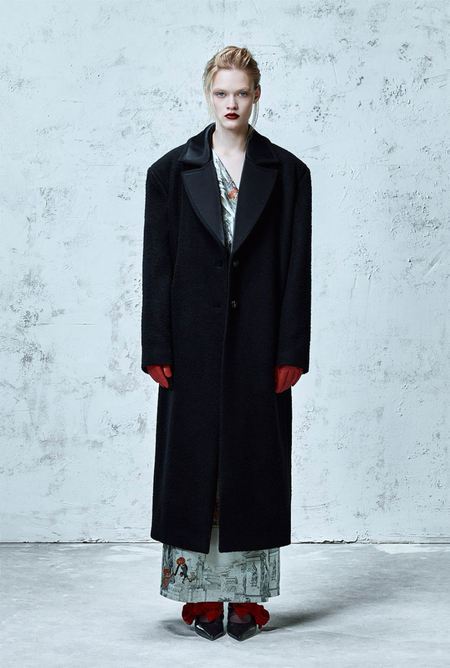
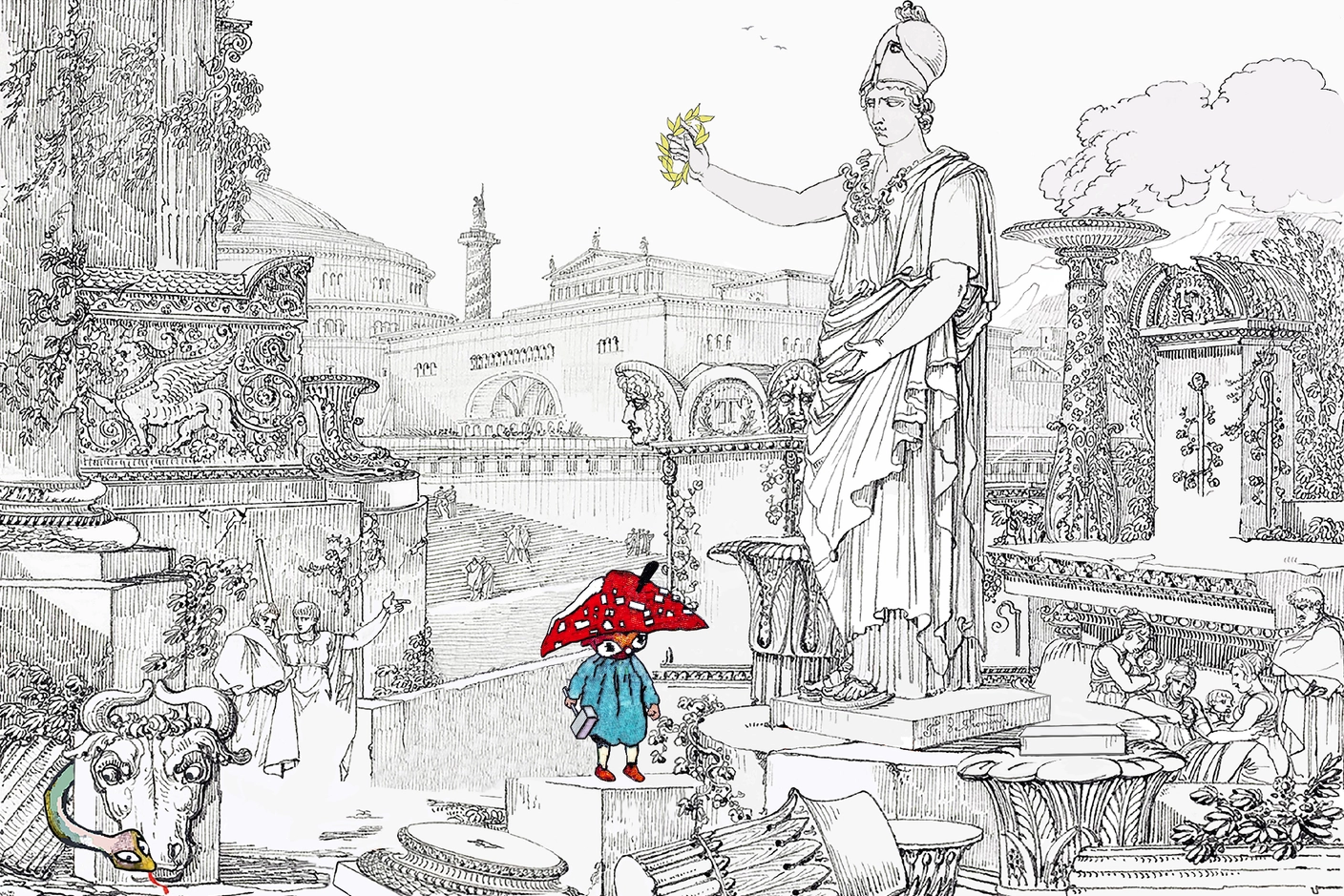
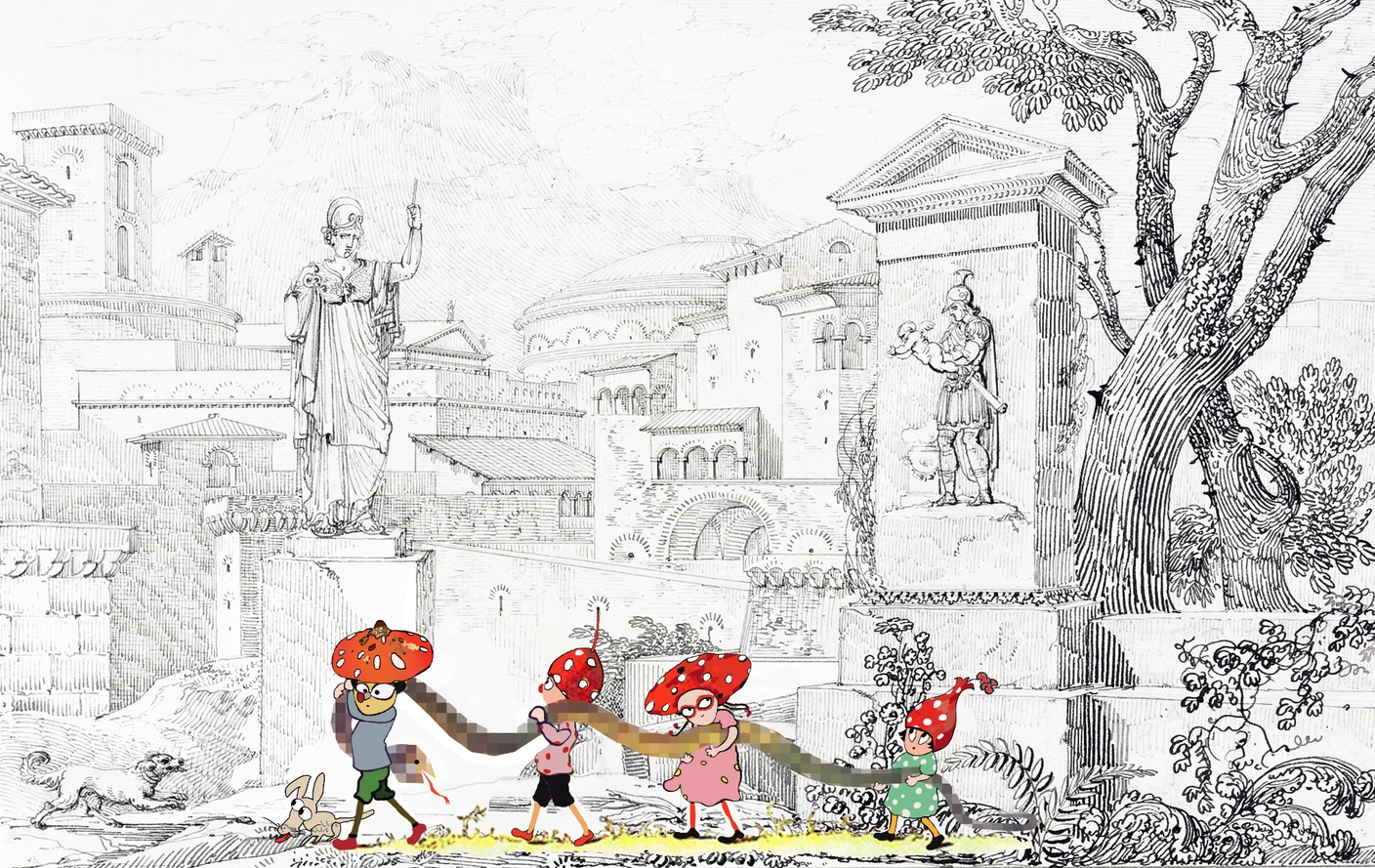
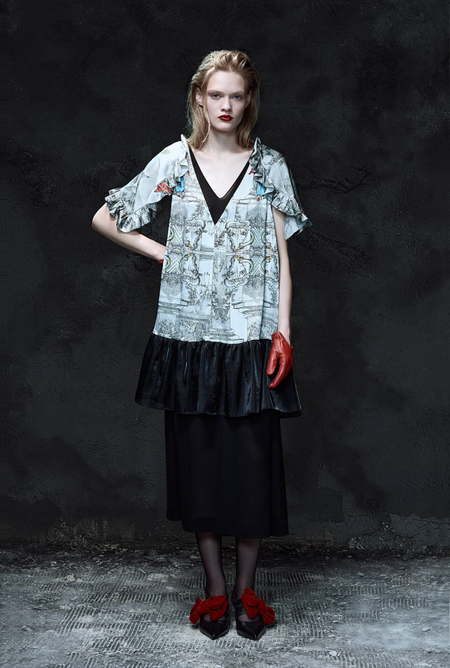
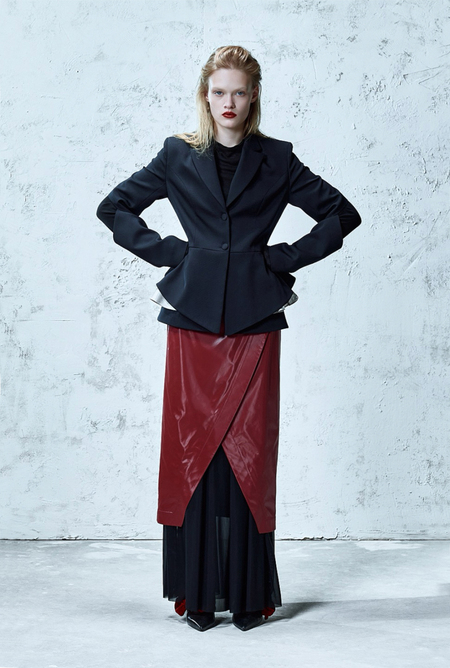
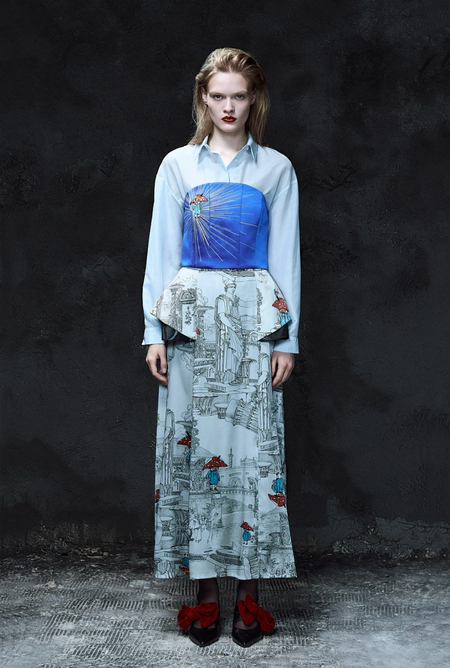
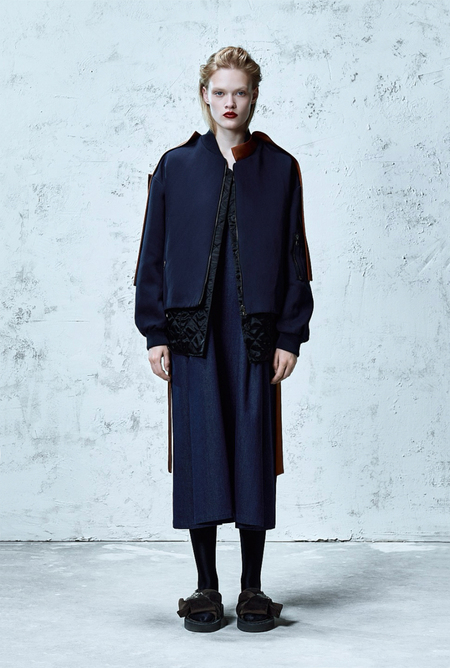
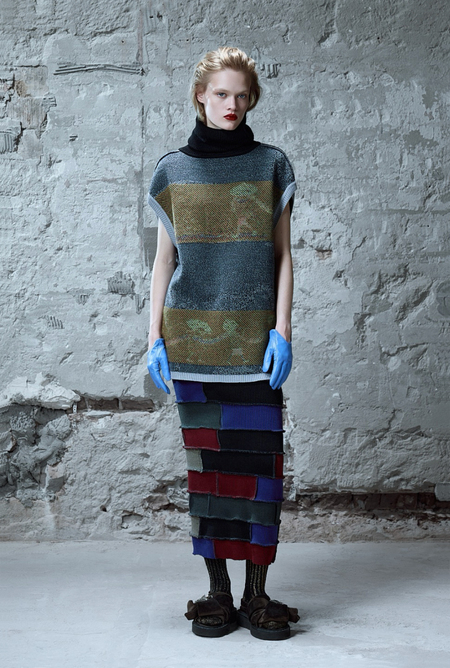
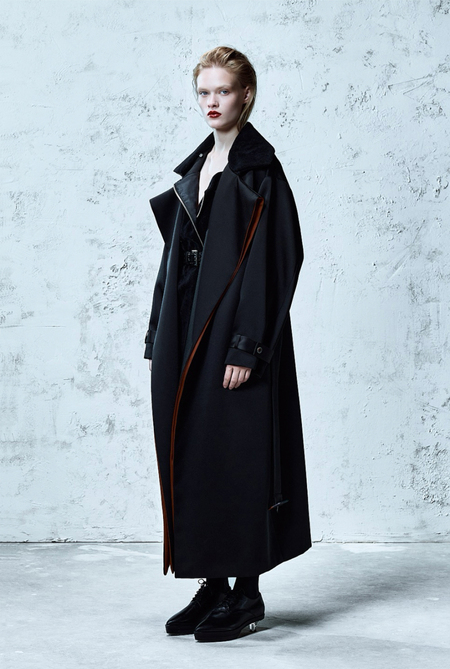
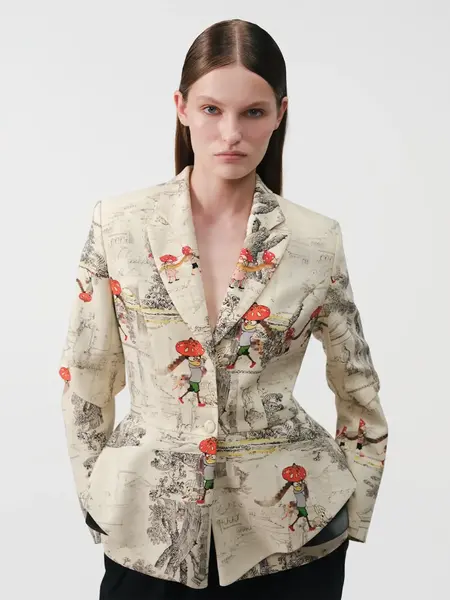
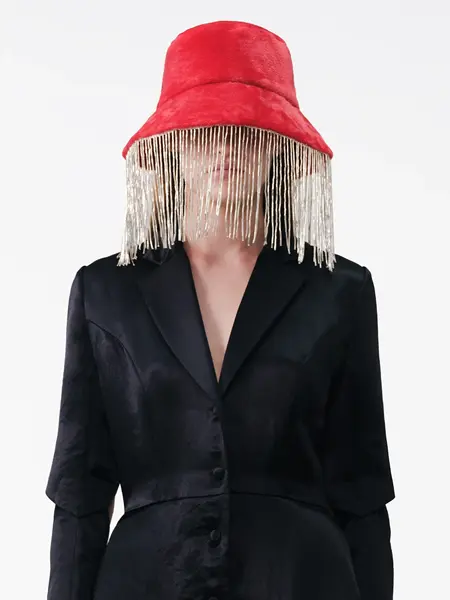
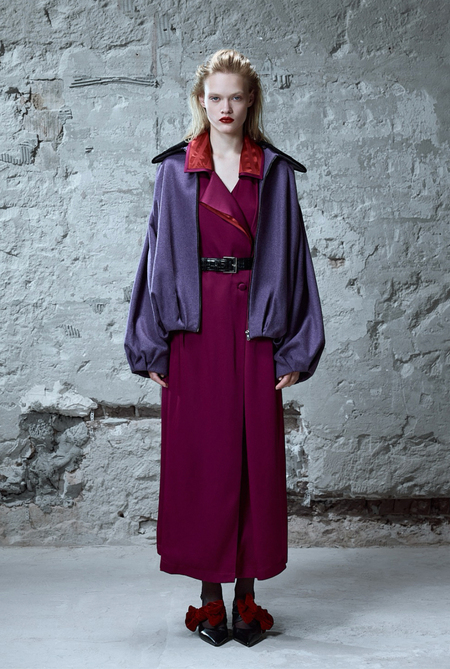
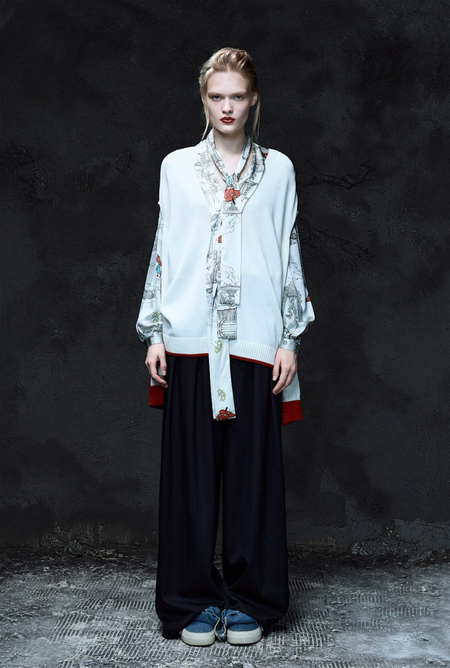
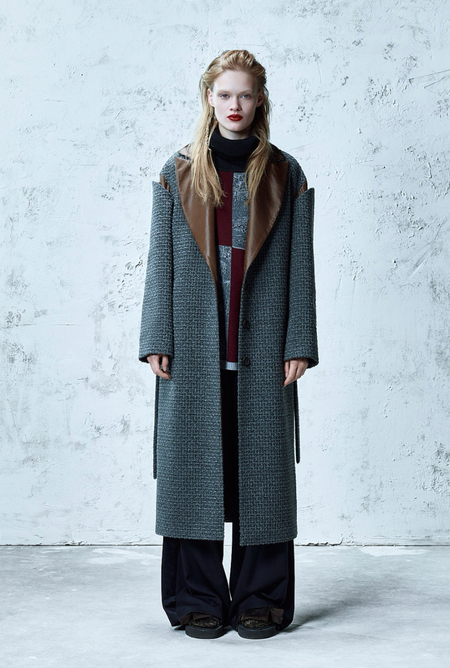
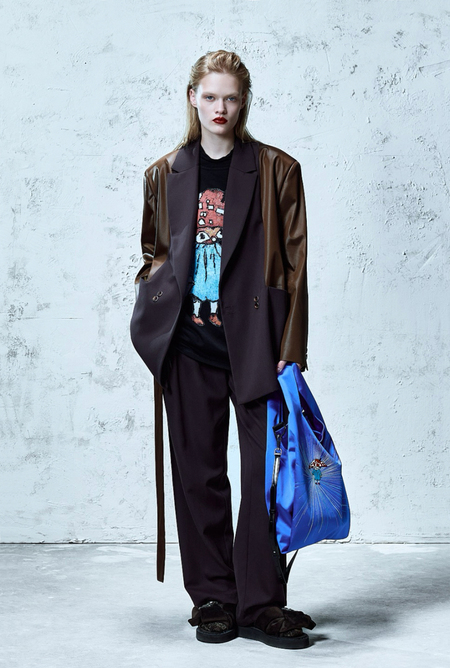
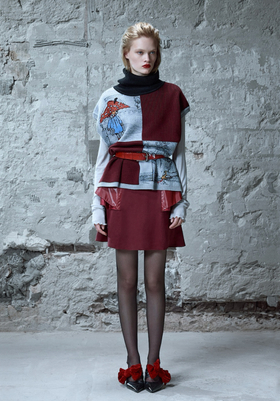
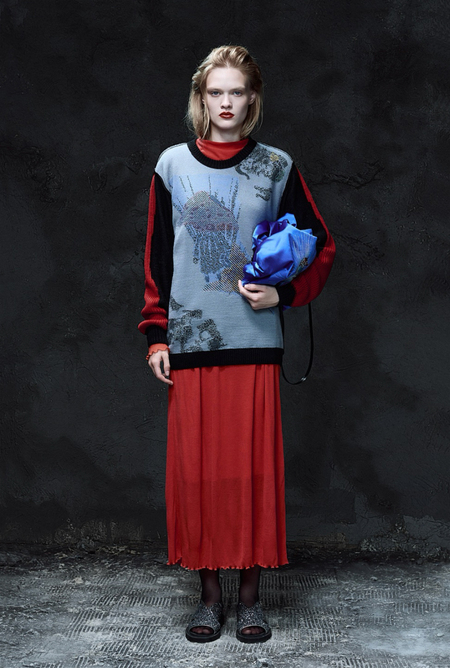
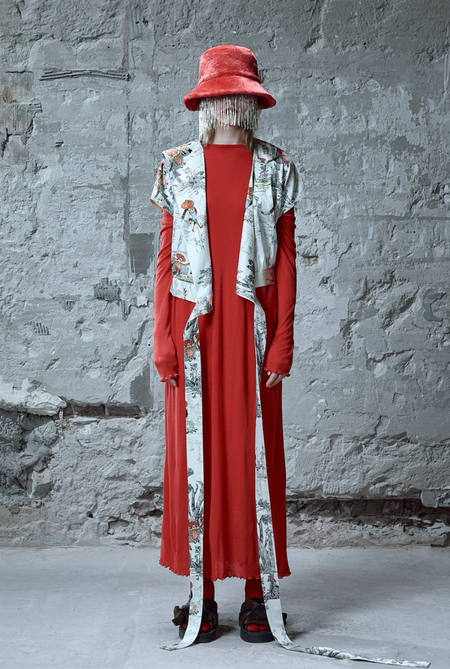
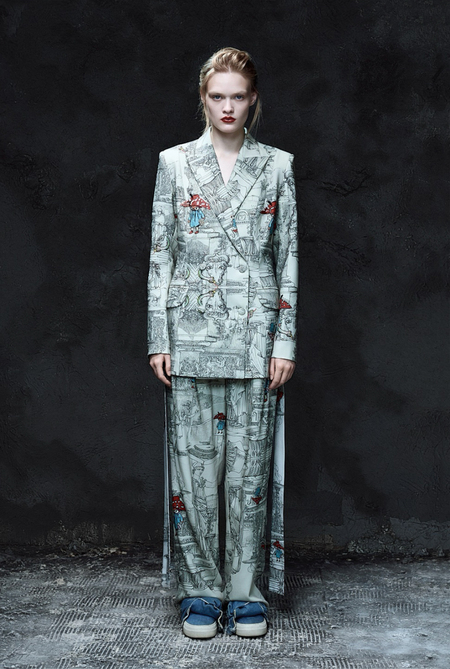
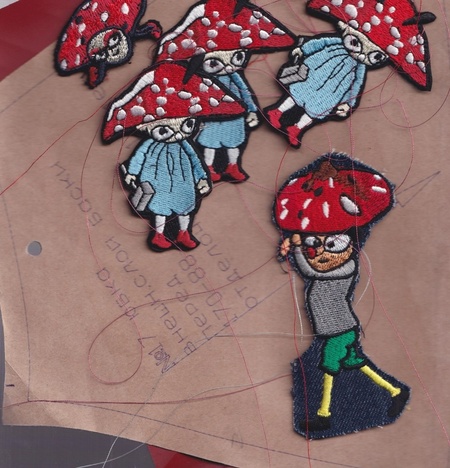
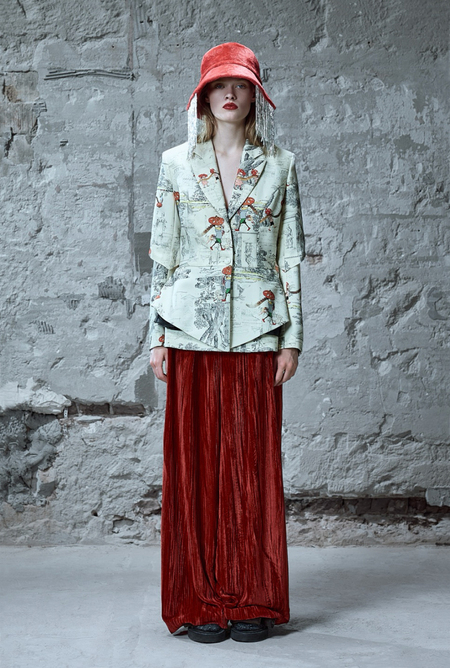
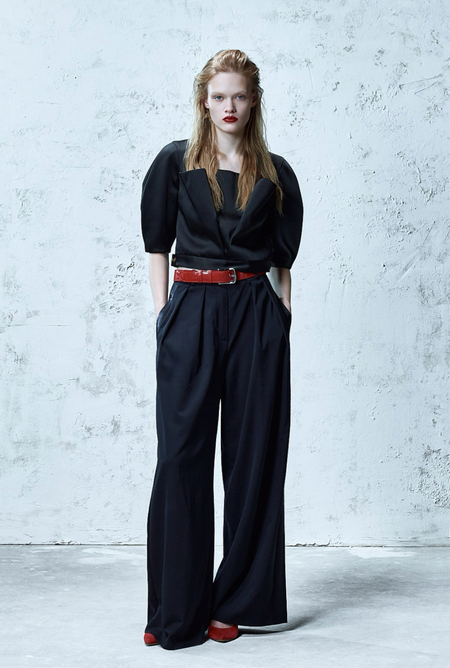
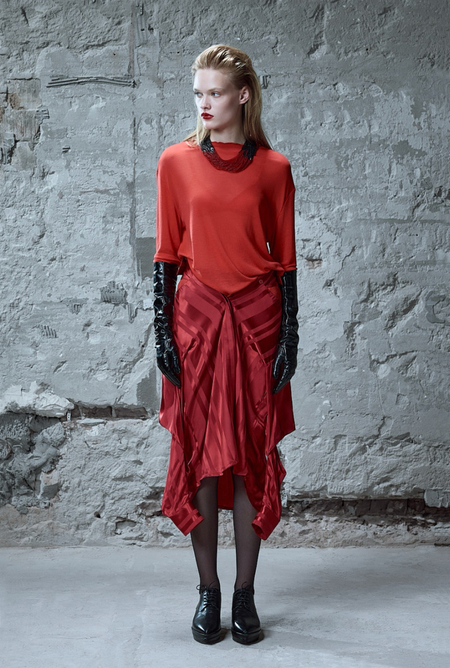
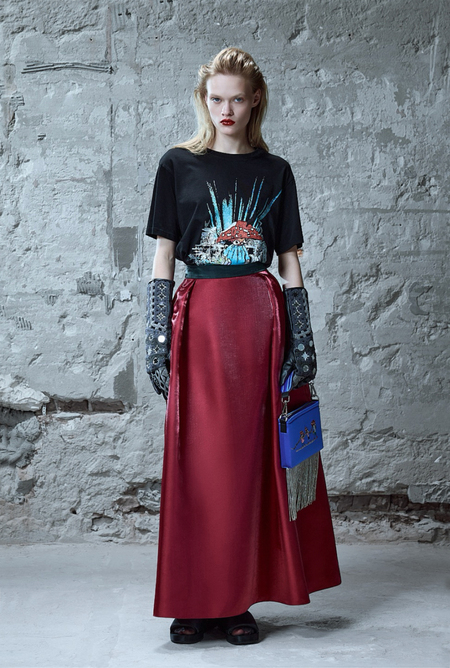
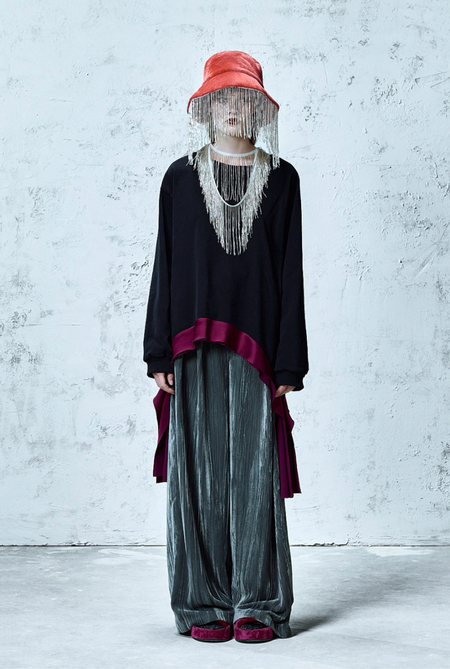
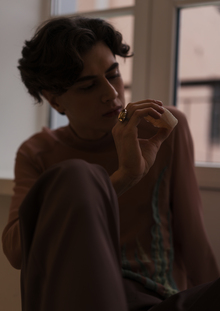
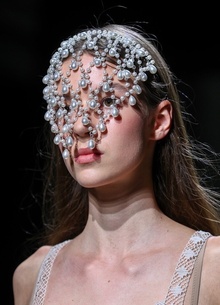
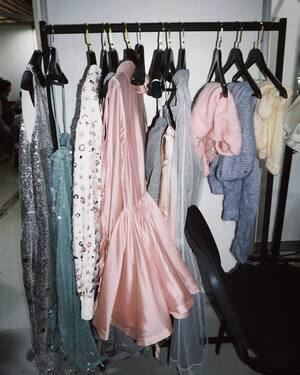
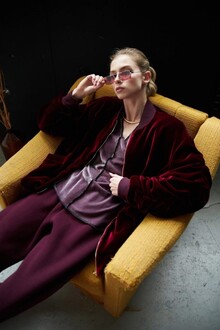
Коллекция OLA OLA fw2026 создана в сотрудничестве с художником Владимиром Григом. Его персонажи, выполненные в мягкой графике и помещенные на античный фон, получили новое воплощение в вышивках, шелкографии и вязанных узорах на вещах бренда.
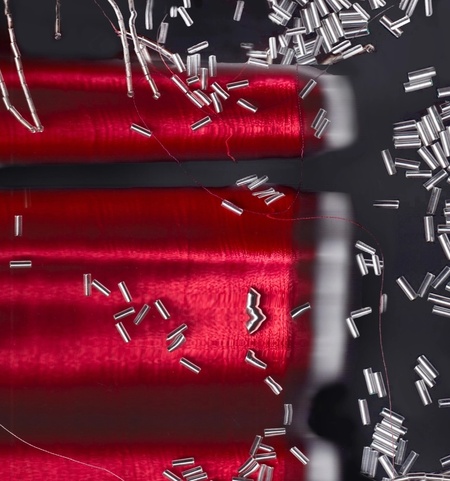
«Искры стекляруса, скульптурные складки и многослойность добавляют динамики, стирая границы между искусством и повседневностью».
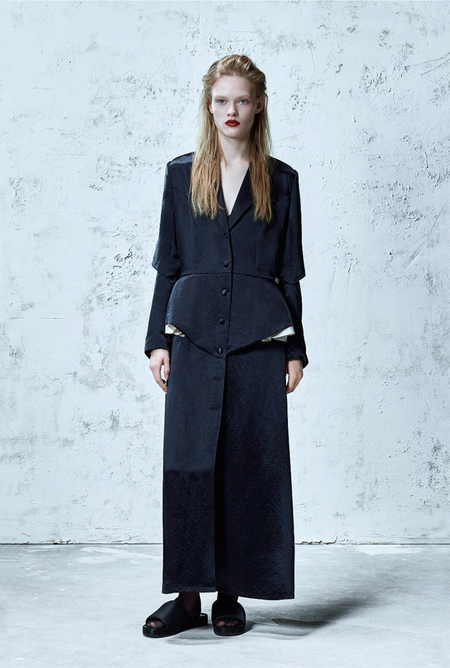
«Пластичная шерсть, струящийся шелк, бархат и „жидкое стекло“ — идеальные материалы для экспериментов с формой. Именно они помогают создать ту самую опору и свободу, которые мы вкладываем в философию коллекции».
Бренд Ola ola Fashion brand представил коллекцию fw2026, вдохновлённую работами художника Владимира Грига. В коллекции персонажи художника воплощены в вышивках, шелкографии и вязанных узорах на одежде.
Дина Луговая создала коллекцию одежды под названием «MY SAINT PRINCE 000». Проект сочетает в себе бежевые оттенки и растительный орнамент, отражающие романтическое восприятие природы и внутреннего уединения.
Sasha Barbakov представил коллекцию «Цветут сады в душе» в рамках Пятой Московской недели моды. Коллекция включала вязаные аксессуары в форме пончиков, символизирующие теплоту и воспоминания о детстве.
Бренд Gapanovich представил новую коллекцию «Предчувствие бала» в рамках пятой Московской недели моды. Показ включал театрализованный хореографический номер с участием моделей, выполненный режиссером Виктором Крамером.
Интервью с Оксаной Косаревой рассказывает о её более чем 25-летнем пути в индустрии моды, от шитья на бабушкиной машинке до участия в Миланской неделе моды и основания собственного бренда Cosarêve. Проект включает в себя подробный рассказ о создании ателье, трансформации в бренд и уникальном подходе к кройке, основанном на советской лекальной базе.
cgrave
Portfolio CG Rave — это открытая площадка для авторских портфолио 3D художников. Размещайте свои работы, чтобы их заметили в сообществе CG, ваши будущие коллеги и потенциальные заказчики.
portfolio
tutorials
media
Press space bar to start a drag.
When dragging you can use the arrow keys to move the item around and escape to cancel.
Some screen readers may require you to be in focus mode or to use your pass through key
Press space bar to start a drag.
When dragging you can use the arrow keys to move the item around and escape to cancel.
Some screen readers may require you to be in focus mode or to use your pass through key
Press space bar to start a drag.
When dragging you can use the arrow keys to move the item around and escape to cancel.
Some screen readers may require you to be in focus mode or to use your pass through key
Press space bar to start a drag.
When dragging you can use the arrow keys to move the item around and escape to cancel.
Some screen readers may require you to be in focus mode or to use your pass through key
Press space bar to start a drag.
When dragging you can use the arrow keys to move the item around and escape to cancel.
Some screen readers may require you to be in focus mode or to use your pass through key
Press space bar to start a drag.
When dragging you can use the arrow keys to move the item around and escape to cancel.
Some screen readers may require you to be in focus mode or to use your pass through key
Press space bar to start a drag.
When dragging you can use the arrow keys to move the item around and escape to cancel.
Some screen readers may require you to be in focus mode or to use your pass through key
Press space bar to start a drag.
When dragging you can use the arrow keys to move the item around and escape to cancel.
Some screen readers may require you to be in focus mode or to use your pass through key
Press space bar to start a drag.
When dragging you can use the arrow keys to move the item around and escape to cancel.
Some screen readers may require you to be in focus mode or to use your pass through key
Press space bar to start a drag.
When dragging you can use the arrow keys to move the item around and escape to cancel.
Some screen readers may require you to be in focus mode or to use your pass through key
Press space bar to start a drag.
When dragging you can use the arrow keys to move the item around and escape to cancel.
Some screen readers may require you to be in focus mode or to use your pass through key
Press space bar to start a drag.
When dragging you can use the arrow keys to move the item around and escape to cancel.
Some screen readers may require you to be in focus mode or to use your pass through key
Press space bar to start a drag.
When dragging you can use the arrow keys to move the item around and escape to cancel.
Some screen readers may require you to be in focus mode or to use your pass through key