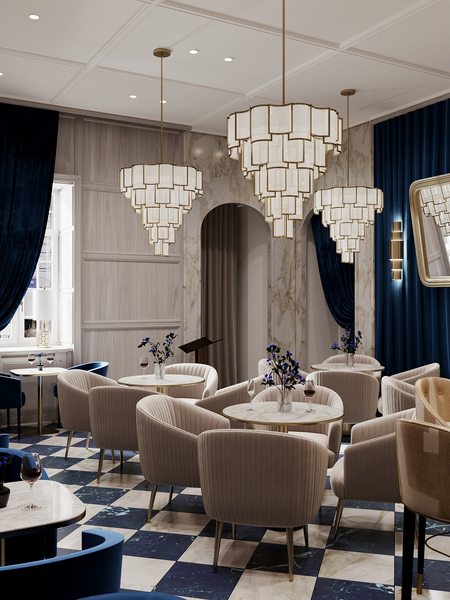
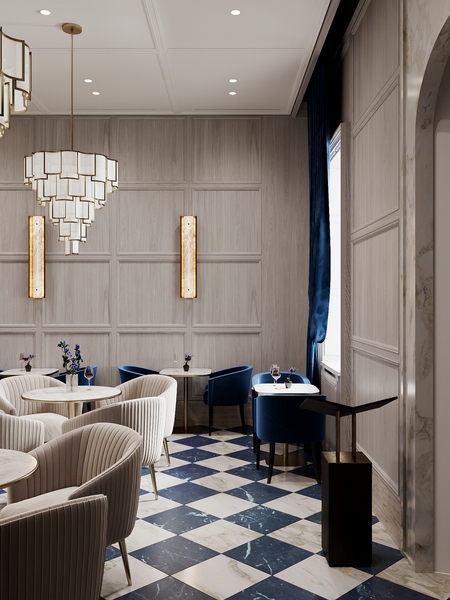
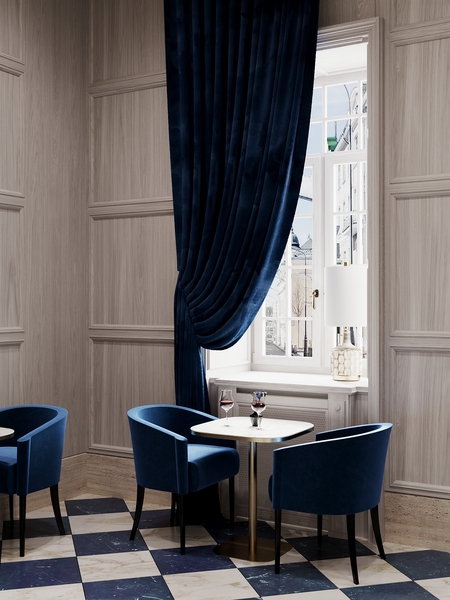
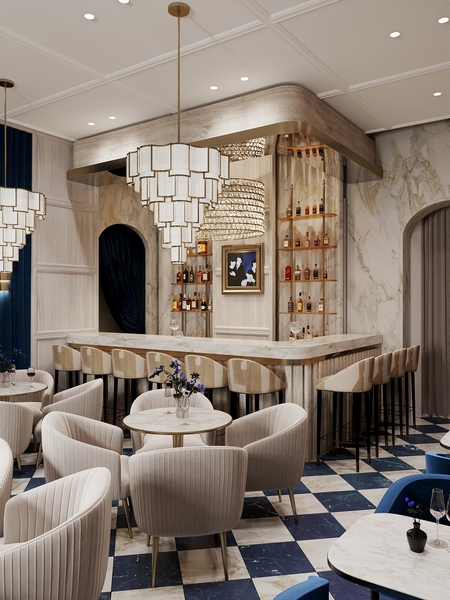
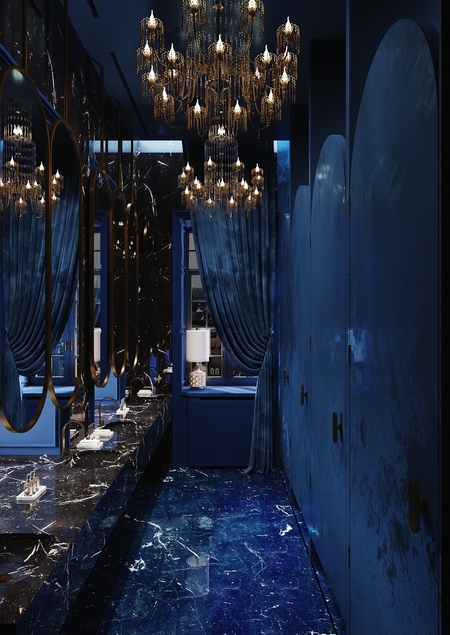
Концепция кабаре-ресторана: «Зеркальный гламур в ночной тишине»
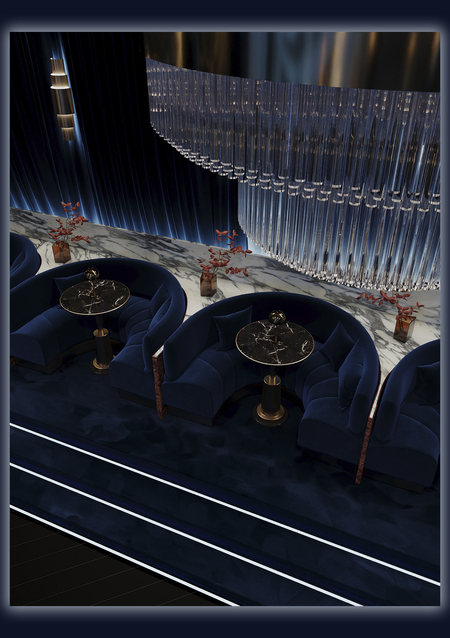
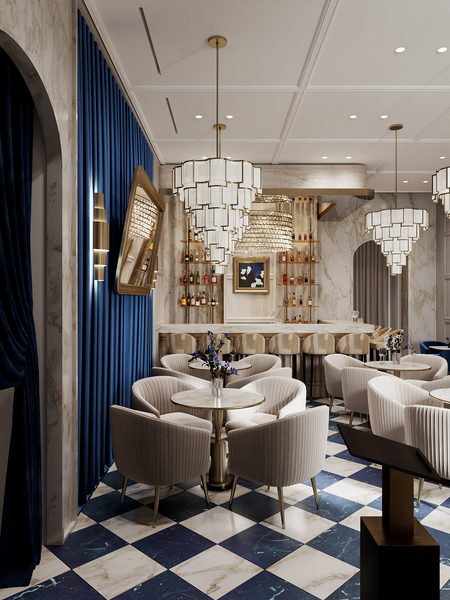
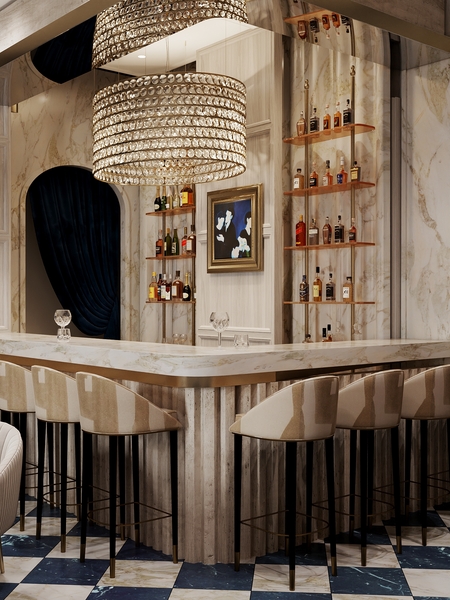
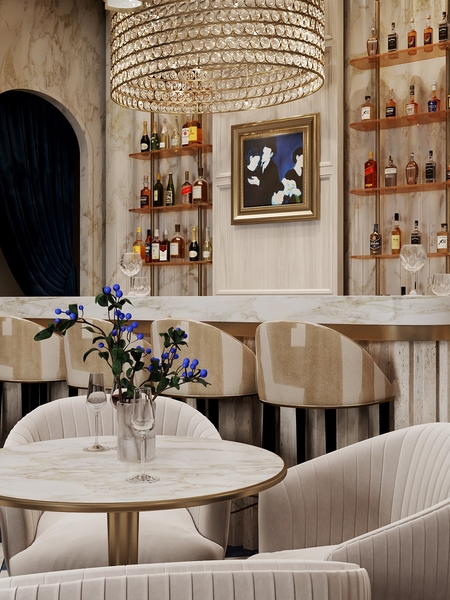
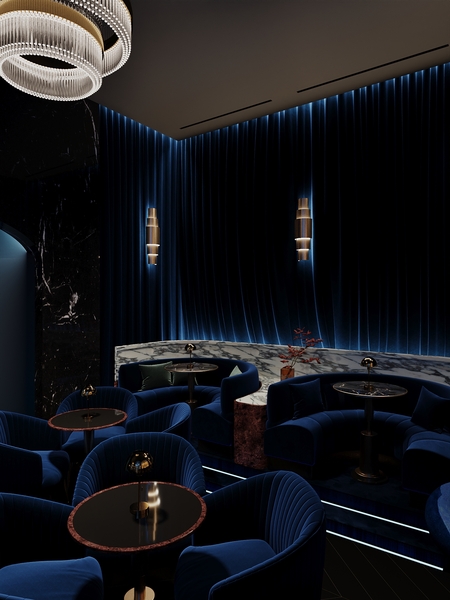
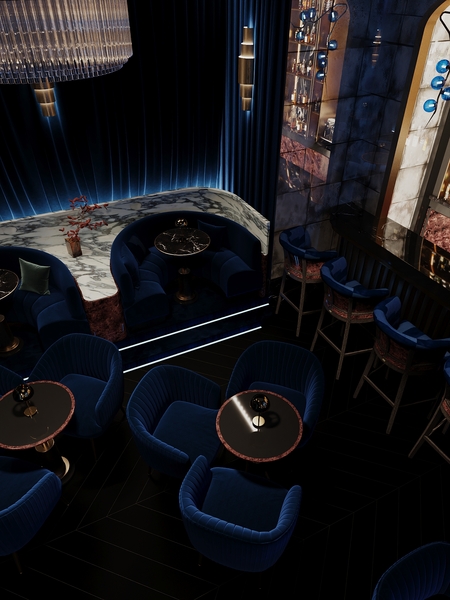
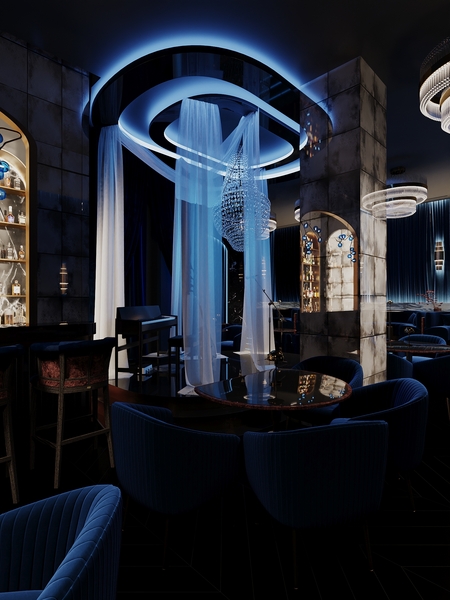
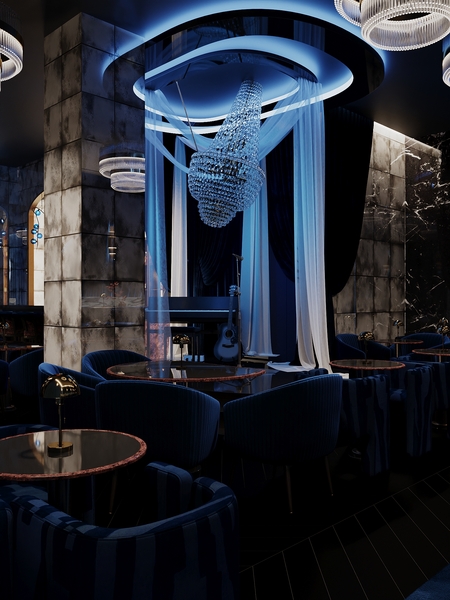
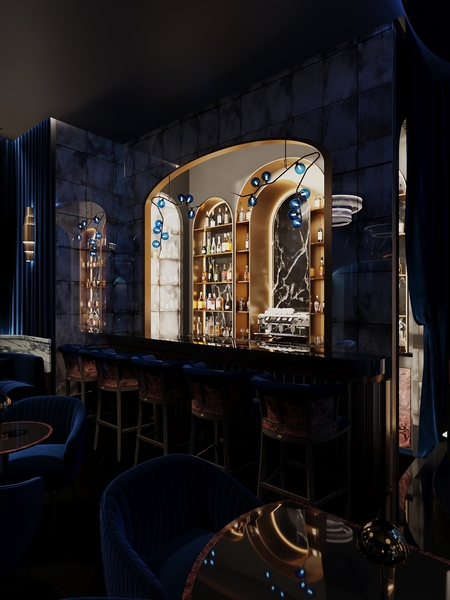
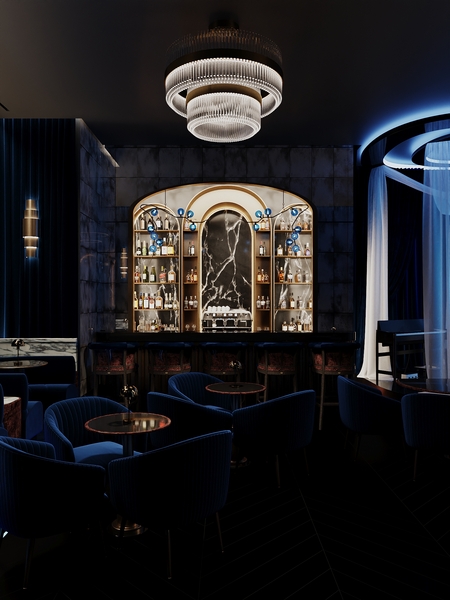
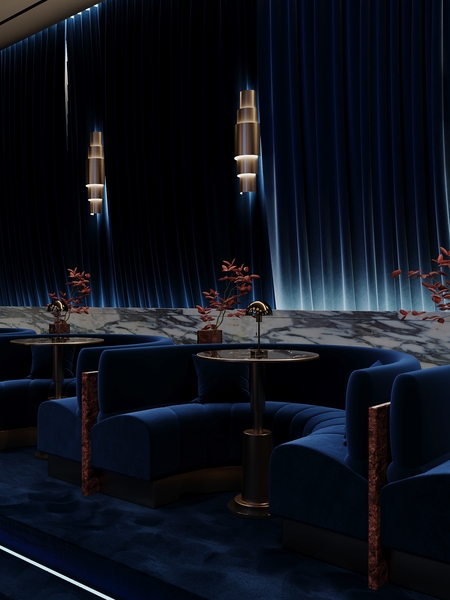
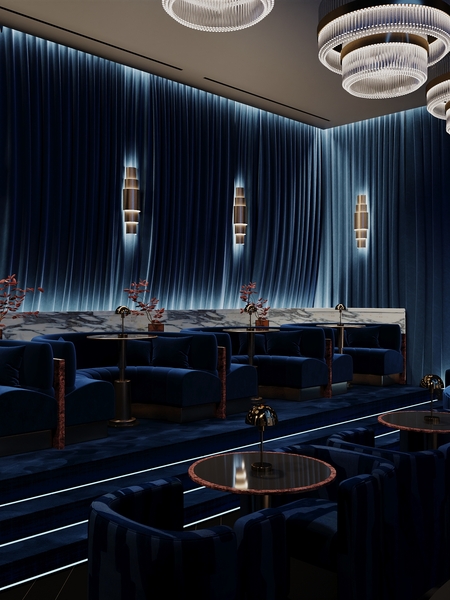
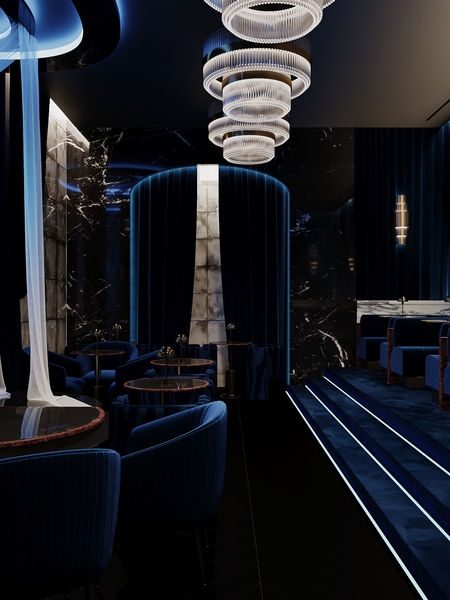
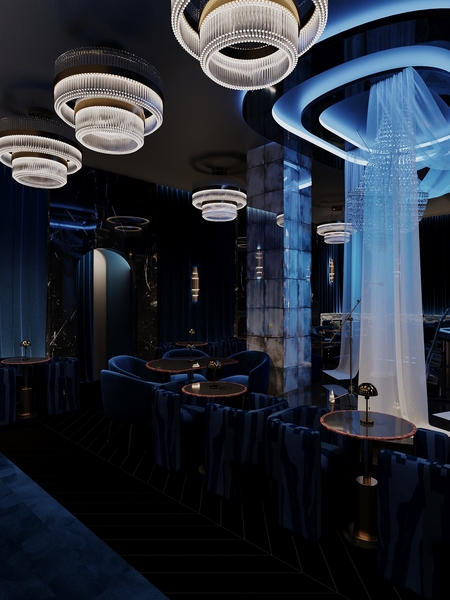
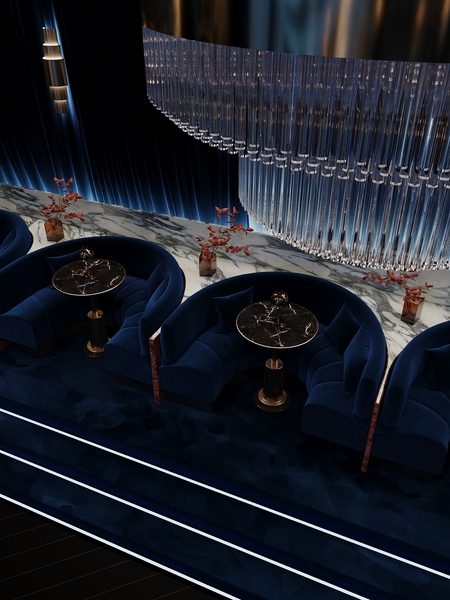
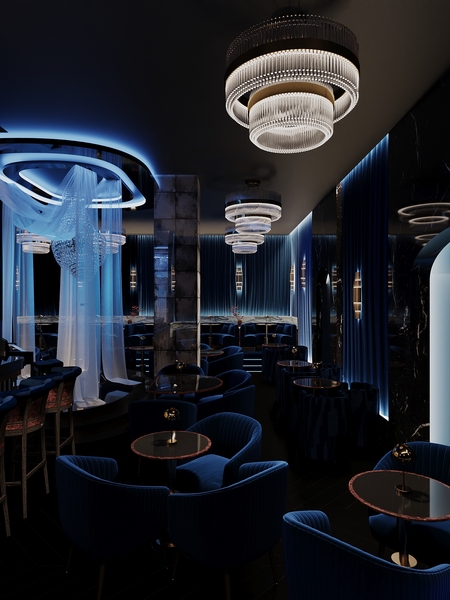
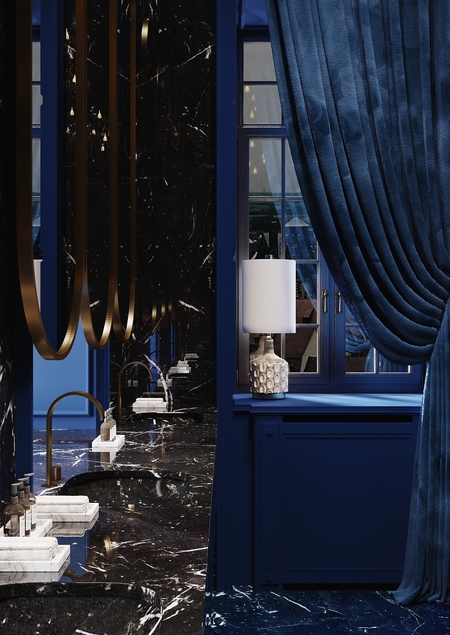
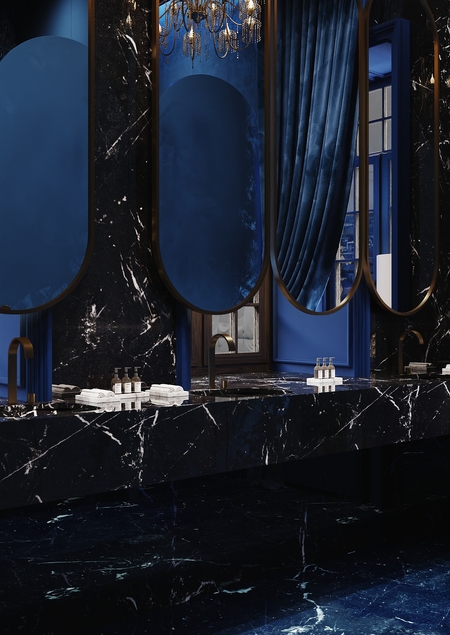
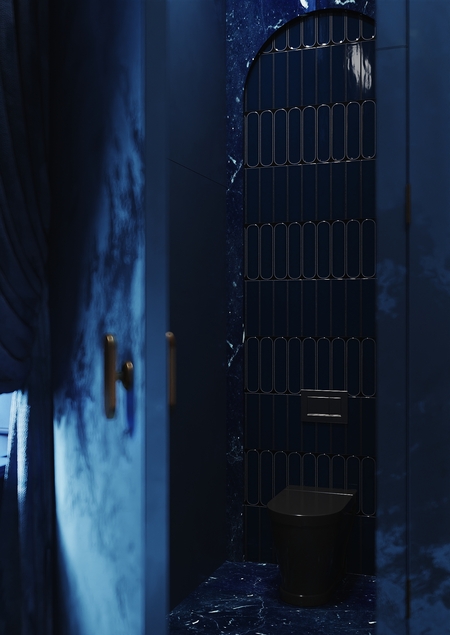
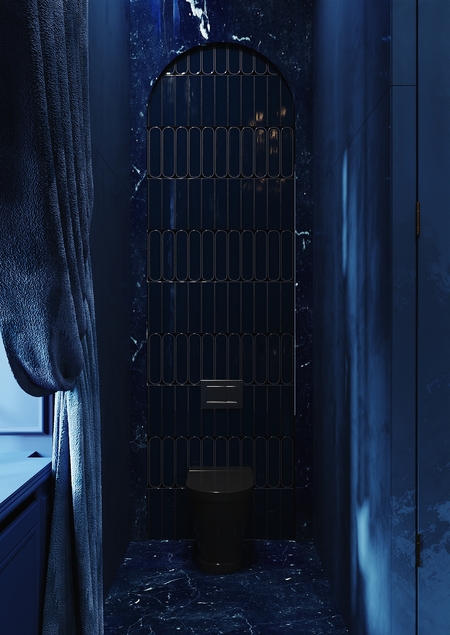
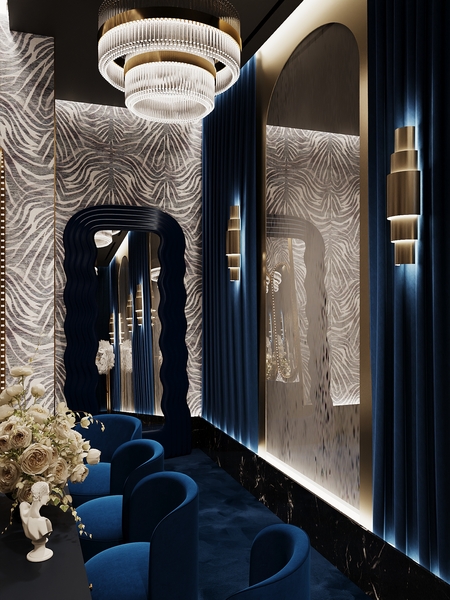
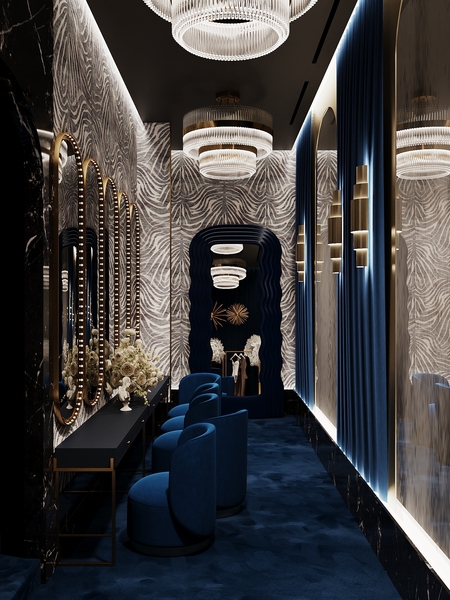
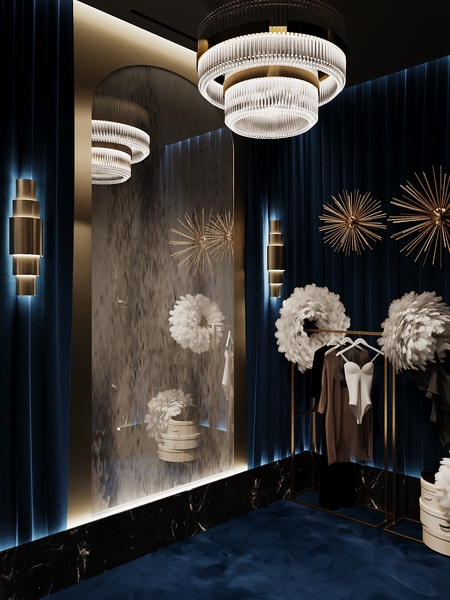
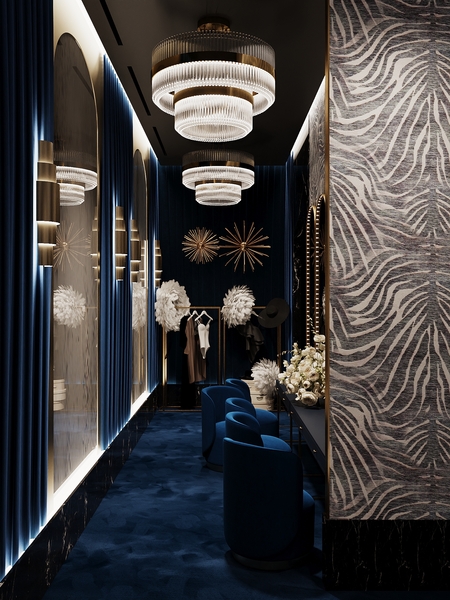
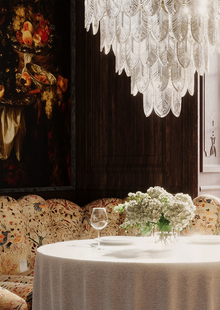
Вдохновленная атмосферой роскоши и мистики, эта концепция объединяет изысканный гламур и уединенность ночи. Основной элемент — эффектная хрустальная люстра в центре зала второго жтажа, создающая иллюзию звездного неба и подчеркивающая элегантность пространства. Темные глубокие оттенки в сочетании с мягким голубым и серебристым освещением придают интерьеру таинственный и притягательный характер.
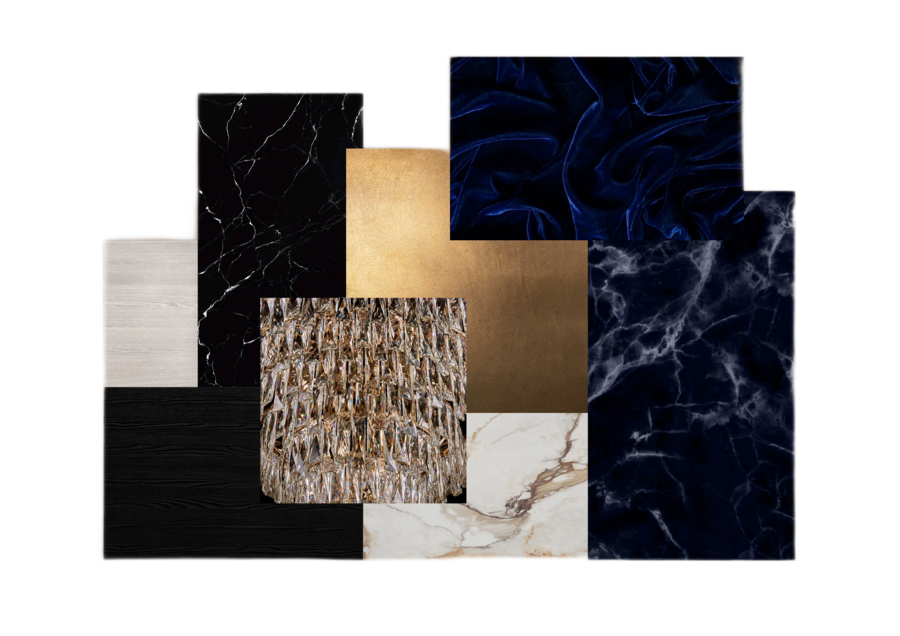
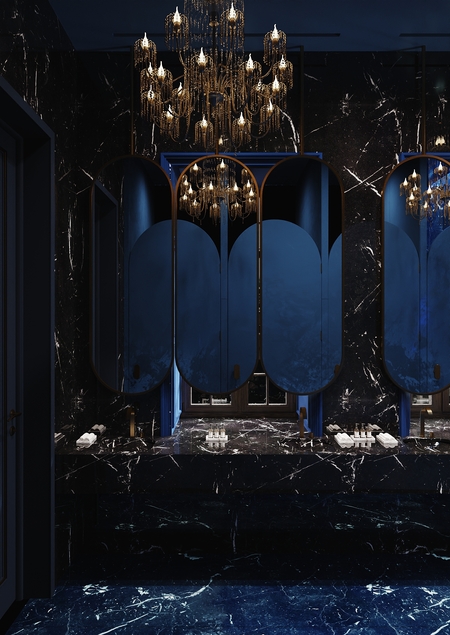
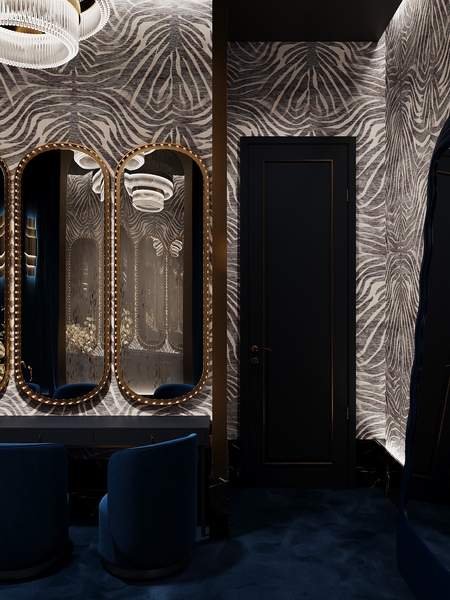
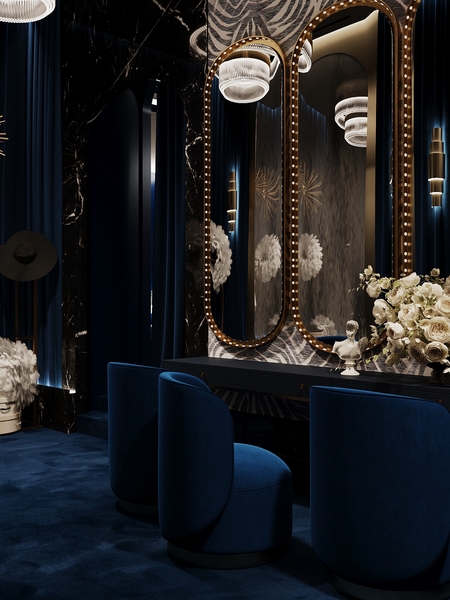
На сцене — пианино и гитара, символы музыкального искусства, приглашающие гостей погрузиться в атмосферу живого выступления. Обилие зеркальных и мраморных поверхностей усиливает эффект роскоши, а мягкие шторы разделяют зоны, создавая интимную атмосферу для каждого гостя.
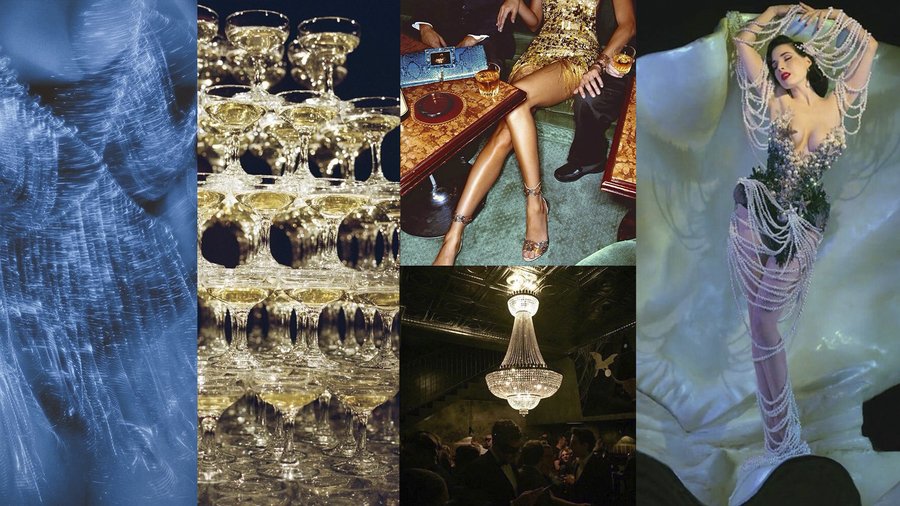
Эта концепция вдохновлена классикой кабаре и велюровых театров 1920-х — времён, когда каждый вечер превращался в камерное шоу с атмосферой гламура и загадочности. Она приглашает погрузиться в атмосферу эксклюзивности, тайны и искусства, превращая обычный вечер в незабываемое путешествие в ночную магию.
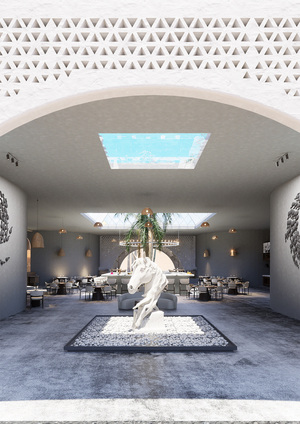
Ислам Абумеебид разработал дизайн-проект ресторана "Light Dahab" в Южный Синай. Проект сочетает современные формы с традиционными элементами и включает панорамные окна с видом на Красное море и пустыню.
Анастасия Присяжнюк создала проект по преобразованию усадьбы Голицыных в ресторан с историческим интерьером. Каждый зал ресторана оформлен в стиле разных эпох, от допетровской Руси до французской классики.
cgrave
Portfolio CG Rave — это открытая площадка для авторских портфолио 3D художников. Размещайте свои работы, чтобы их заметили в сообществе CG, ваши будущие коллеги и потенциальные заказчики.
Confirm your ageProject contains information not suitable for individuals under the age of 18
I am already 18 years old
Cancel
Confirm
Press space bar to start a drag.
When dragging you can use the arrow keys to move the item around and escape to cancel.
Some screen readers may require you to be in focus mode or to use your pass through key
Press space bar to start a drag.
When dragging you can use the arrow keys to move the item around and escape to cancel.
Some screen readers may require you to be in focus mode or to use your pass through key
Press space bar to start a drag.
When dragging you can use the arrow keys to move the item around and escape to cancel.
Some screen readers may require you to be in focus mode or to use your pass through key
Press space bar to start a drag.
When dragging you can use the arrow keys to move the item around and escape to cancel.
Some screen readers may require you to be in focus mode or to use your pass through key
Press space bar to start a drag.
When dragging you can use the arrow keys to move the item around and escape to cancel.
Some screen readers may require you to be in focus mode or to use your pass through key
Press space bar to start a drag.
When dragging you can use the arrow keys to move the item around and escape to cancel.
Some screen readers may require you to be in focus mode or to use your pass through key
Press space bar to start a drag.
When dragging you can use the arrow keys to move the item around and escape to cancel.
Some screen readers may require you to be in focus mode or to use your pass through key
Press space bar to start a drag.
When dragging you can use the arrow keys to move the item around and escape to cancel.
Some screen readers may require you to be in focus mode or to use your pass through key
Press space bar to start a drag.
When dragging you can use the arrow keys to move the item around and escape to cancel.
Some screen readers may require you to be in focus mode or to use your pass through key
Press space bar to start a drag.
When dragging you can use the arrow keys to move the item around and escape to cancel.
Some screen readers may require you to be in focus mode or to use your pass through key
Press space bar to start a drag.
When dragging you can use the arrow keys to move the item around and escape to cancel.
Some screen readers may require you to be in focus mode or to use your pass through key
Press space bar to start a drag.
When dragging you can use the arrow keys to move the item around and escape to cancel.
Some screen readers may require you to be in focus mode or to use your pass through key
Press space bar to start a drag.
When dragging you can use the arrow keys to move the item around and escape to cancel.
Some screen readers may require you to be in focus mode or to use your pass through key
Press space bar to start a drag.
When dragging you can use the arrow keys to move the item around and escape to cancel.
Some screen readers may require you to be in focus mode or to use your pass through key
Press space bar to start a drag.
When dragging you can use the arrow keys to move the item around and escape to cancel.
Some screen readers may require you to be in focus mode or to use your pass through key
Press space bar to start a drag.
When dragging you can use the arrow keys to move the item around and escape to cancel.
Some screen readers may require you to be in focus mode or to use your pass through key