Longread translated automatically
Original size 1140x1600

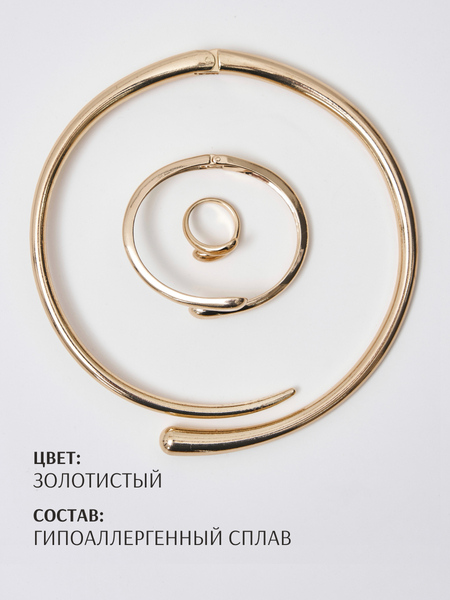
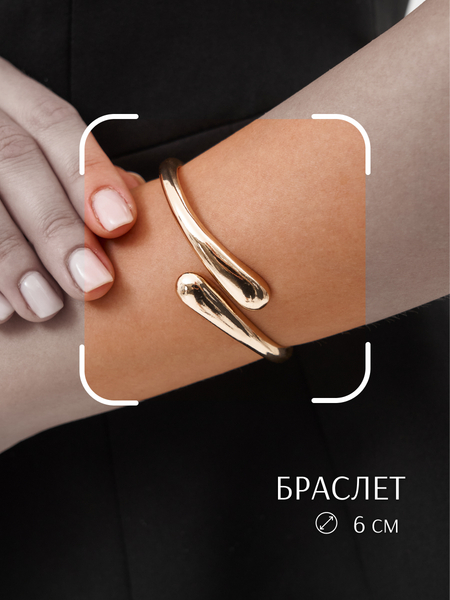
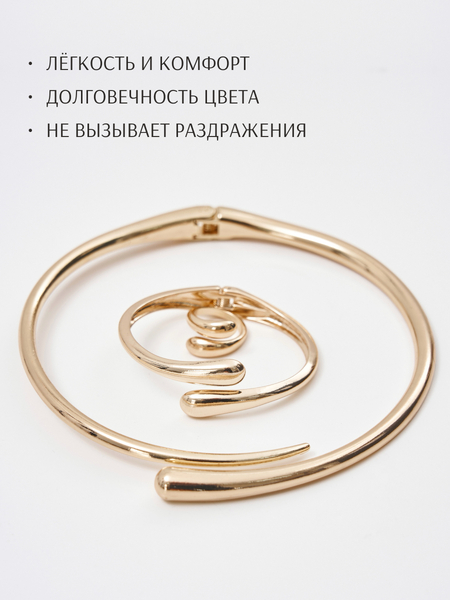
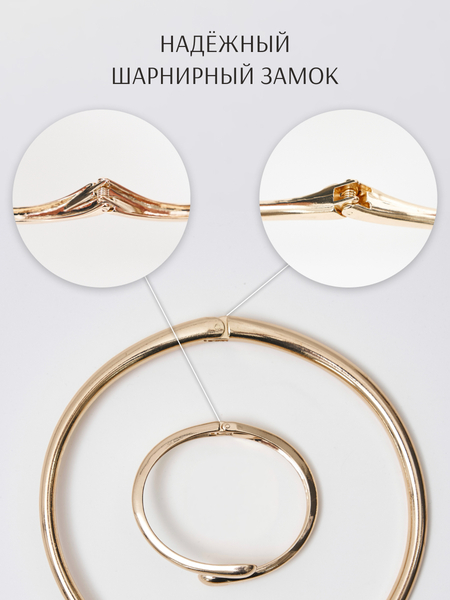
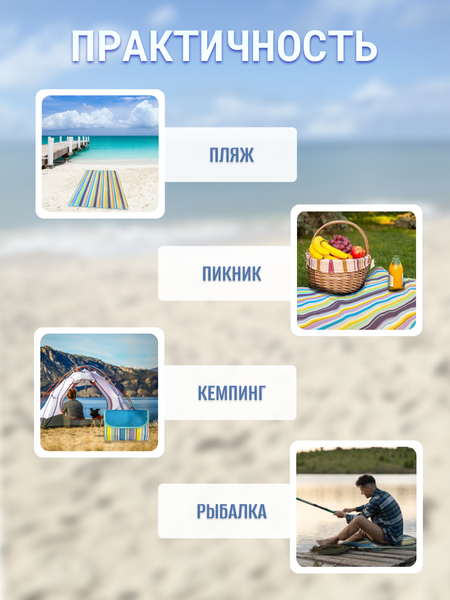
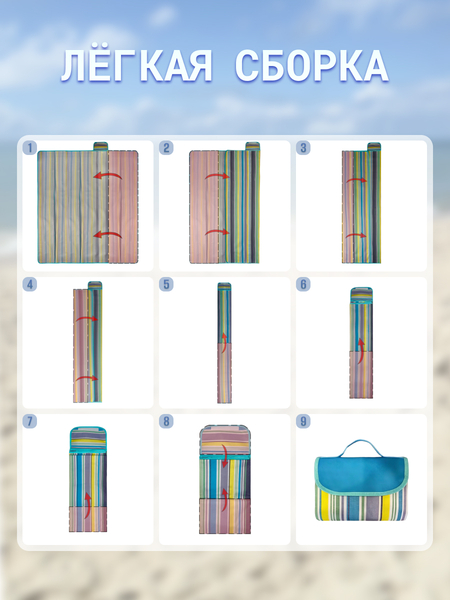
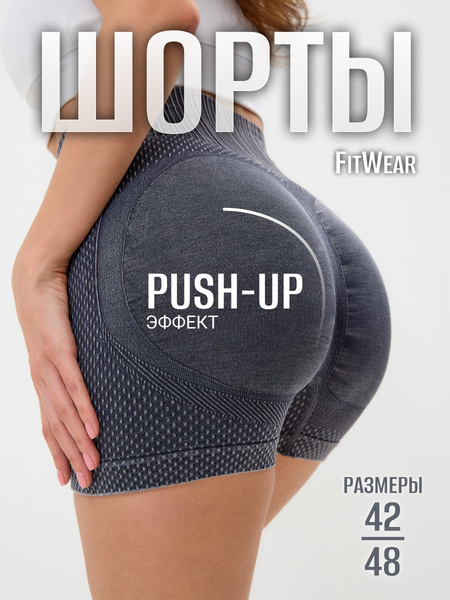
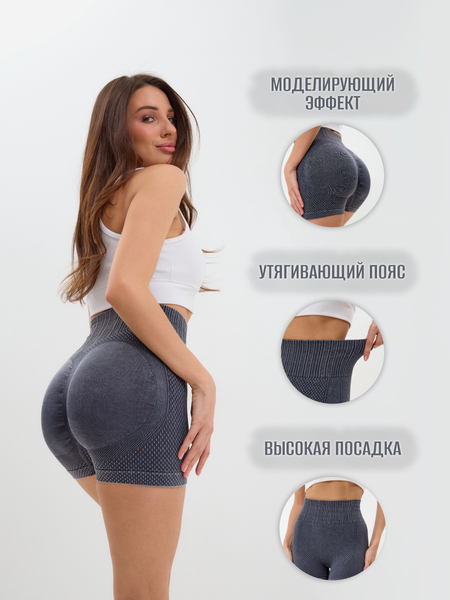
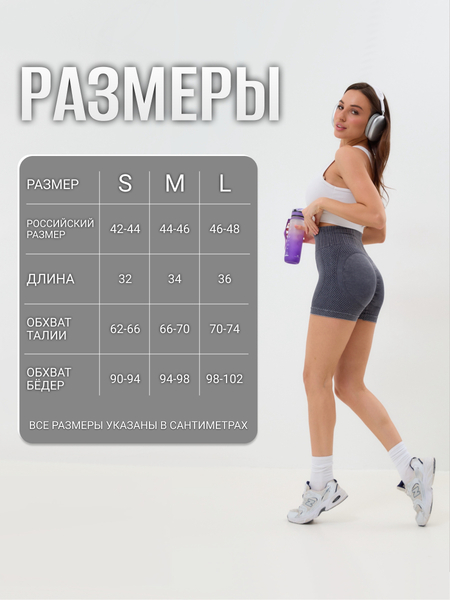
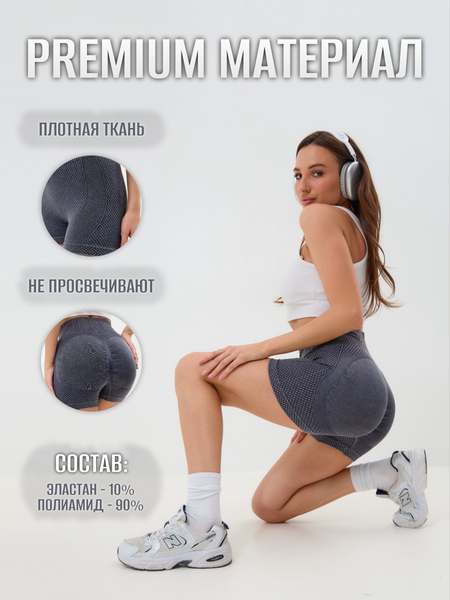
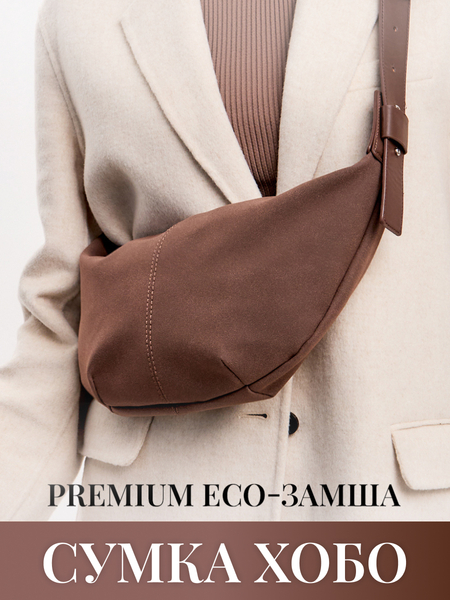
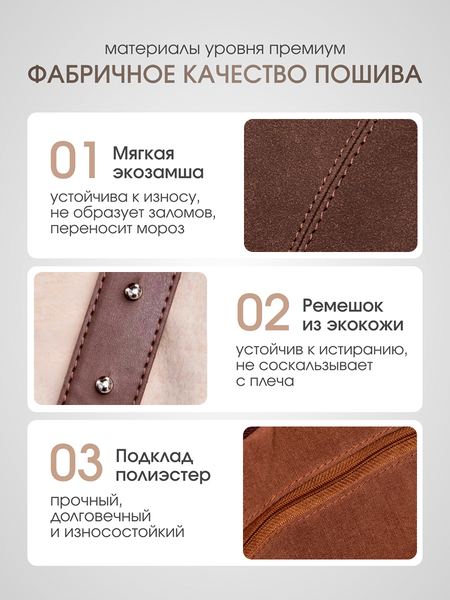
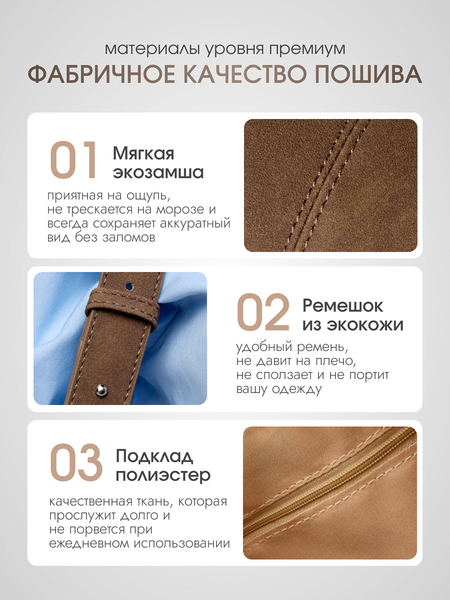
Infographics for marketplaces




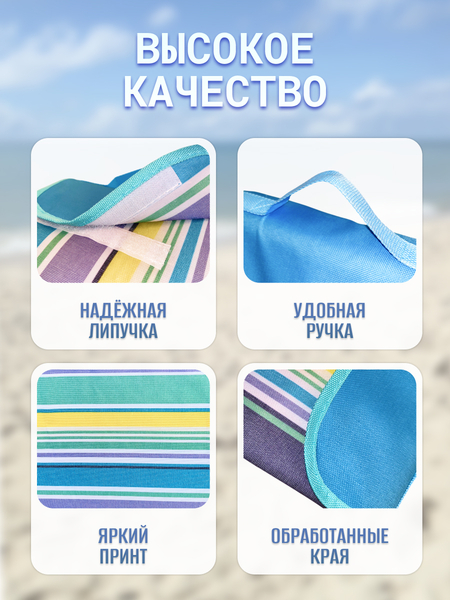
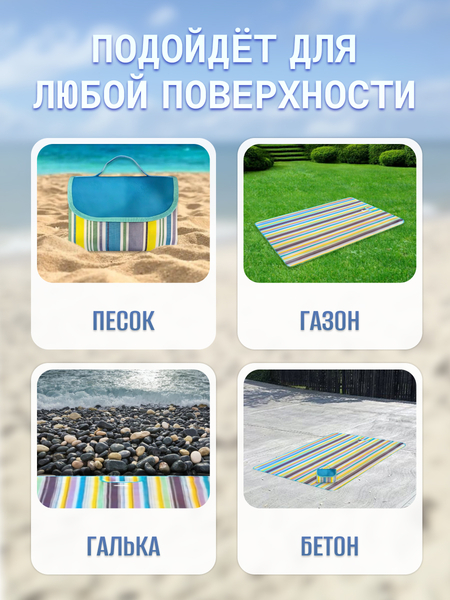
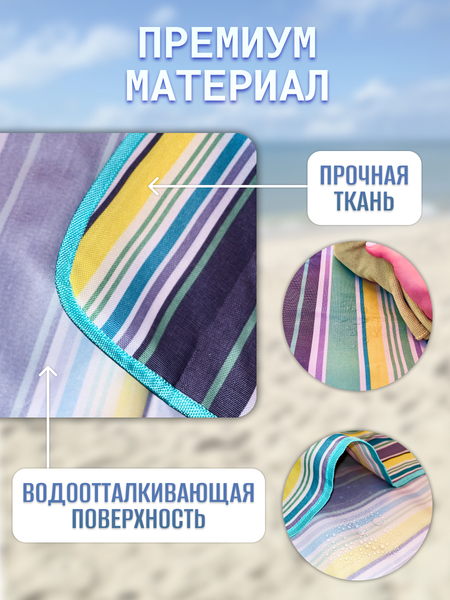
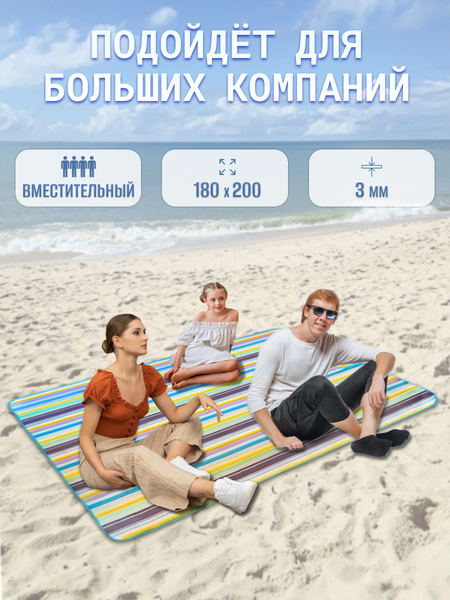



More projects in media communications

Социальный проект «Амба: личности» рассказывает о детях с расстройством аутистического спектра. В серии видео их родители делятся своей жизнью и повседневными испытаниями, с которыми сталкиваются каждый день. Проект опубликуется в ВК сообществе автономной некоммерческой организации «Центр разработки и реализации инклюзивных социальных проектов „АМБА“.



cgrave
Portfolio CG Rave — это открытая площадка для авторских портфолио 3D художников. Размещайте свои работы, чтобы их заметили в сообществе CG, ваши будущие коллеги и потенциальные заказчики.
Igor Gurovich, Enjoy The Process Carpet, 2025
От 50 000 ₽

Интерьерный постер с вашей датой
От 940 ₽

Модульный кофейный столик «The table totema»
60 000 ₽

WAM № 11 / 11,5 Журнал «World Art Музей»
2 000 ₽

Noor. Mozart. 2025
От 987 ₽

Ника Хахаева, Открытка «С нг!», 2026
65 000 ₽

Акрил рефилл | 100 мл | 2 цвета
От 790 ₽

«ART» 2025 № 4
От 8 750 ₽

Праздничный ракетоносец
От 940 ₽

Подвесной светильник «YOLKINS»
8 000 ₽

Yuri Gordon, Silence of Presence Carpet, 2025
100 000 ₽

White Metal Tiger
От 940 ₽

Фруктница «The bowl fruity»
9 000 ₽

АRТ № 9. 25 лет журналу WAM
8 750 ₽

Думаю о тебе
От 940 ₽

Ольга Селезнева, «Перекресток на Вознесенском», 2026
110 000 ₽

The Foxes
От 940 ₽

Igor Gurovich, Art Is Hard Carpet, 2025
50 000 ₽

Alla Pugacheva
От 1 175 ₽

«ART» 2025 № 7
8 750 ₽

Igor Gurovich, Enjoy The Process Carpet, 2025
От 50 000 ₽
Интерьерный постер с вашей датой
От 940 ₽
Модульный кофейный столик «The table totema»
60 000 ₽
WAM № 11 / 11,5 Журнал «World Art Музей»
2 000 ₽
Noor. Mozart. 2025
От 987 ₽
Ника Хахаева, Открытка «С нг!», 2026
65 000 ₽
Акрил рефилл | 100 мл | 2 цвета
От 790 ₽
«ART» 2025 № 4
От 8 750 ₽
Праздничный ракетоносец
От 940 ₽
Подвесной светильник «YOLKINS»
8 000 ₽
Yuri Gordon, Silence of Presence Carpet, 2025
100 000 ₽
White Metal Tiger
От 940 ₽
Фруктница «The bowl fruity»
9 000 ₽
АRТ № 9. 25 лет журналу WAM
8 750 ₽
Думаю о тебе
От 940 ₽
Ольга Селезнева, «Перекресток на Вознесенском», 2026
110 000 ₽
The Foxes
От 940 ₽
Igor Gurovich, Art Is Hard Carpet, 2025
50 000 ₽
Alla Pugacheva
От 1 175 ₽
«ART» 2025 № 7
8 750 ₽
Top