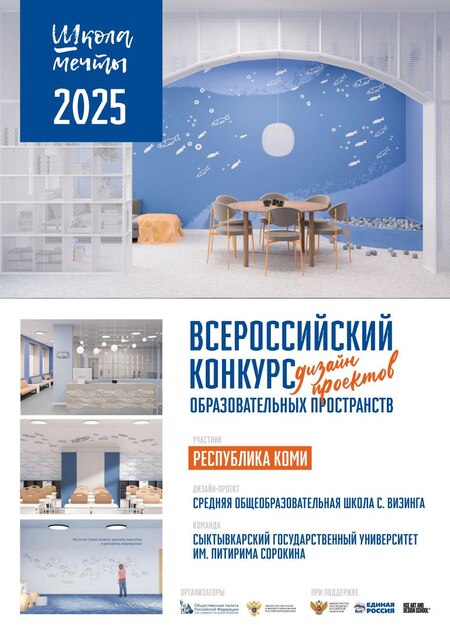
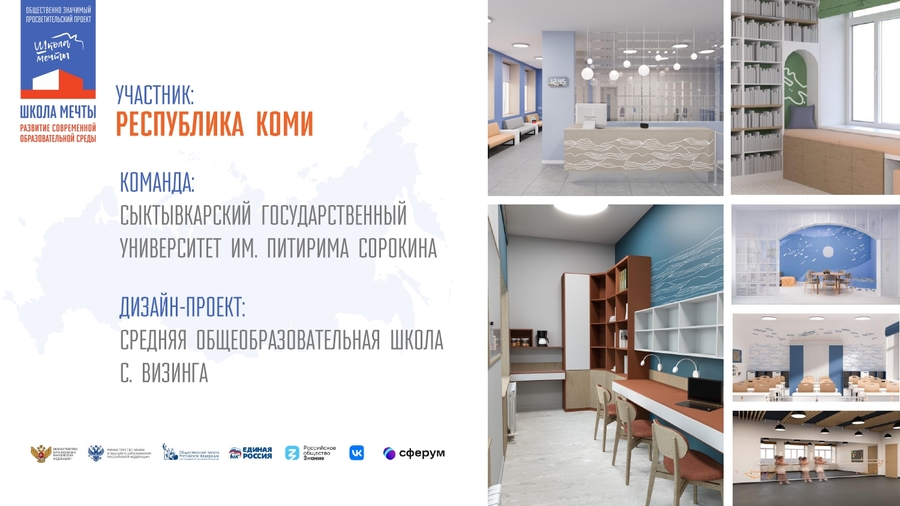
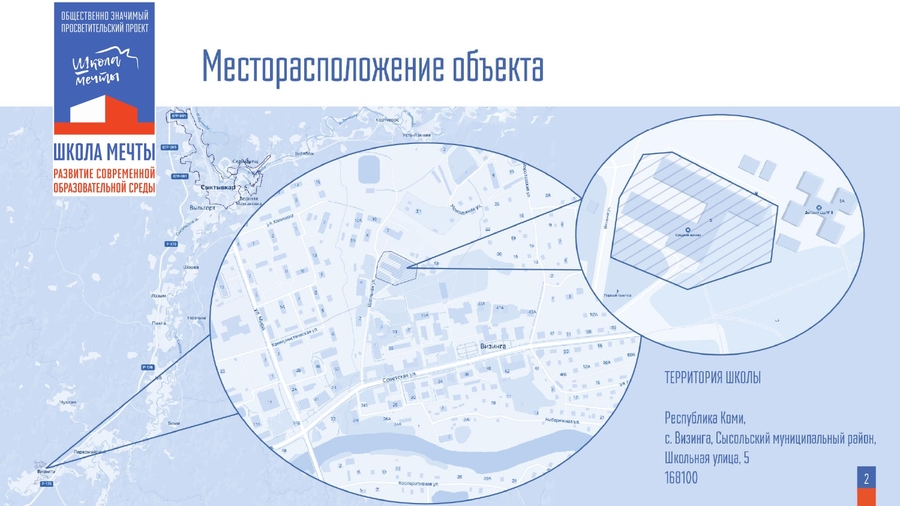
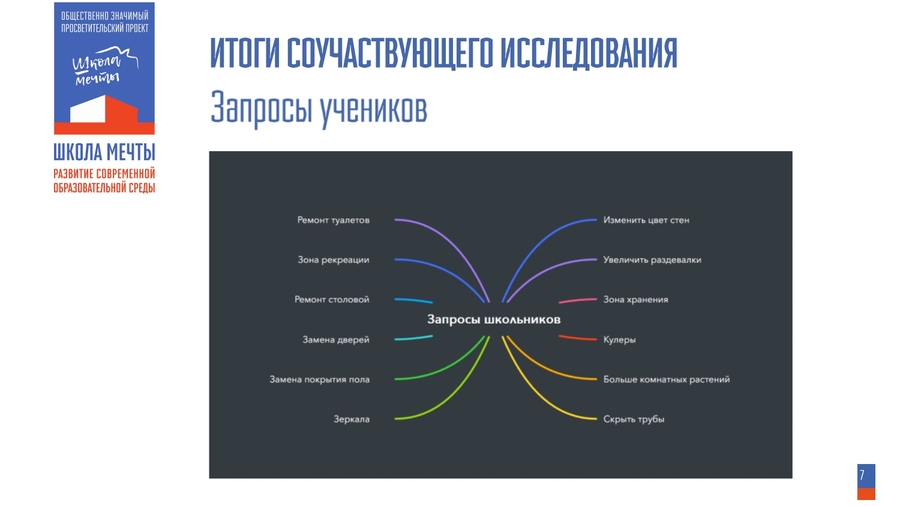
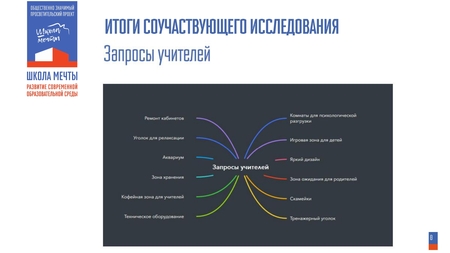
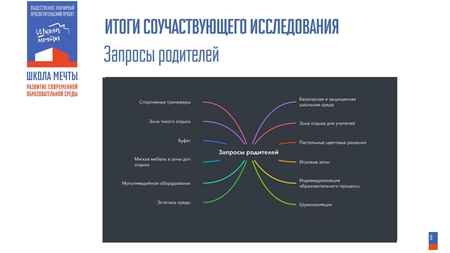
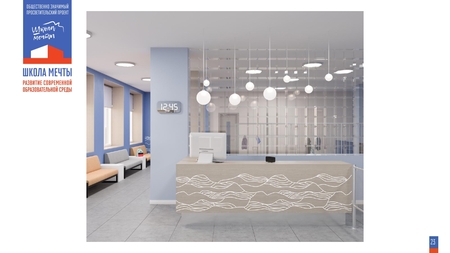
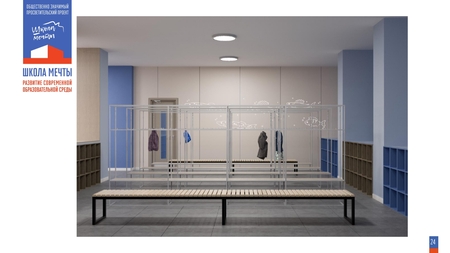
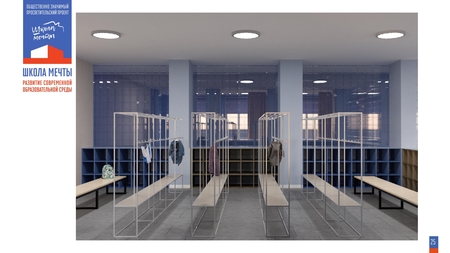
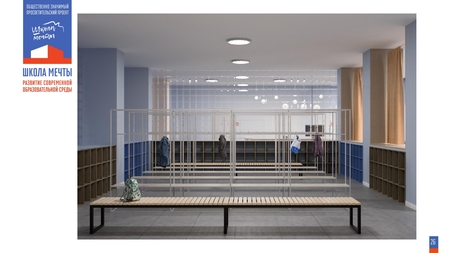
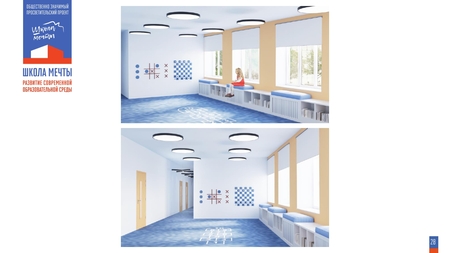
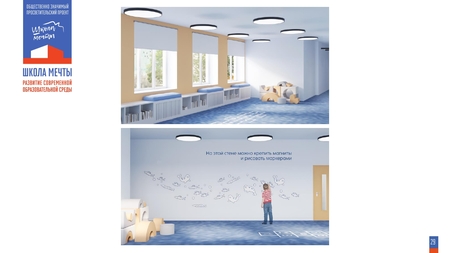
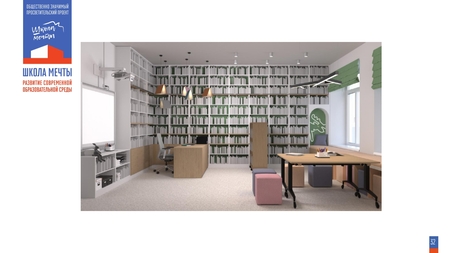
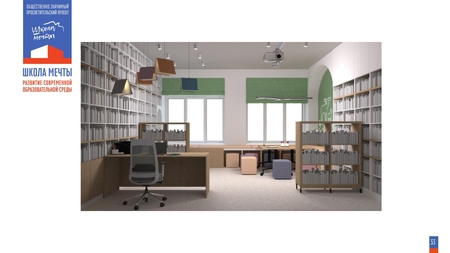
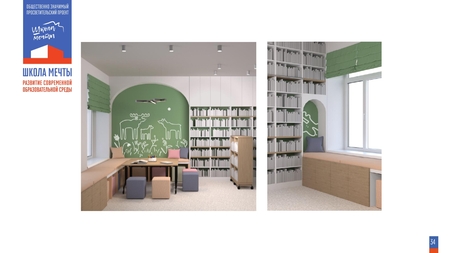
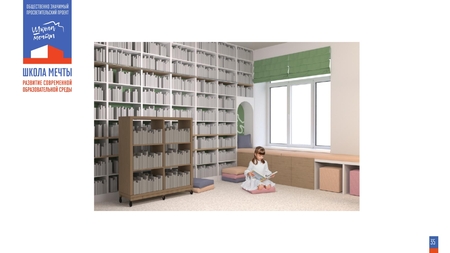
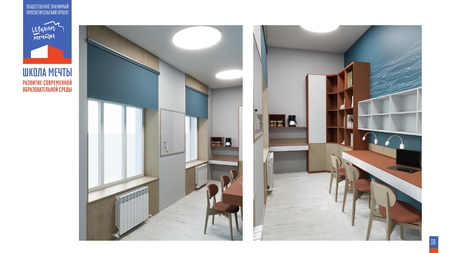
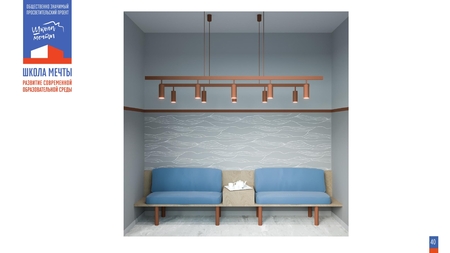
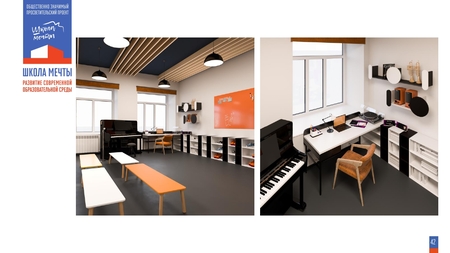
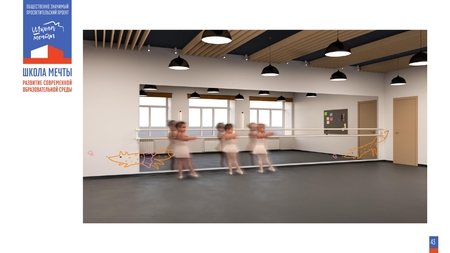
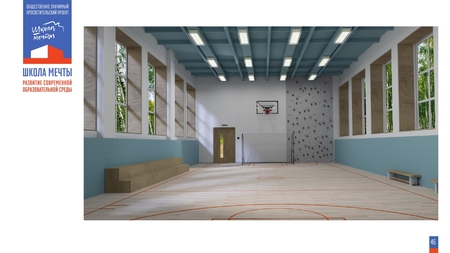
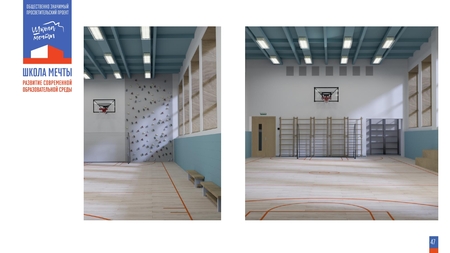
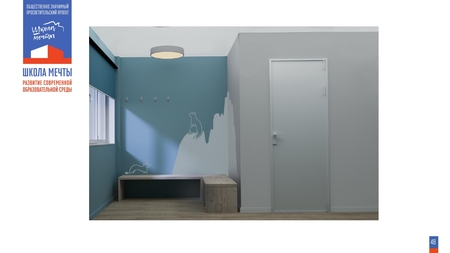
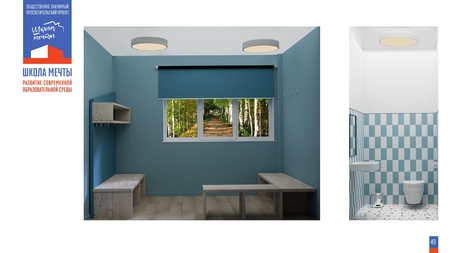
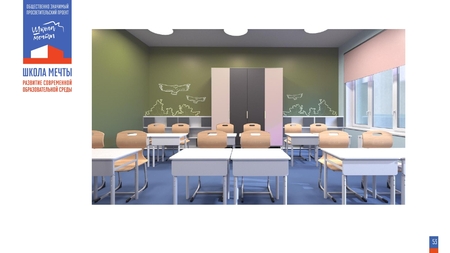
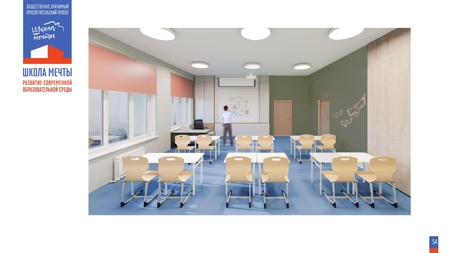
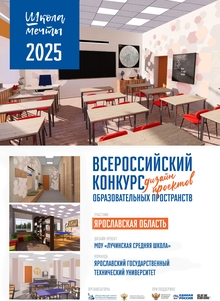
Пространство школы визуально делится на три зоны согласно объемно-планировочной структуре этажности здания:
— Речная зона/1 этаж
— Лесная зона/2 этаж
-Зона лугов, гор и неба/3 этаж
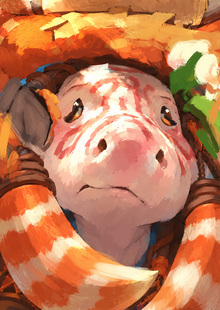
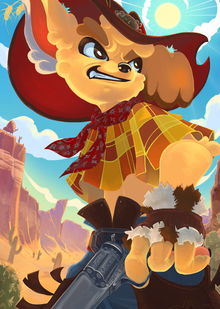
Художественно-образная подача пространств основывается на фауне, представленной на территории Республики Коми. Такой подход обеспечивает визуальное разнообразие проекта, а также способствует развитию познавательных способностей обучающихся.
Снежана Малая спроектировала дизайн входной зоны школы, включая стилизованное дерево и удобные зоны для ожидания и работы. Проект включает воссозданное памятное дерево с подсветкой и цветовую гамму, повторяющую оттенки древесины и листвы.
Елизавета Кулькова разработала дизайн лестницы для школы, превратив её в вдохновляющий арт-объект. Лестница включает яркие подступенки с мотивирующими надписями и навигационные наклейки на стенах.
Portfolio CG Rave — это открытая площадка для авторских портфолио 3D художников. Размещайте свои работы, чтобы их заметили в сообществе CG, ваши будущие коллеги и потенциальные заказчики.
Press space bar to start a drag.
When dragging you can use the arrow keys to move the item around and escape to cancel.
Some screen readers may require you to be in focus mode or to use your pass through key
Press space bar to start a drag.
When dragging you can use the arrow keys to move the item around and escape to cancel.
Some screen readers may require you to be in focus mode or to use your pass through key
Press space bar to start a drag.
When dragging you can use the arrow keys to move the item around and escape to cancel.
Some screen readers may require you to be in focus mode or to use your pass through key
Press space bar to start a drag.
When dragging you can use the arrow keys to move the item around and escape to cancel.
Some screen readers may require you to be in focus mode or to use your pass through key
Press space bar to start a drag.
When dragging you can use the arrow keys to move the item around and escape to cancel.
Some screen readers may require you to be in focus mode or to use your pass through key
Press space bar to start a drag.
When dragging you can use the arrow keys to move the item around and escape to cancel.
Some screen readers may require you to be in focus mode or to use your pass through key
Press space bar to start a drag.
When dragging you can use the arrow keys to move the item around and escape to cancel.
Some screen readers may require you to be in focus mode or to use your pass through key
Press space bar to start a drag.
When dragging you can use the arrow keys to move the item around and escape to cancel.
Some screen readers may require you to be in focus mode or to use your pass through key
Press space bar to start a drag.
When dragging you can use the arrow keys to move the item around and escape to cancel.
Some screen readers may require you to be in focus mode or to use your pass through key
Press space bar to start a drag.
When dragging you can use the arrow keys to move the item around and escape to cancel.
Some screen readers may require you to be in focus mode or to use your pass through key
Press space bar to start a drag.
When dragging you can use the arrow keys to move the item around and escape to cancel.
Some screen readers may require you to be in focus mode or to use your pass through key