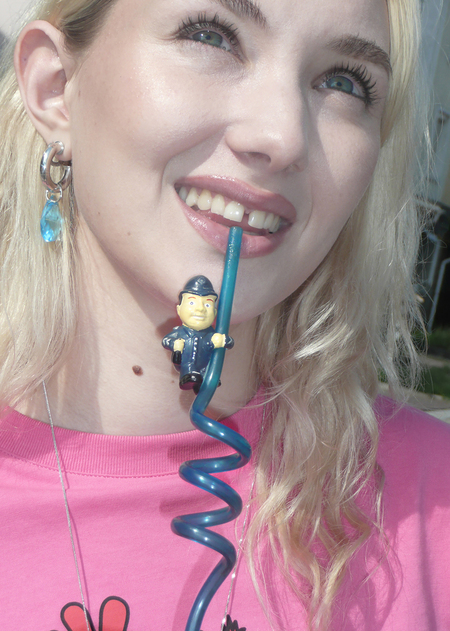
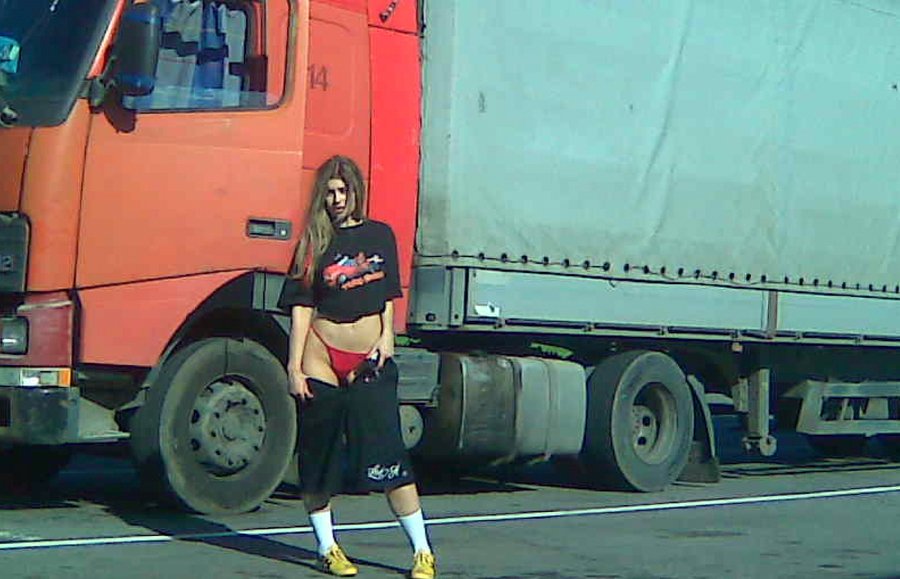
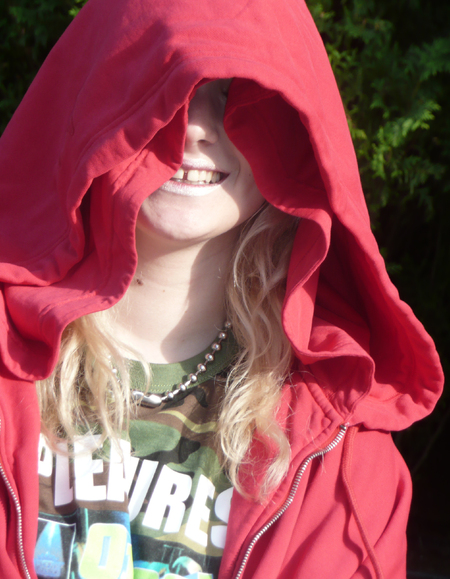
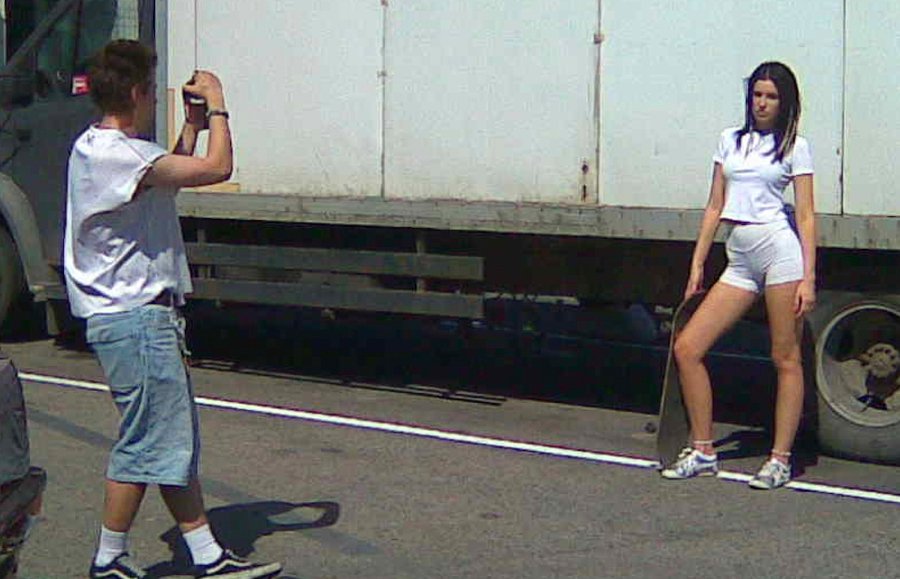
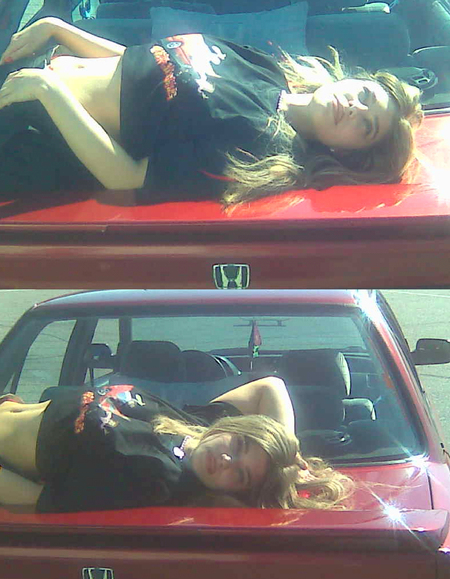
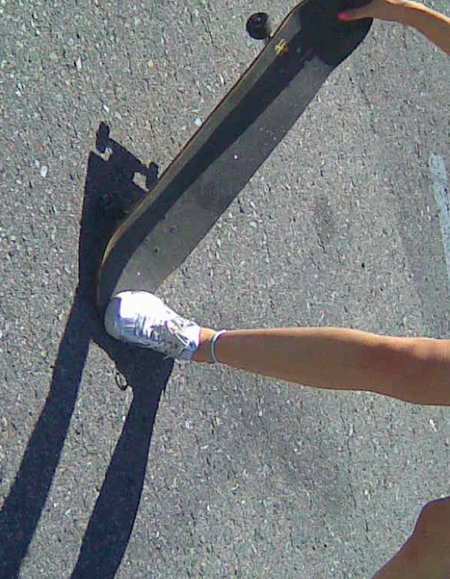
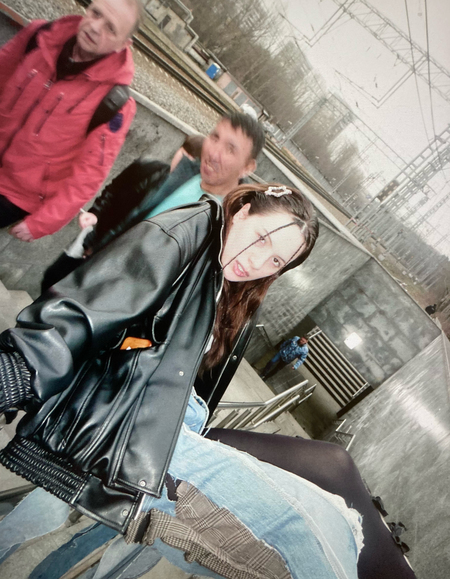
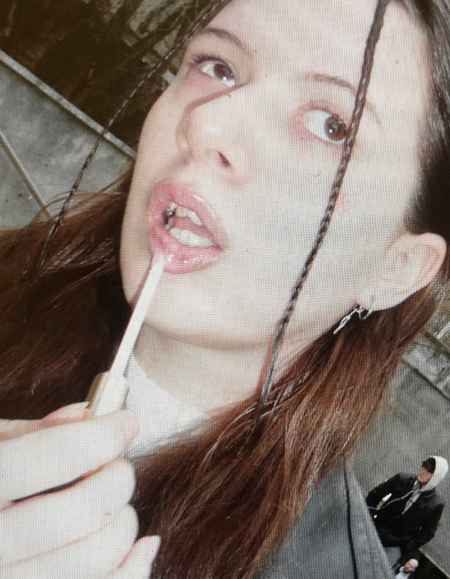
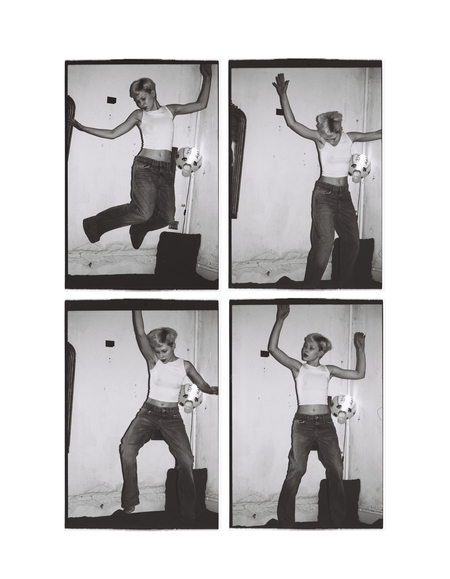
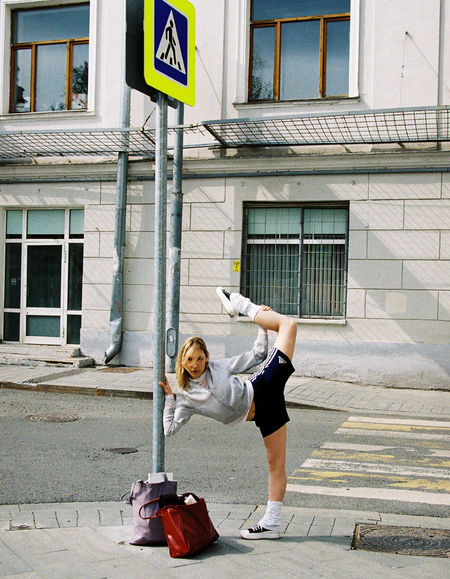
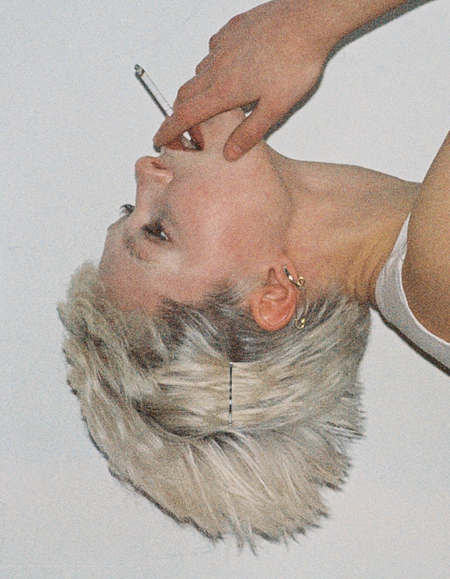
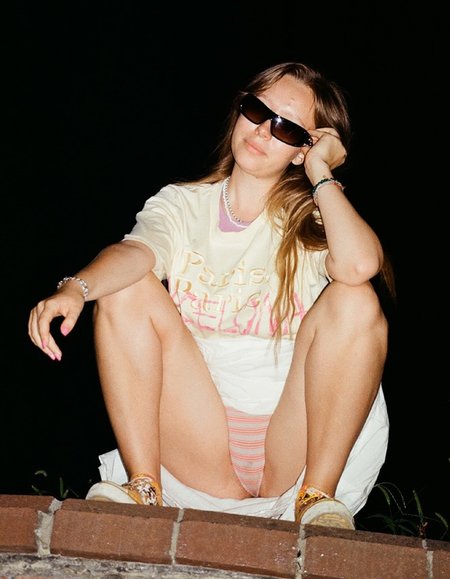
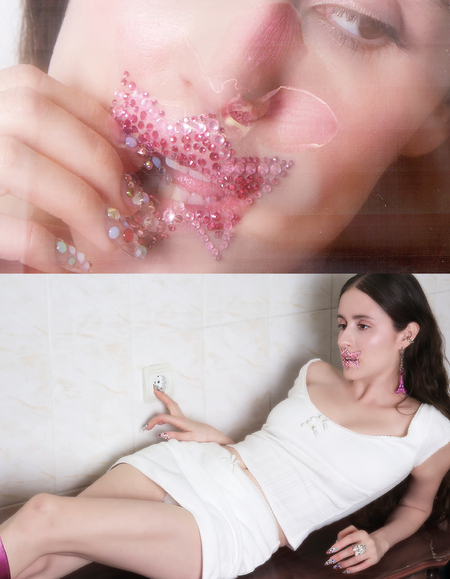
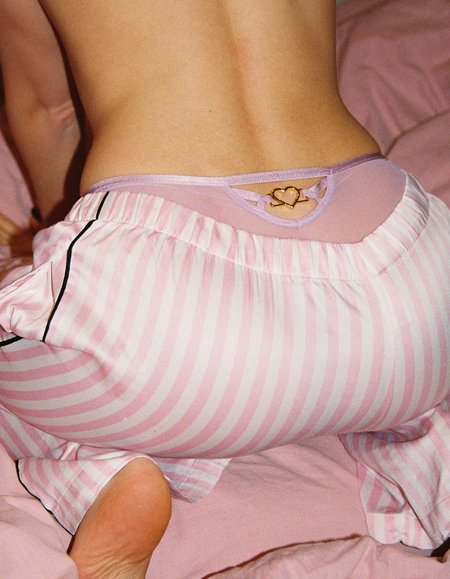
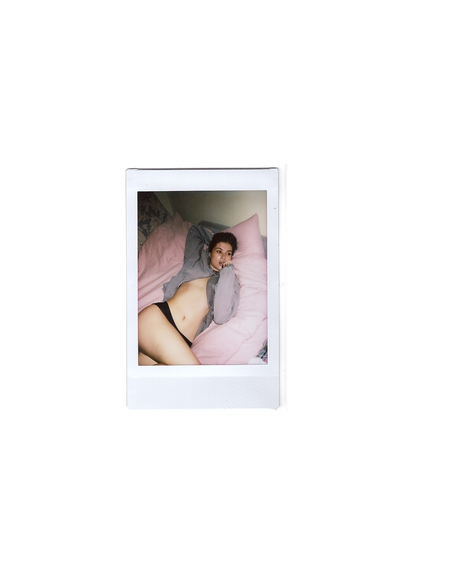
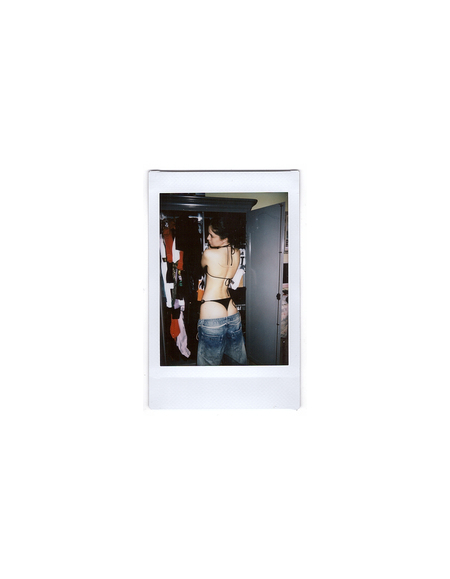
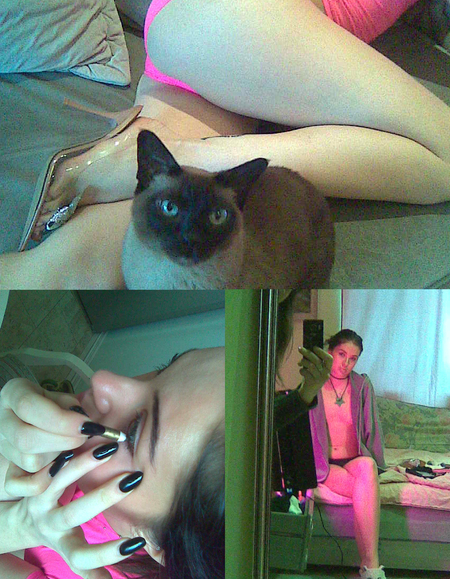
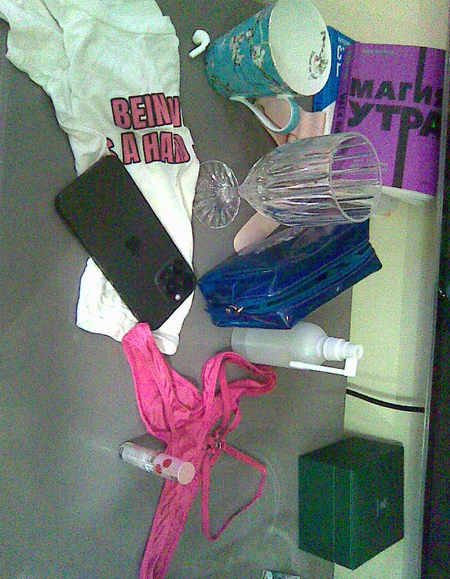
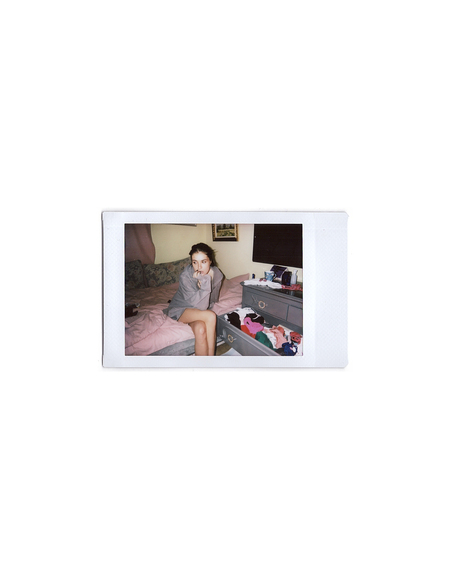
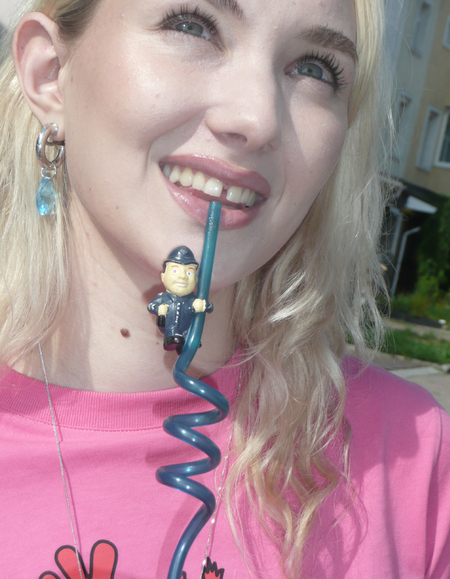
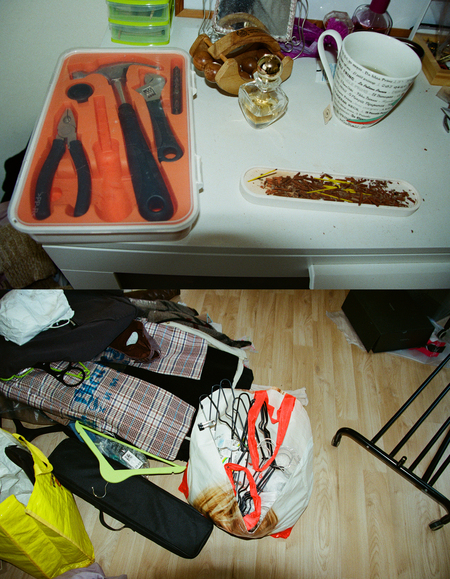
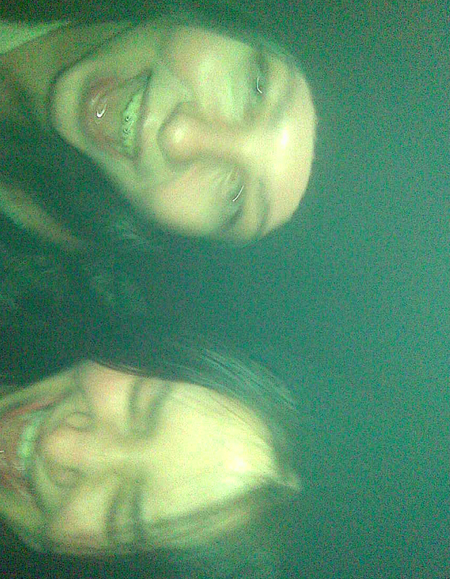
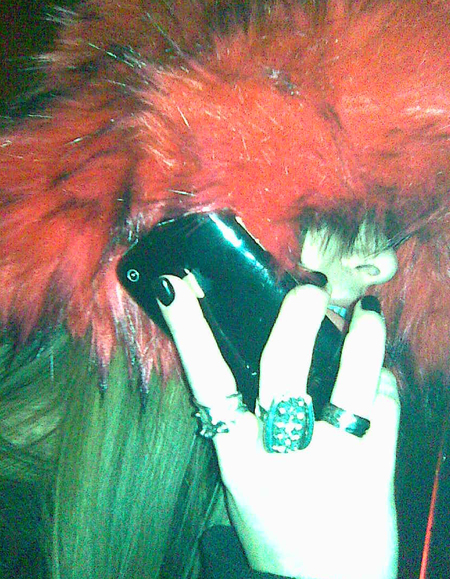
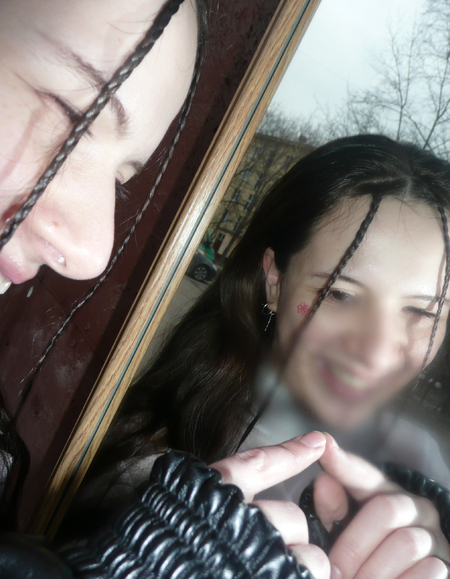
Эта книга — результат моего осознанного и бессознательного наблюдения за молодыми девушками и женщинами, за их образом жизни, манерой поведения и ходом мыслей.
Несмотря на то, что героини моей книги очень разные, все они вместе создают образ современной девушки: молодой, сексуальной и свободной. Они не обременены предрассудками и убеждениями о правилах жизни. Они проживают свою молодость в удовольствии и наслаждении, без чувства упущенного момента, в абсолютном максимуме.
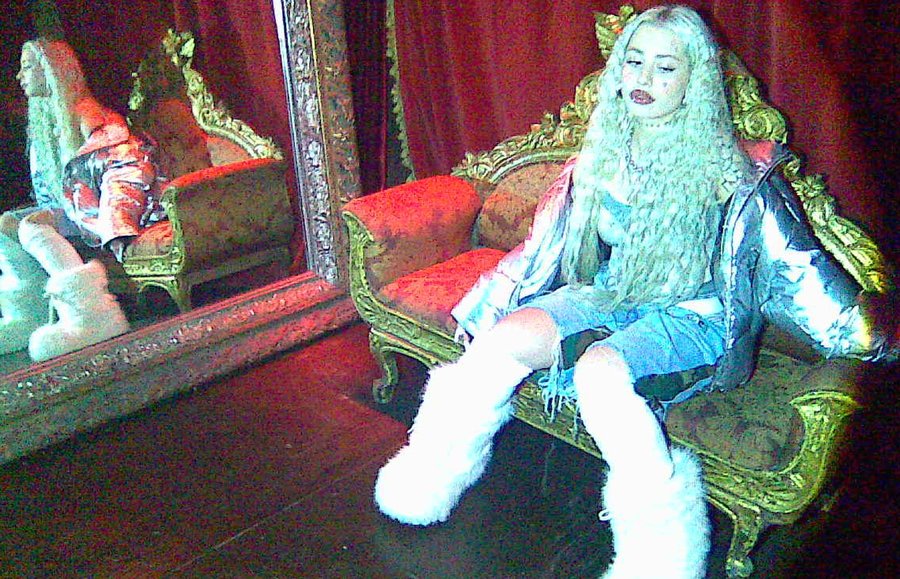
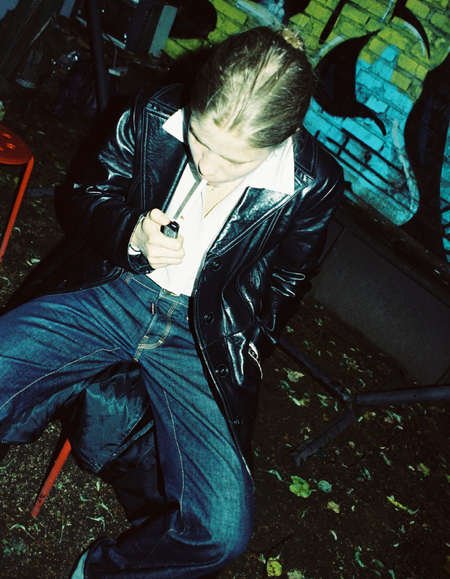
Неотъемлемой частью проекта является влияние фэшн индустрии. Все героини книги очень увлечены модой и являются ее главными потребителями. Именно поэтому многие кадры взяты из фэшн-съемок, а не просто документируют жизненные обстоятельства.
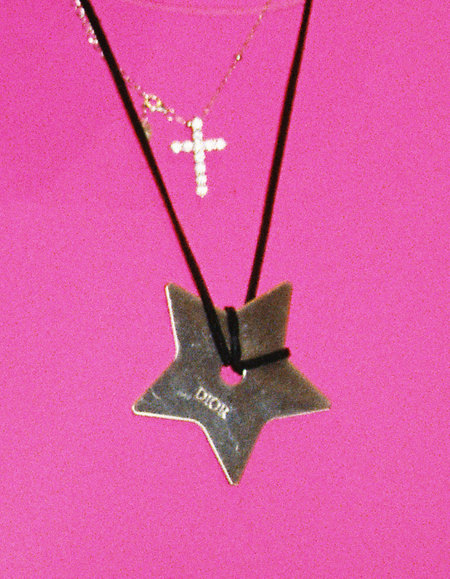
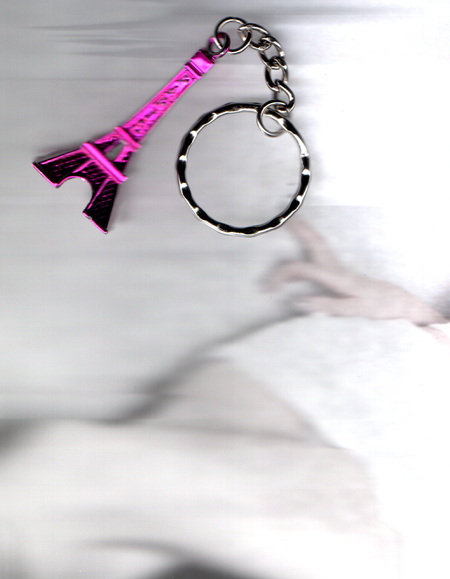
Мария Елютина создала книгу «The daughters of Eve», посвящённую образу современной девушки и её жизни в удовольствии и свободе. Проект включает в себя кадры из фэшн-съёмок, подчёркивающие влияние моды на образ жизни героинь.
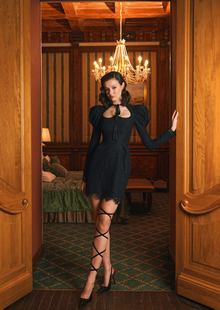
Ева Пашаева создала идейно-стилистический кампейн под названием LUMIERE для бренда Castle Studio. Проект включает в себя участие арт-директора, продюсера, модели и других специалистов в создании визуального контента.
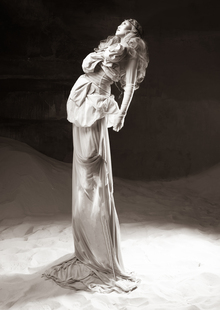
Мария Токтуева создала проект «dance of darkness», в котором исследует танец как переход и преображение. Проект включает в себя тексты, фотографии и команду художников, работающих в рамках концепции буто.
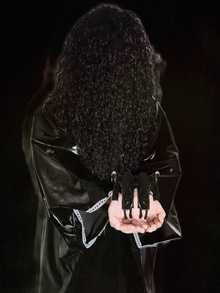
Ирина Рогава и Василиса Гамалея-Гусарова создали фотопроект «Готический мусор», посвящённый комичной интерпретации готической эстетики в стиле китча. Проект включает стилизованную фэшн-съёмку, выполненную в утрированной трэш-эстетике, с участием фотографа Альбины Хайбулиной и модели Софии Агакий.
Portfolio CG Rave — это открытая площадка для авторских портфолио 3D художников. Размещайте свои работы, чтобы их заметили в сообществе CG, ваши будущие коллеги и потенциальные заказчики.
Confirm your ageProject contains information not suitable for individuals under the age of 18
I am already 18 years old
Cancel
Confirm
Press space bar to start a drag.
When dragging you can use the arrow keys to move the item around and escape to cancel.
Some screen readers may require you to be in focus mode or to use your pass through key
Press space bar to start a drag.
When dragging you can use the arrow keys to move the item around and escape to cancel.
Some screen readers may require you to be in focus mode or to use your pass through key
Press space bar to start a drag.
When dragging you can use the arrow keys to move the item around and escape to cancel.
Some screen readers may require you to be in focus mode or to use your pass through key
Press space bar to start a drag.
When dragging you can use the arrow keys to move the item around and escape to cancel.
Some screen readers may require you to be in focus mode or to use your pass through key
Press space bar to start a drag.
When dragging you can use the arrow keys to move the item around and escape to cancel.
Some screen readers may require you to be in focus mode or to use your pass through key
Press space bar to start a drag.
When dragging you can use the arrow keys to move the item around and escape to cancel.
Some screen readers may require you to be in focus mode or to use your pass through key
Press space bar to start a drag.
When dragging you can use the arrow keys to move the item around and escape to cancel.
Some screen readers may require you to be in focus mode or to use your pass through key
Press space bar to start a drag.
When dragging you can use the arrow keys to move the item around and escape to cancel.
Some screen readers may require you to be in focus mode or to use your pass through key
Press space bar to start a drag.
When dragging you can use the arrow keys to move the item around and escape to cancel.
Some screen readers may require you to be in focus mode or to use your pass through key
Press space bar to start a drag.
When dragging you can use the arrow keys to move the item around and escape to cancel.
Some screen readers may require you to be in focus mode or to use your pass through key
Press space bar to start a drag.
When dragging you can use the arrow keys to move the item around and escape to cancel.
Some screen readers may require you to be in focus mode or to use your pass through key
Press space bar to start a drag.
When dragging you can use the arrow keys to move the item around and escape to cancel.
Some screen readers may require you to be in focus mode or to use your pass through key
Press space bar to start a drag.
When dragging you can use the arrow keys to move the item around and escape to cancel.
Some screen readers may require you to be in focus mode or to use your pass through key
Press space bar to start a drag.
When dragging you can use the arrow keys to move the item around and escape to cancel.
Some screen readers may require you to be in focus mode or to use your pass through key
Press space bar to start a drag.
When dragging you can use the arrow keys to move the item around and escape to cancel.
Some screen readers may require you to be in focus mode or to use your pass through key