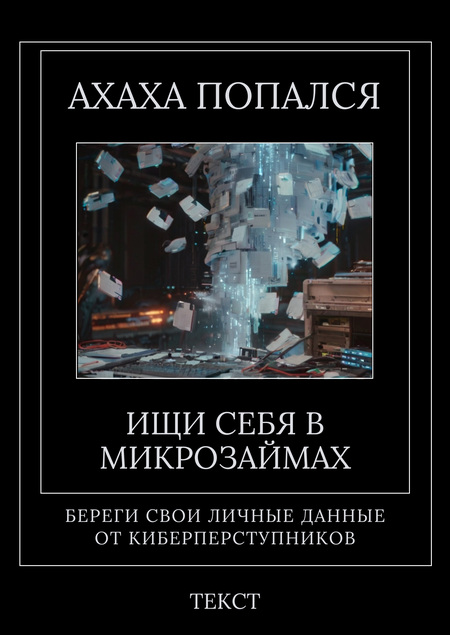
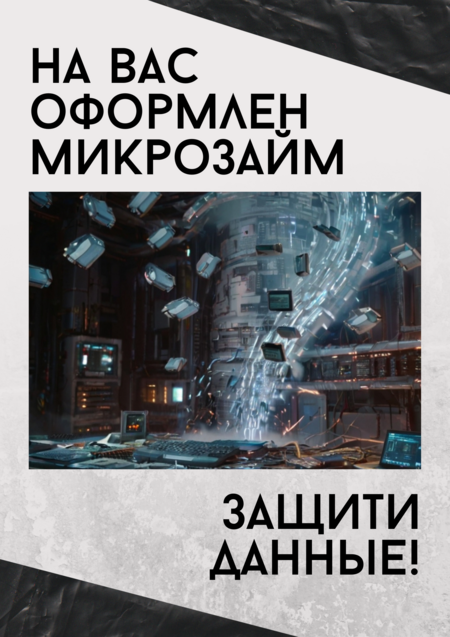
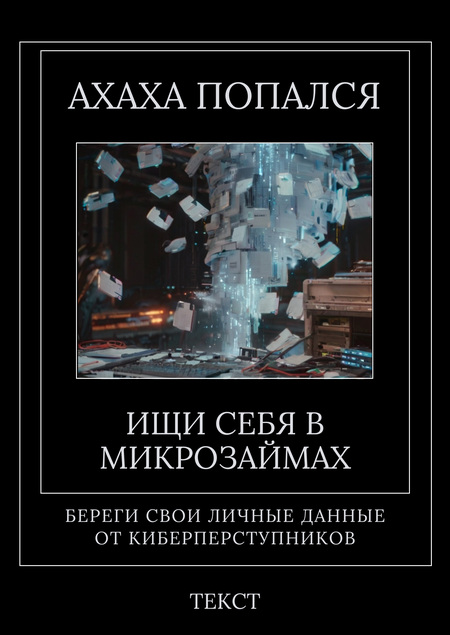
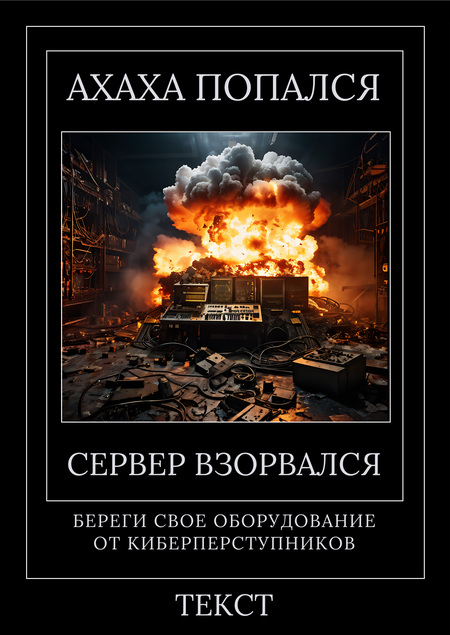
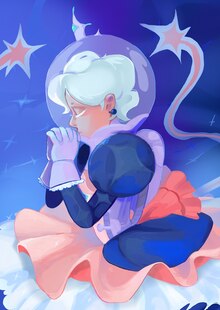
В эпоху цифровизации, с ростом мер безопасности, защиты от киберпреступности, также растет и изощрённость киберпреступников. Навыки киберпреступников часто перегоняют прогресс мер безопасности. Мы в сети как на ладони, как бы мы не пытались укрыться, скрыть свою личность и свои данные. Мы пытаемся закрыться в панцирь и спрятаться, но он все равно остается хрупким и прозрачным.
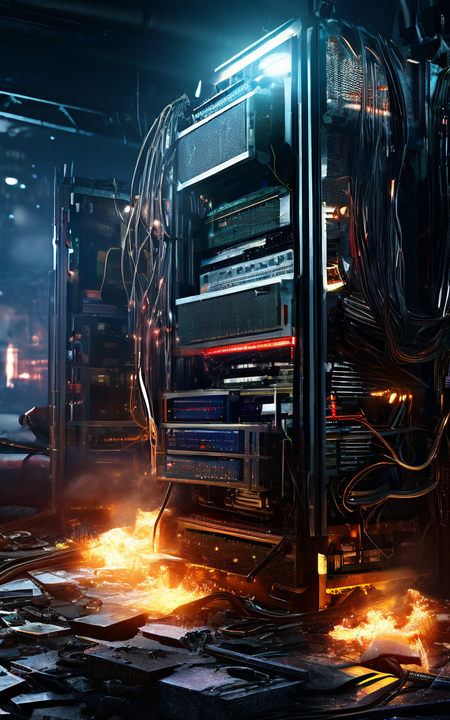
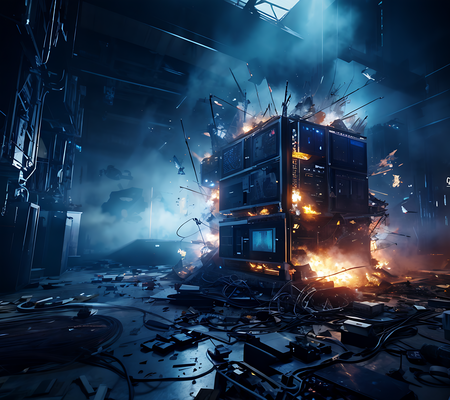
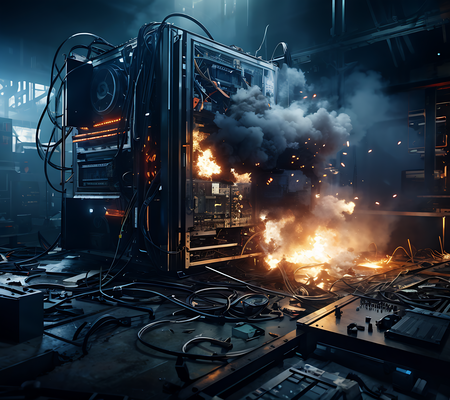
При создании изображений использовались нейросети: Playground AI, Leonardo AI, ImageFX.
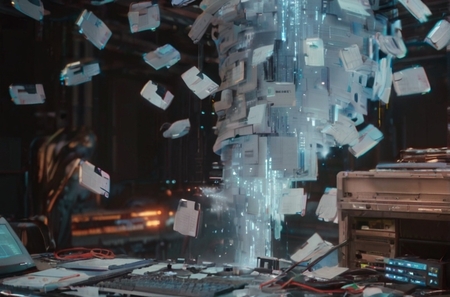
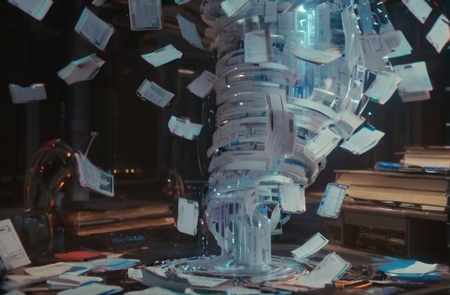
A vortex of documents that gets pulled into the computer, photoreal, detailed, detailed text documents, a lot of PC elements around, the centre of a tornado is a large PC hopper.
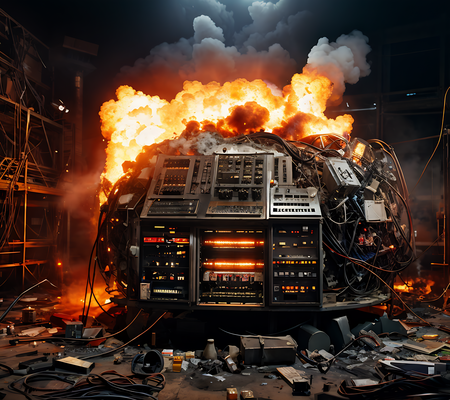
Blown up server equipment, half destroyed., photoreal, detailed, a lot of crashed glass, a lot of crushed wires, a lot of fire at hardware
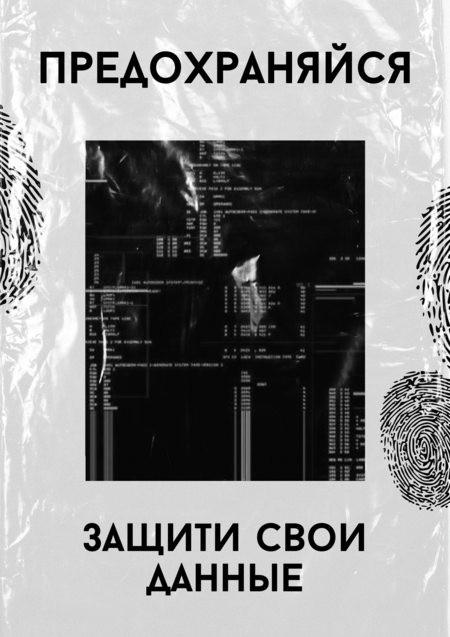
Формат плакатов в виде презентации был выбран не случайно
Важно донести эту информацию до людей, что бы они лучше следили за безопасностью своих личных данных и оборудования.
Константин Хилинский создал цифровой плакат «GLaSS ShELL», отражающий уязвимость цифровой безопасности в эпоху киберугроз. Проект включает в себя изображения, созданные с использованием нейросетей Playground AI, Leonardo AI и ImageFX.
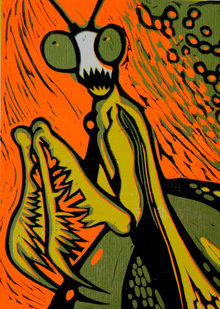
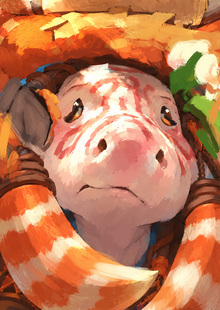
Автор Ника Хахаева создала коллекцию воспоминаний о детстве в деревне под названием «Когда я был цыплёнком». Текст описывает атмосферу советского быта с яркими образами природы и эмоциями детства, передаваемыми через ощущения и запахи.
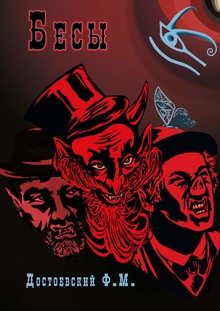
Александр Кожевников создал серию иллюстраций к роману Ф.М. Достоевского «Бесы». Каждая иллюстрация сопровождается цитатами из текста, подчеркивающими символизм и глубину произведения.
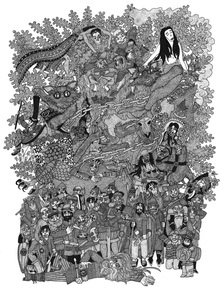
Никита Родин исследует историческое и литературное значение понятия «Лукоморье» в разных эпохах и текстах. Проект представляет собой одну интерактивную иллюстрацию, объединяющую сюжеты и строки из поэмы Пушкина «Руслан и Людмила».
cgrave
Portfolio CG Rave — это открытая площадка для авторских портфолио 3D художников. Размещайте свои работы, чтобы их заметили в сообществе CG, ваши будущие коллеги и потенциальные заказчики.
Press space bar to start a drag.
When dragging you can use the arrow keys to move the item around and escape to cancel.
Some screen readers may require you to be in focus mode or to use your pass through key
Press space bar to start a drag.
When dragging you can use the arrow keys to move the item around and escape to cancel.
Some screen readers may require you to be in focus mode or to use your pass through key
Press space bar to start a drag.
When dragging you can use the arrow keys to move the item around and escape to cancel.
Some screen readers may require you to be in focus mode or to use your pass through key
Press space bar to start a drag.
When dragging you can use the arrow keys to move the item around and escape to cancel.
Some screen readers may require you to be in focus mode or to use your pass through key
Press space bar to start a drag.
When dragging you can use the arrow keys to move the item around and escape to cancel.
Some screen readers may require you to be in focus mode or to use your pass through key
Press space bar to start a drag.
When dragging you can use the arrow keys to move the item around and escape to cancel.
Some screen readers may require you to be in focus mode or to use your pass through key
Press space bar to start a drag.
When dragging you can use the arrow keys to move the item around and escape to cancel.
Some screen readers may require you to be in focus mode or to use your pass through key
Press space bar to start a drag.
When dragging you can use the arrow keys to move the item around and escape to cancel.
Some screen readers may require you to be in focus mode or to use your pass through key
Press space bar to start a drag.
When dragging you can use the arrow keys to move the item around and escape to cancel.
Some screen readers may require you to be in focus mode or to use your pass through key
Press space bar to start a drag.
When dragging you can use the arrow keys to move the item around and escape to cancel.
Some screen readers may require you to be in focus mode or to use your pass through key
Press space bar to start a drag.
When dragging you can use the arrow keys to move the item around and escape to cancel.
Some screen readers may require you to be in focus mode or to use your pass through key