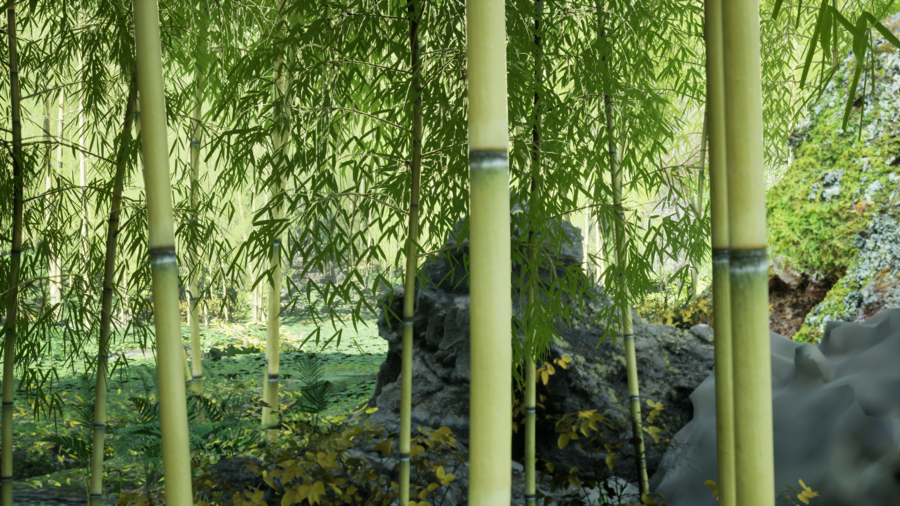
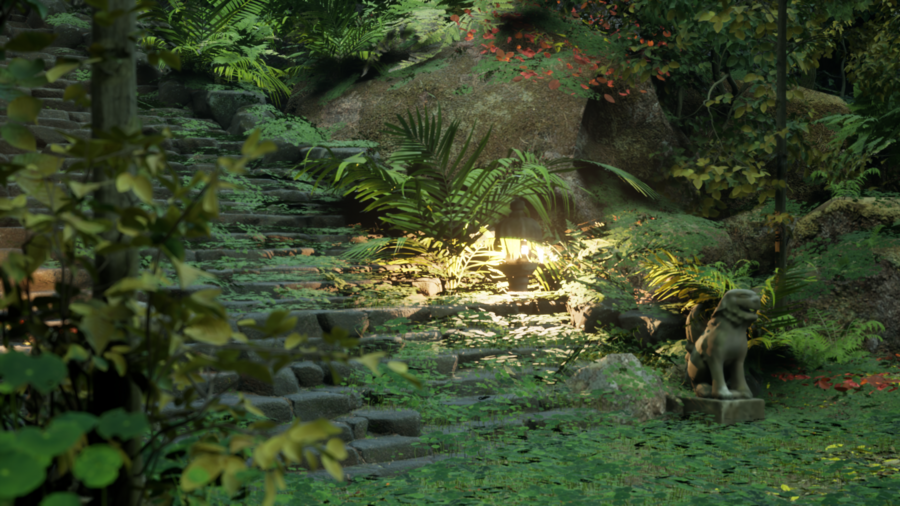
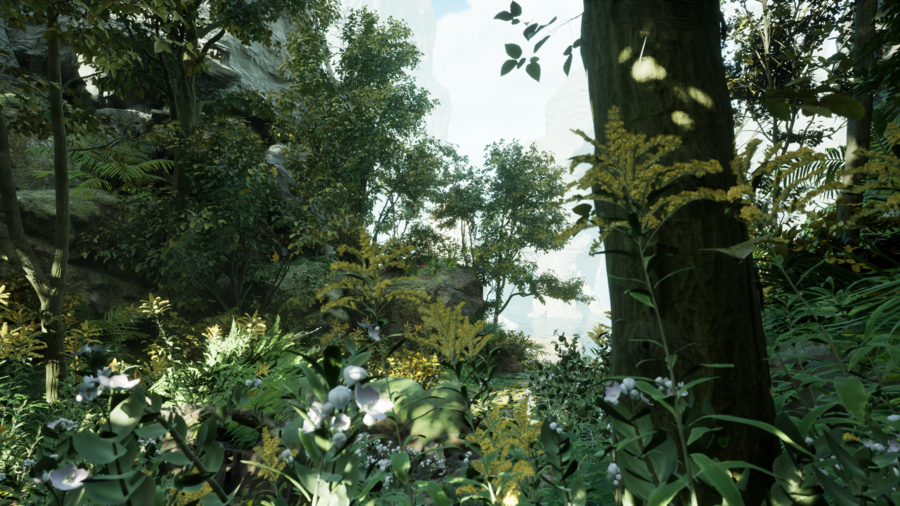
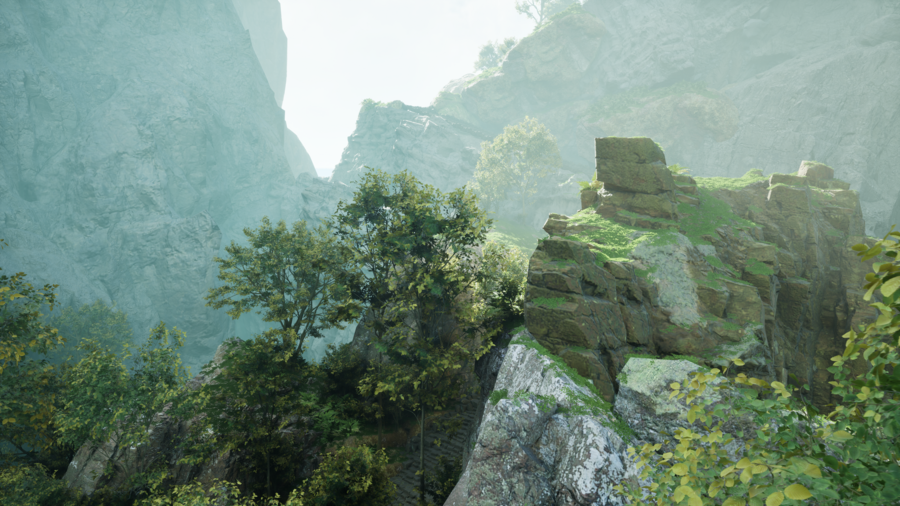
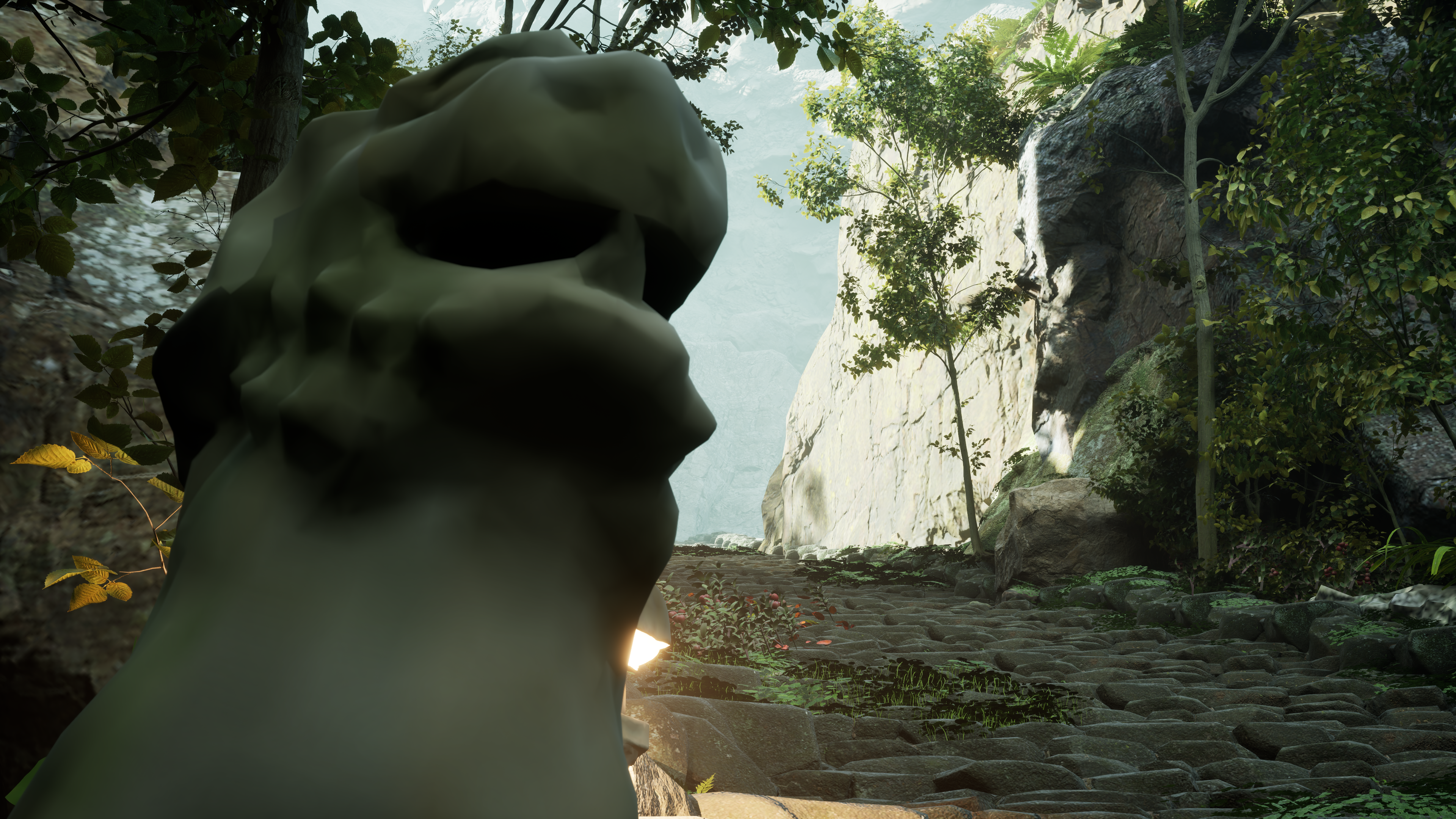
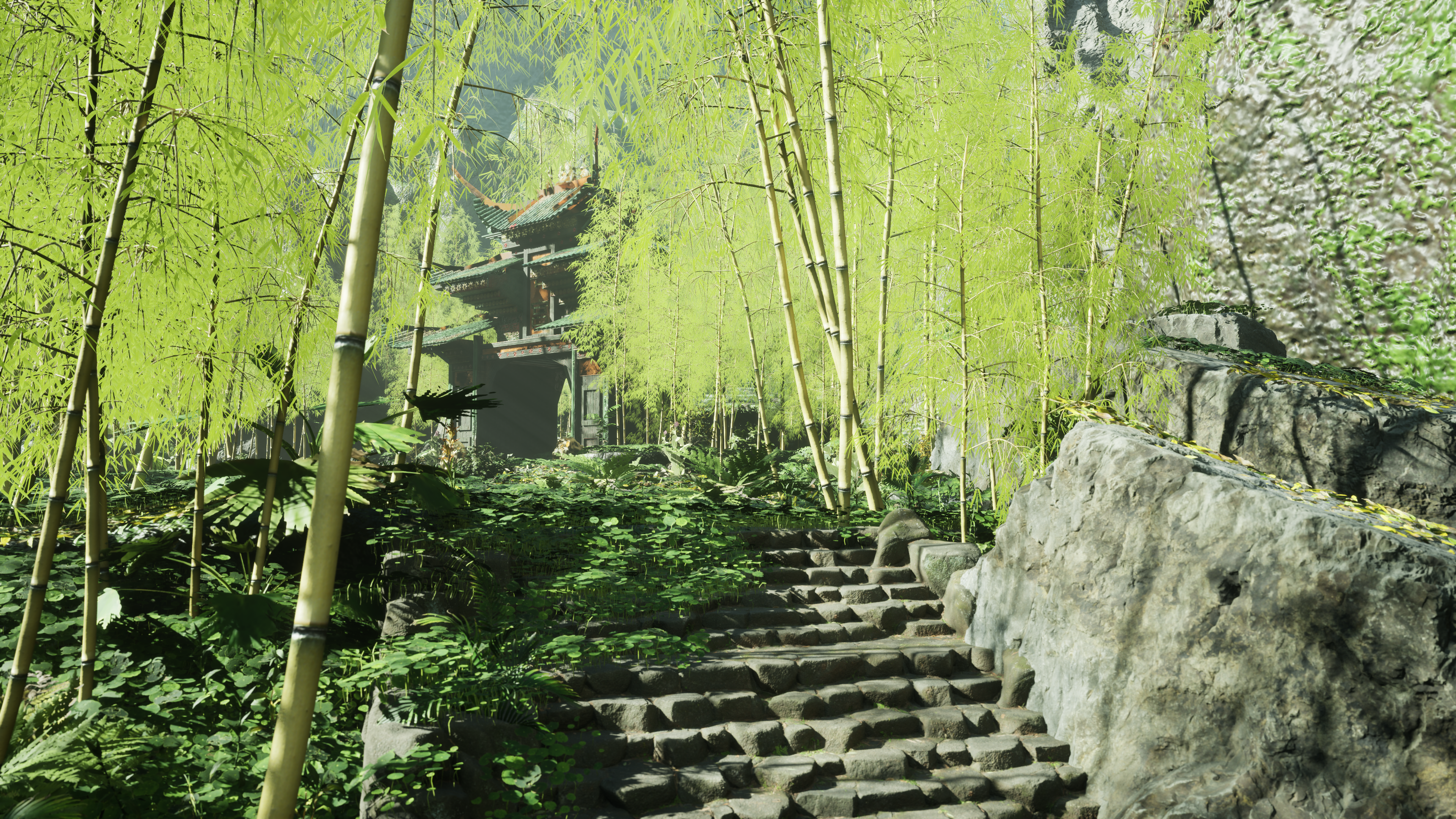
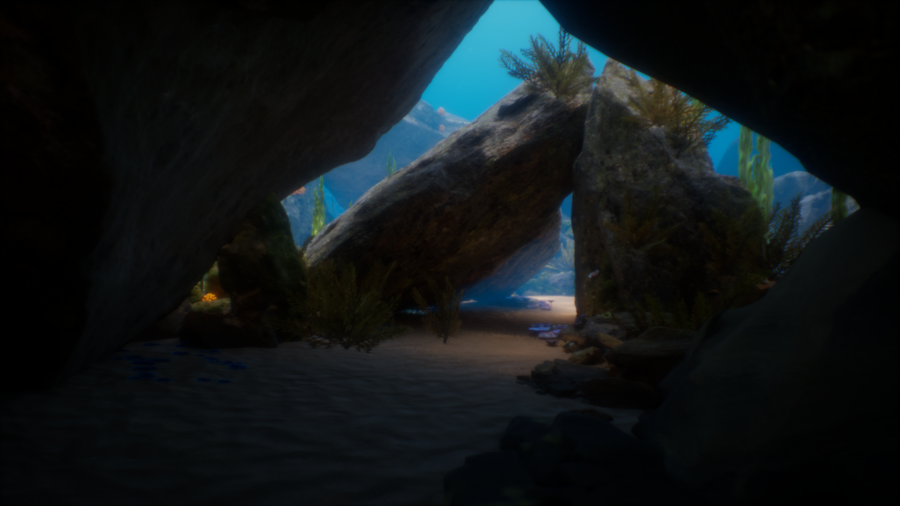
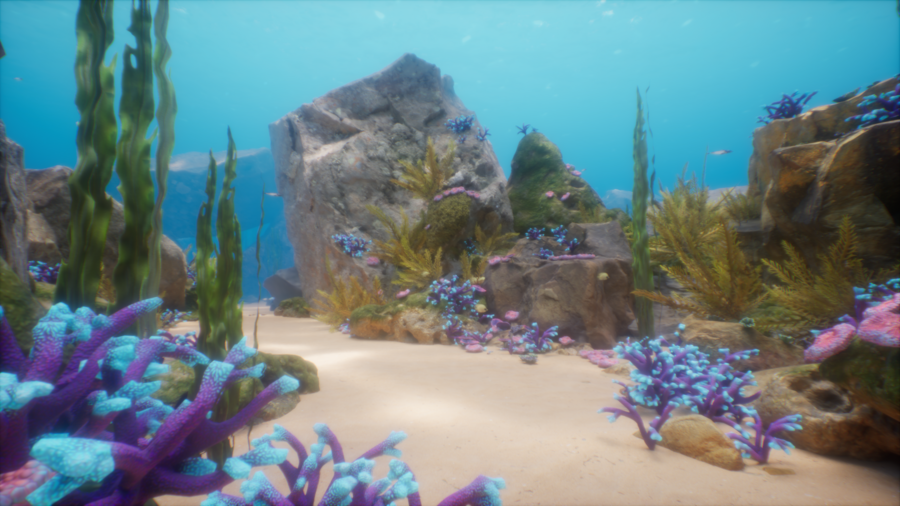
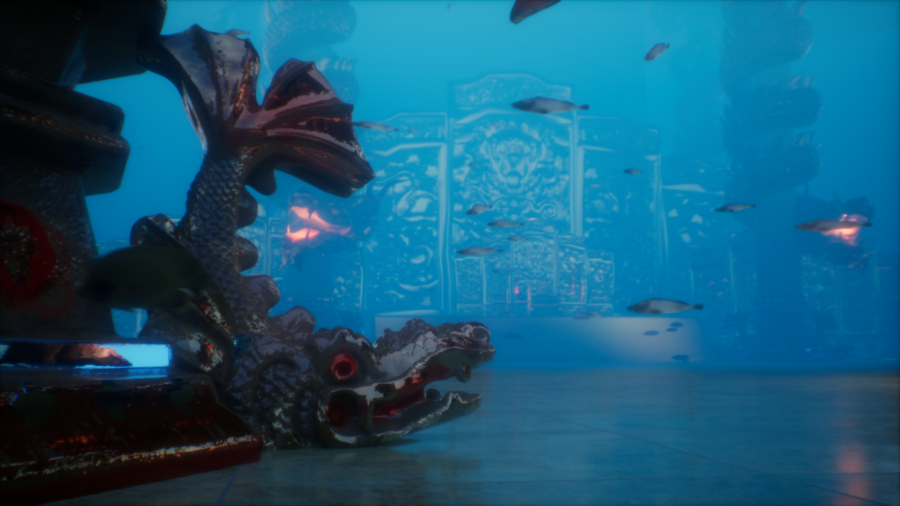
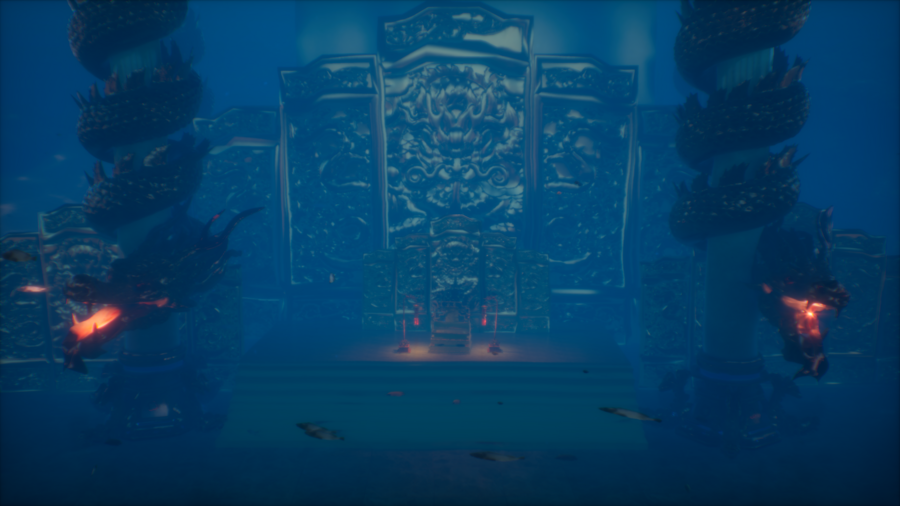
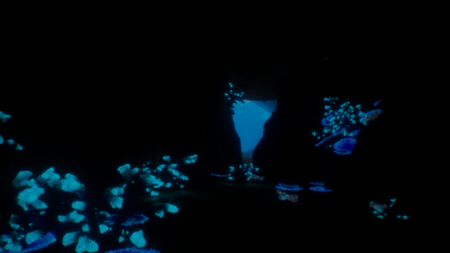
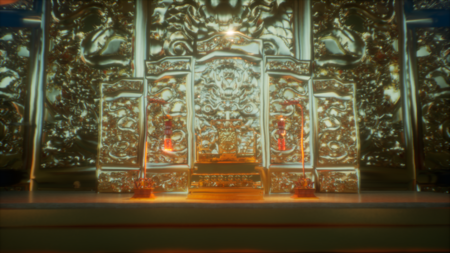
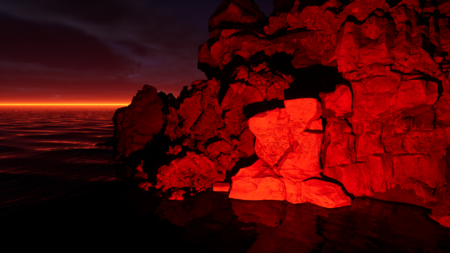
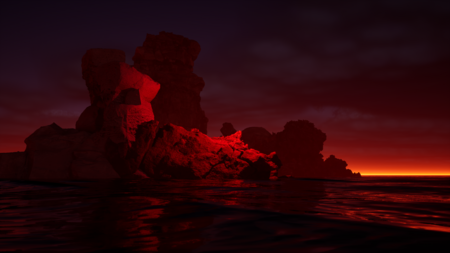
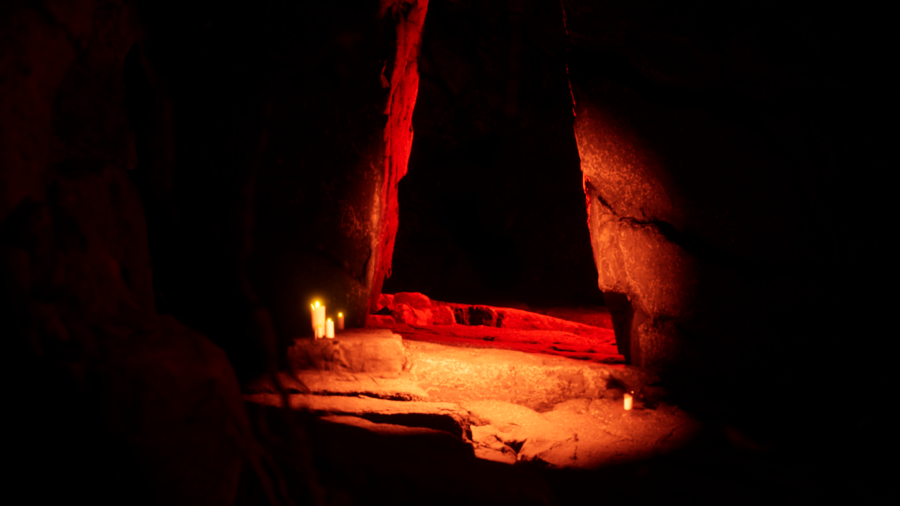
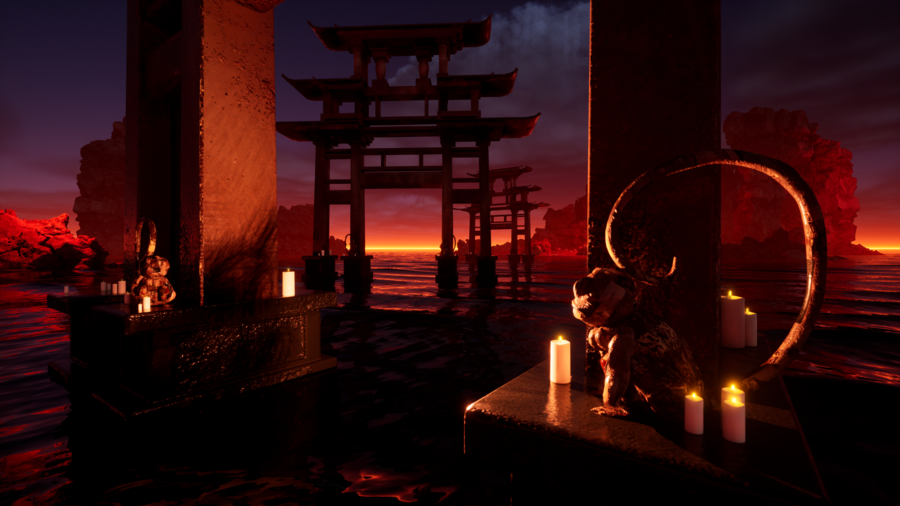
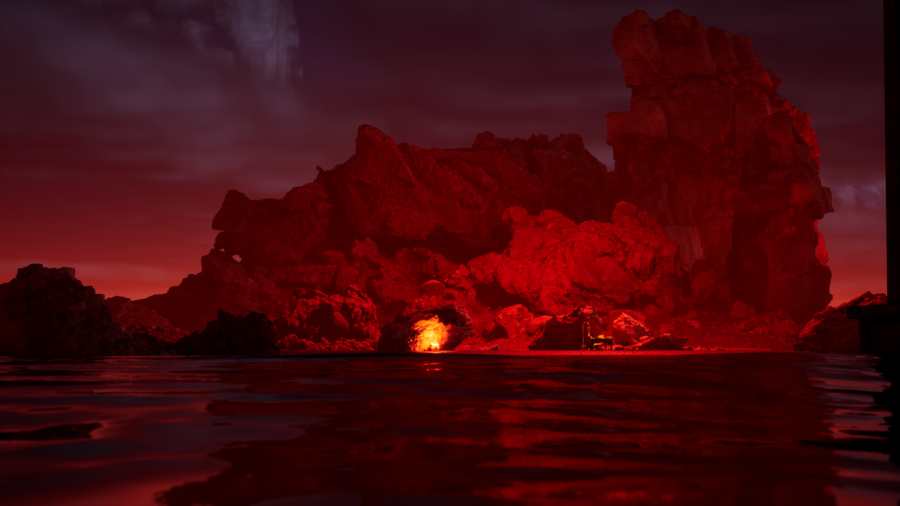
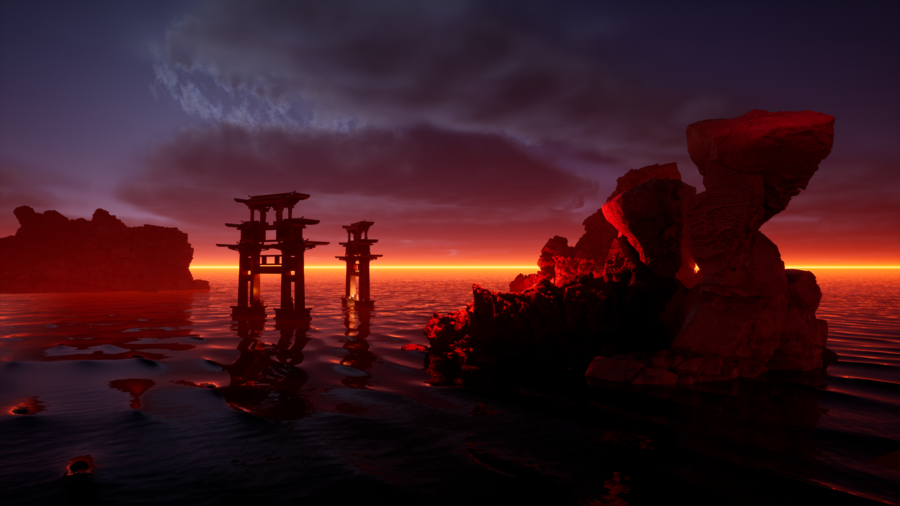
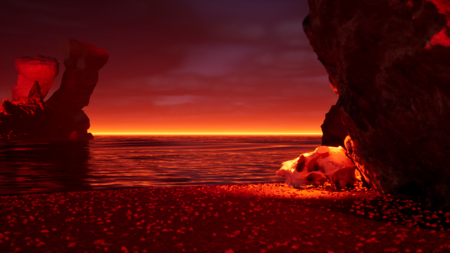
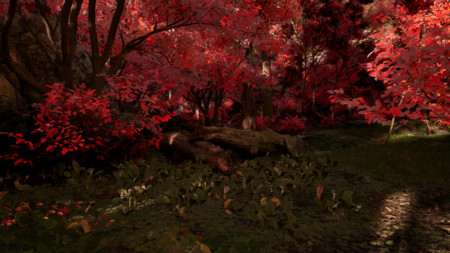
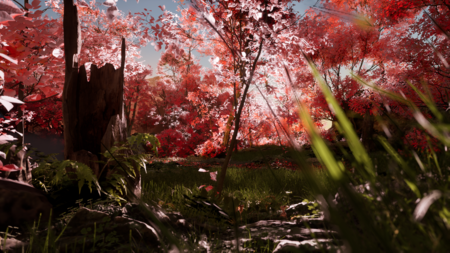
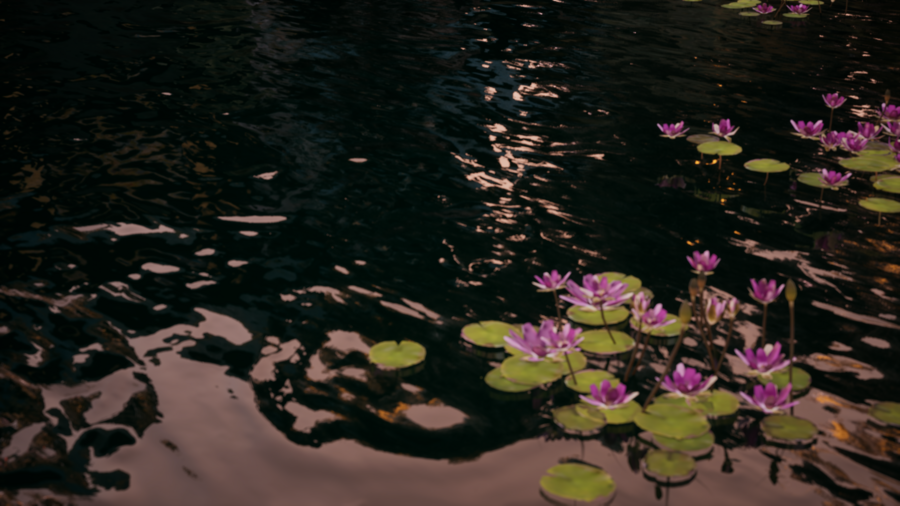
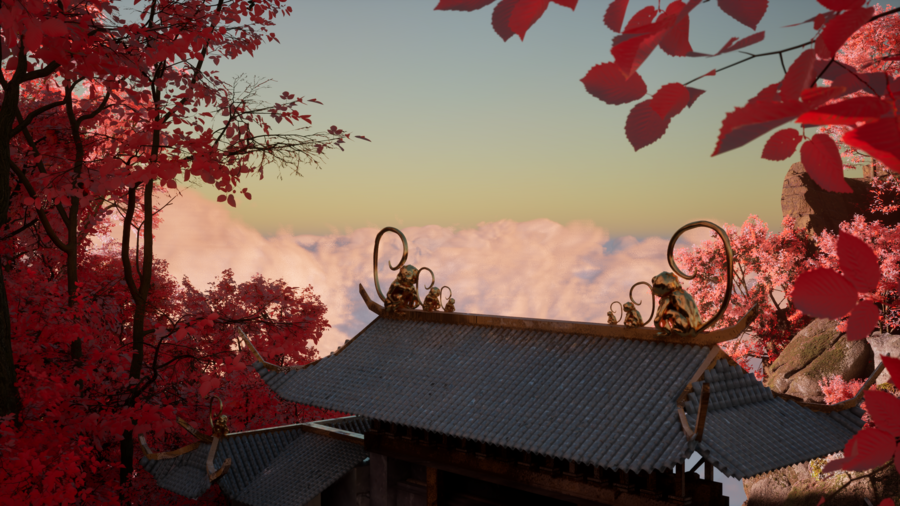
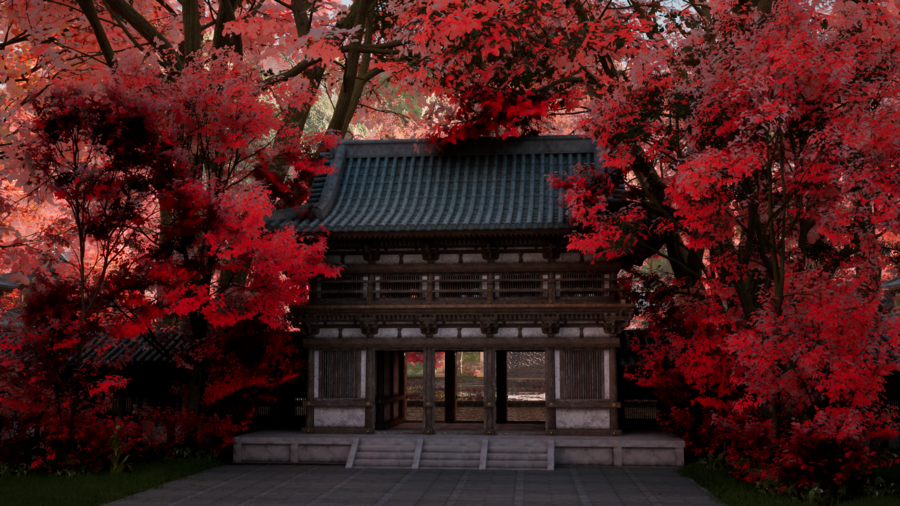
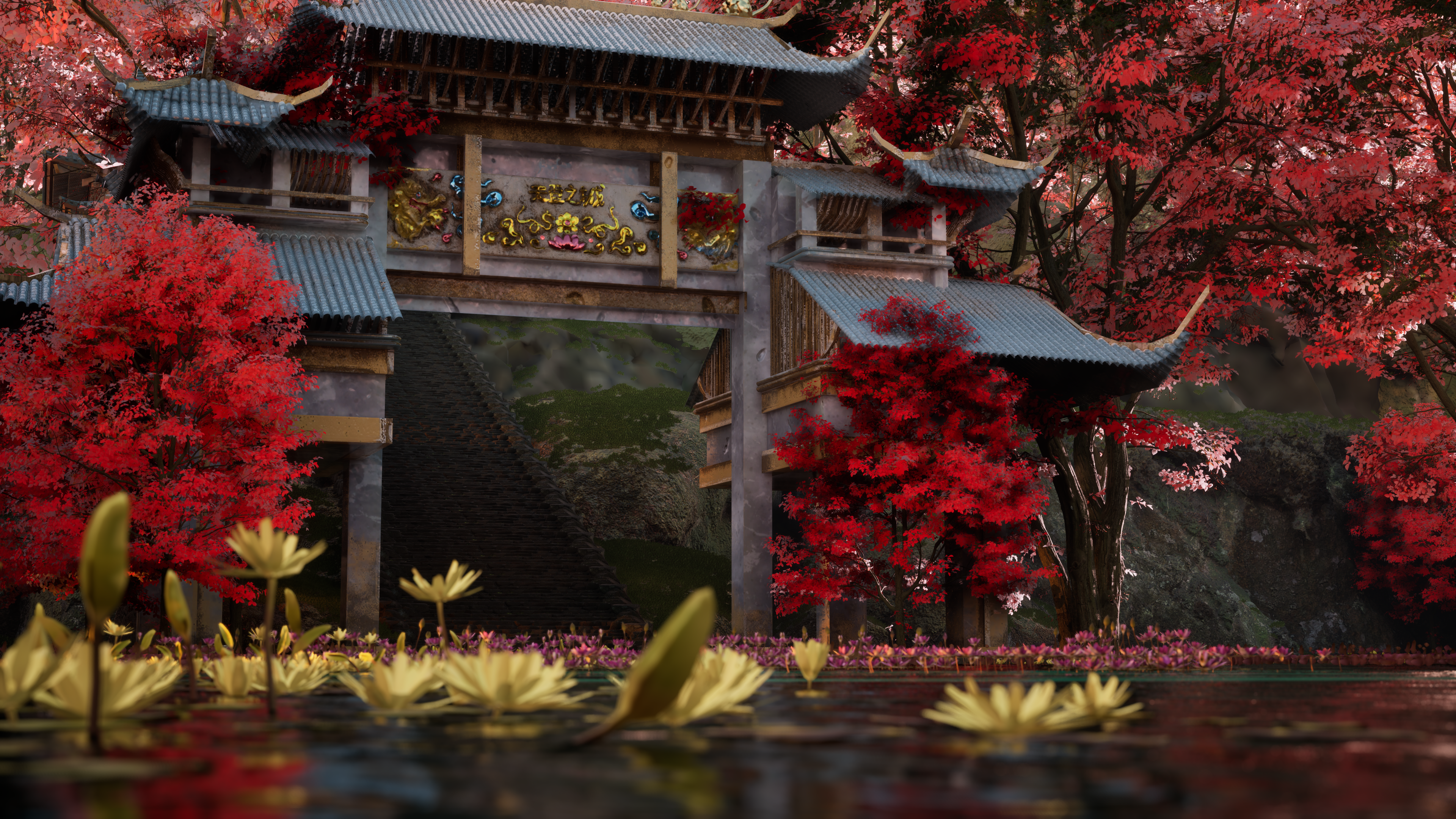
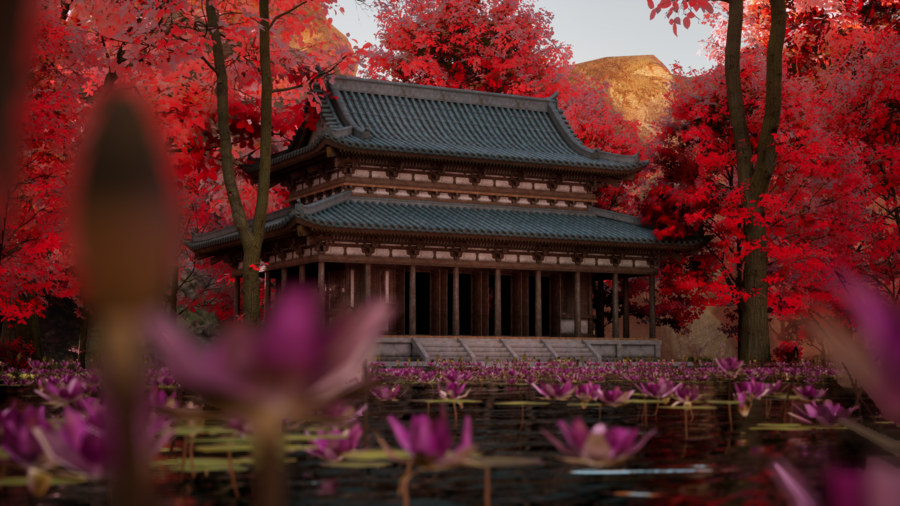
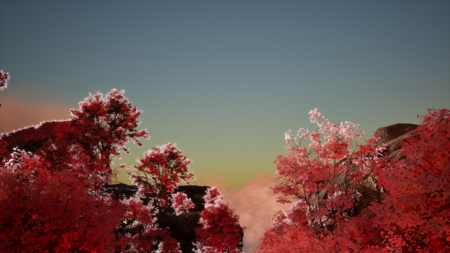
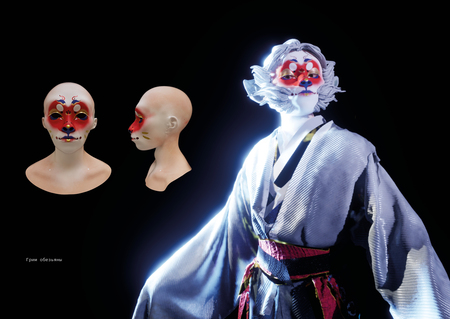
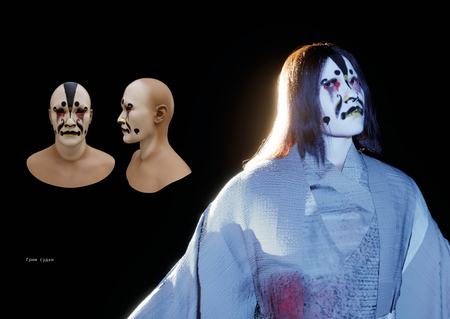
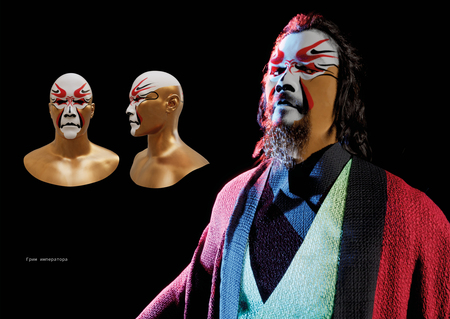
Дипломный проект — это создание серии виртуальных пространств по мотивам книги «Путешествие на Запад», а также разработка персонажей и элементов окружения. Задача — воссоздать пейзажи, описанные в книге, передать их настроение и атмосферу с помощью 3D-инструментов.
Гора цветов и плодов
0
0
0
0
0
0
0
0
0
0
0
0
0
0
0
1/7
Морское дно
0
0
0
0
0
0
0
0
0
0
0
0
0
1/6
Мир мёртвых
0
0
0
0
0
0
0
0
0
0
0
1/5
Небесный город
0
0
0
0
0
0
0
0
0
0
0
0
0
0
0
1/7
Loading...
Разработка персонажей
Исходный размер 3500x2480
Исходный размер 3500x2480
Исходный размер 3500x2480
Исходный размер 3500x2480
Артбук
Исходный размер 3500x2480
Исходный размер 3500x2480
Исходный размер 3500x2480
Исходный размер 3500x2480
Виртуальное пространство по мотивам книги «Путешествие на Запад»
Press space bar to start a drag.
When dragging you can use the arrow keys to move the item around and escape to cancel.
Some screen readers may require you to be in focus mode or to use your pass through key
Press space bar to start a drag.
When dragging you can use the arrow keys to move the item around and escape to cancel.
Some screen readers may require you to be in focus mode or to use your pass through key
Press space bar to start a drag.
When dragging you can use the arrow keys to move the item around and escape to cancel.
Some screen readers may require you to be in focus mode or to use your pass through key
Press space bar to start a drag.
When dragging you can use the arrow keys to move the item around and escape to cancel.
Some screen readers may require you to be in focus mode or to use your pass through key
Press space bar to start a drag.
When dragging you can use the arrow keys to move the item around and escape to cancel.
Some screen readers may require you to be in focus mode or to use your pass through key
Press space bar to start a drag.
When dragging you can use the arrow keys to move the item around and escape to cancel.
Some screen readers may require you to be in focus mode or to use your pass through key
Press space bar to start a drag.
When dragging you can use the arrow keys to move the item around and escape to cancel.
Some screen readers may require you to be in focus mode or to use your pass through key
Press space bar to start a drag.
When dragging you can use the arrow keys to move the item around and escape to cancel.
Some screen readers may require you to be in focus mode or to use your pass through key
Press space bar to start a drag.
When dragging you can use the arrow keys to move the item around and escape to cancel.
Some screen readers may require you to be in focus mode or to use your pass through key
Press space bar to start a drag.
When dragging you can use the arrow keys to move the item around and escape to cancel.
Some screen readers may require you to be in focus mode or to use your pass through key