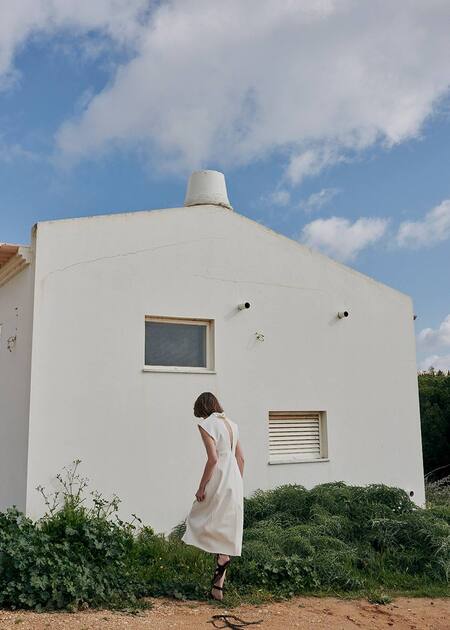
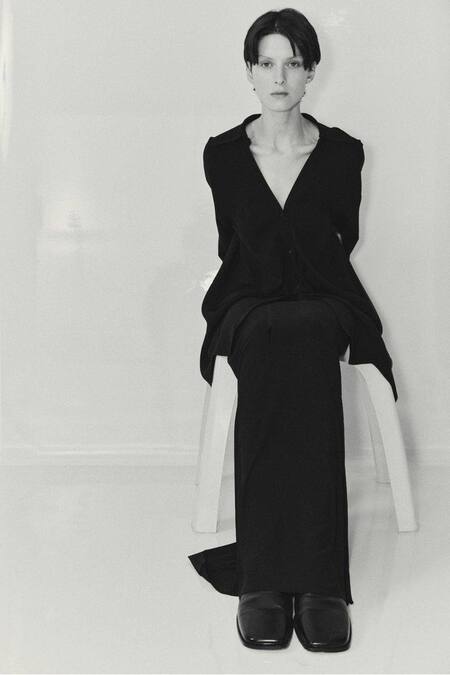
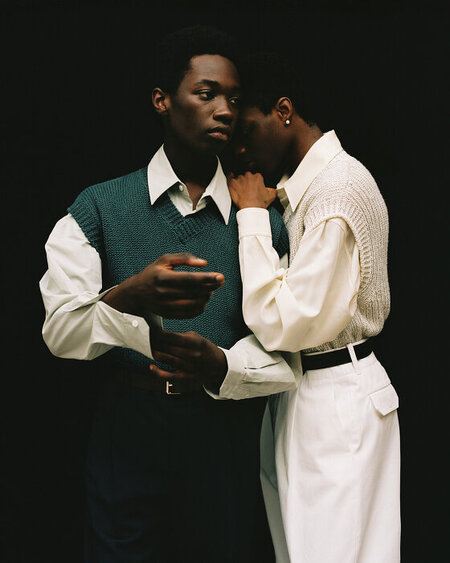
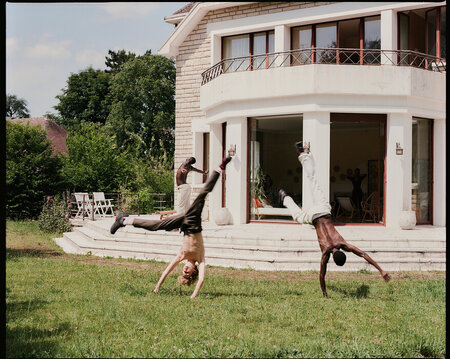
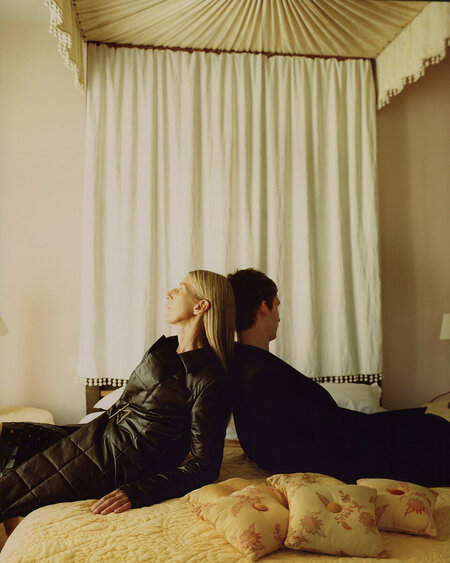
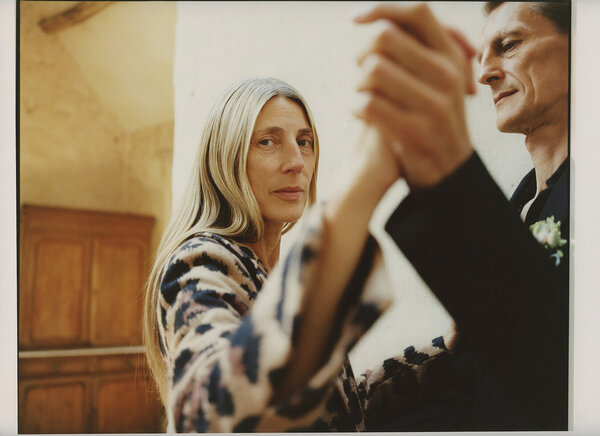
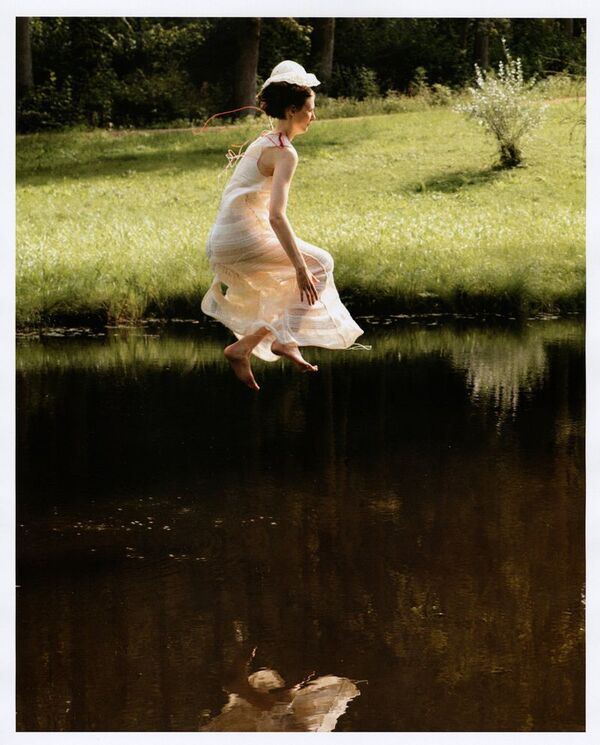
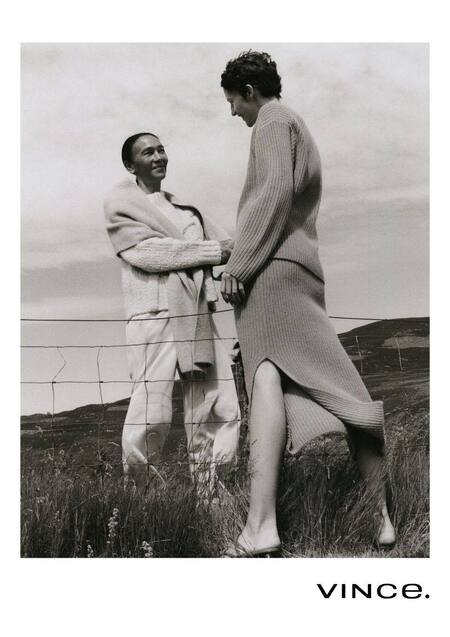
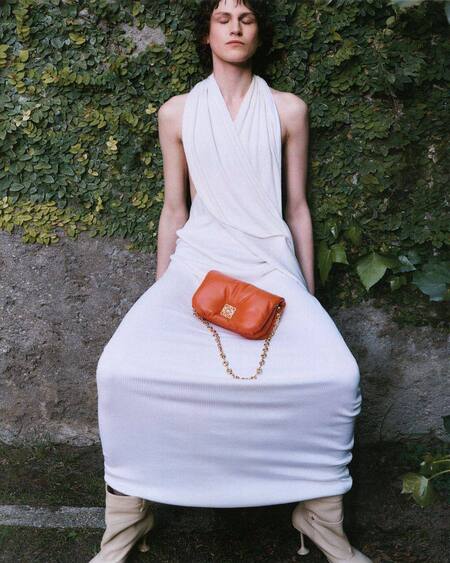
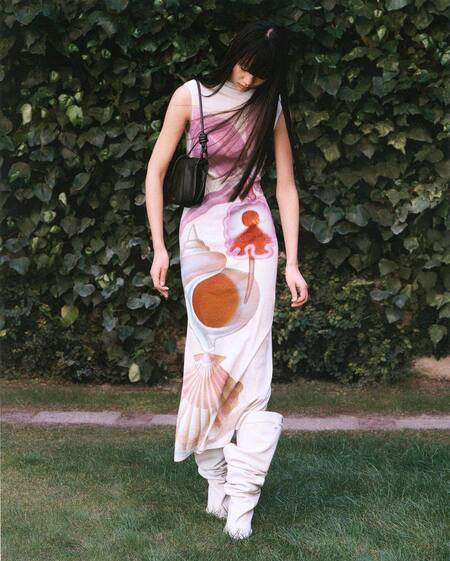
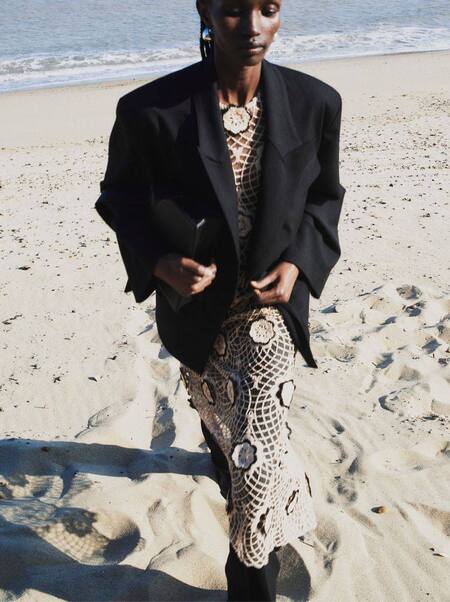
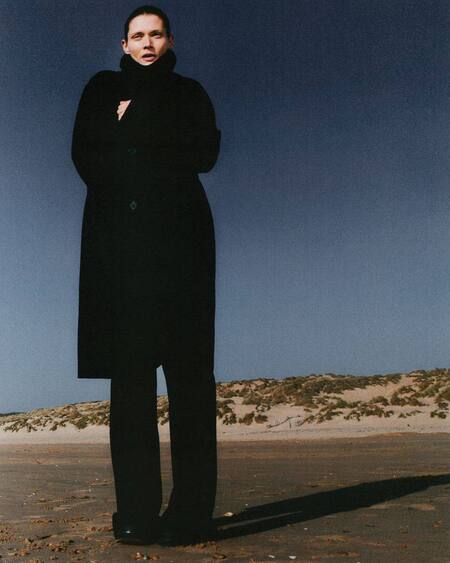
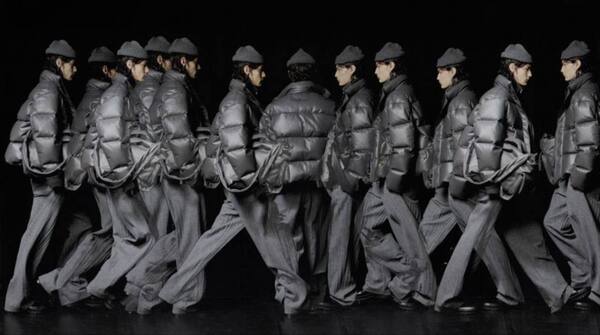
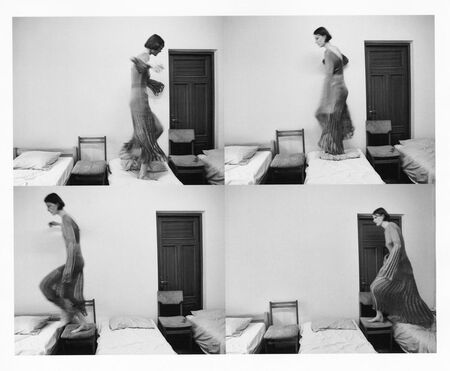
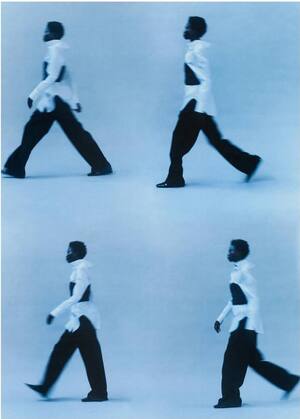
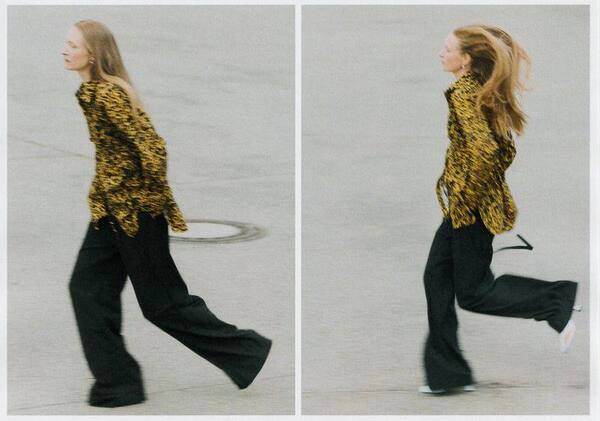
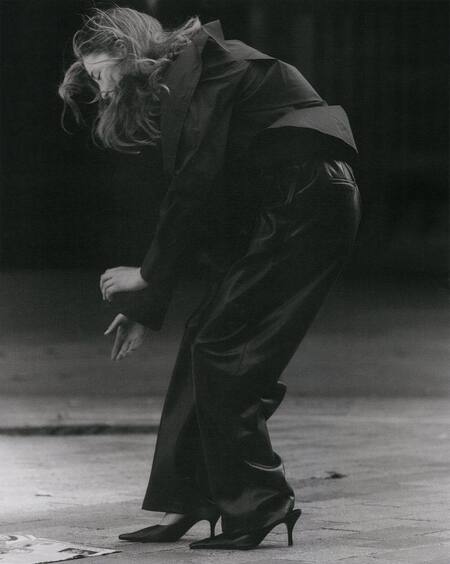
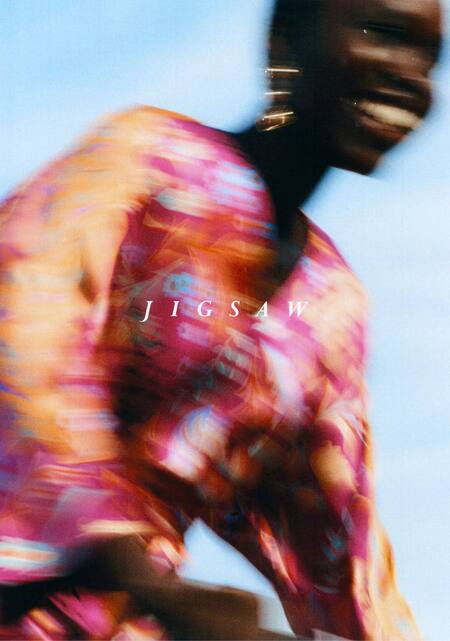
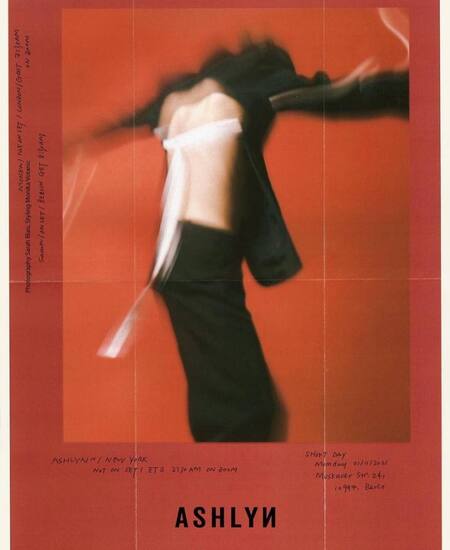
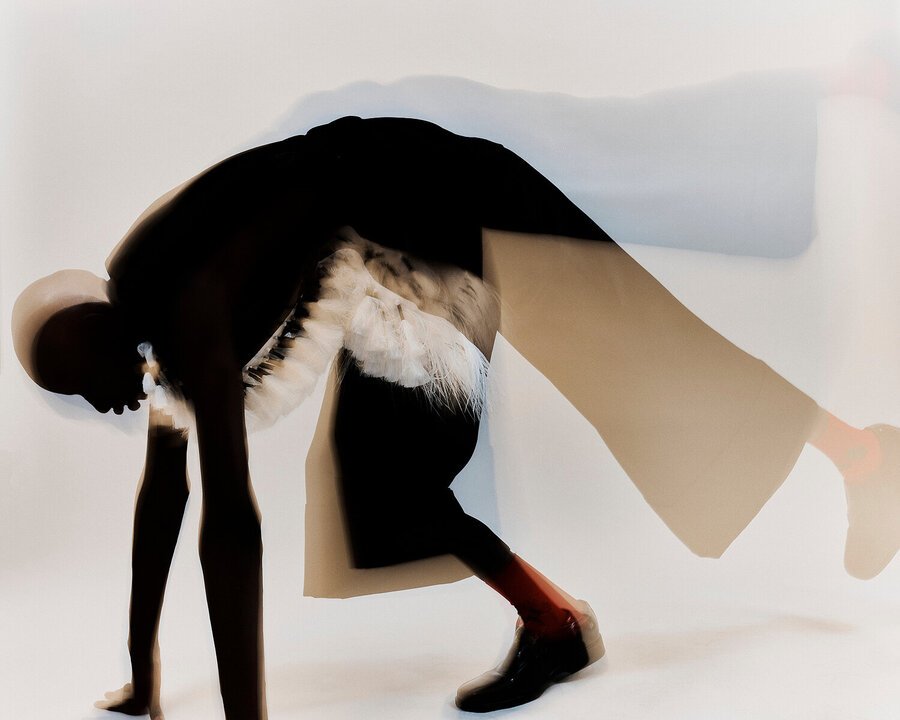
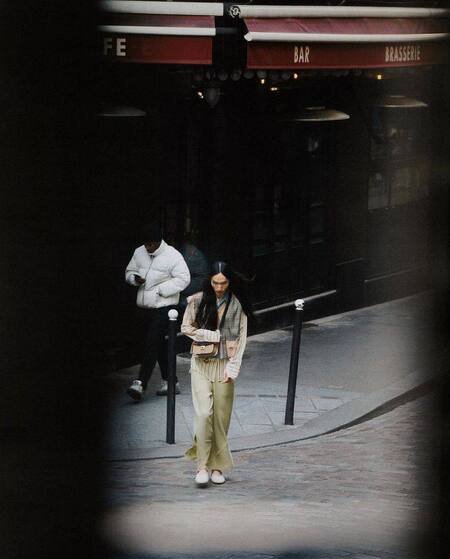
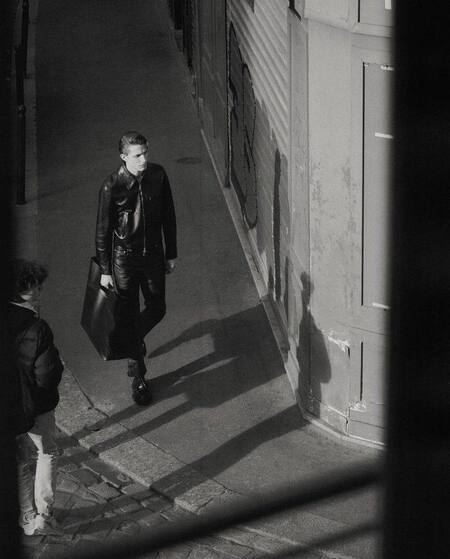
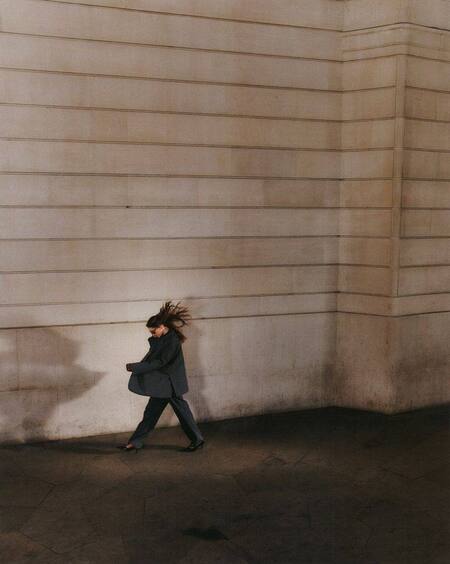
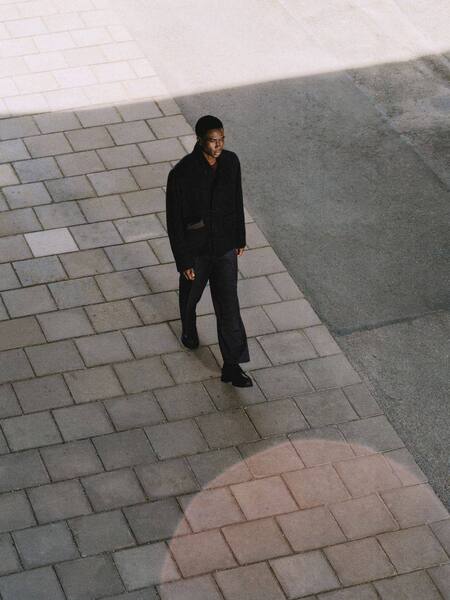
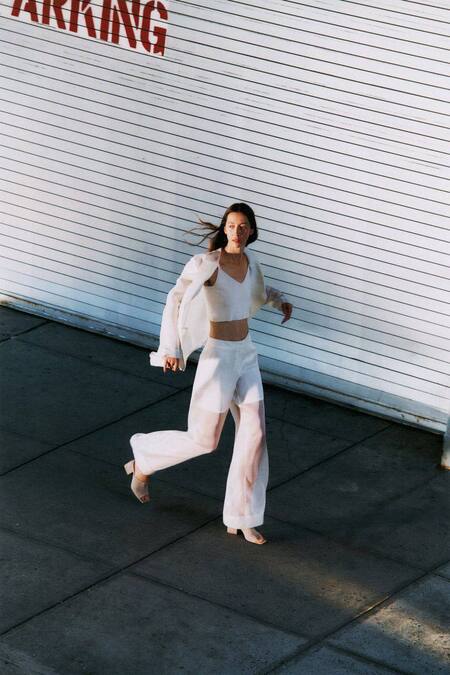
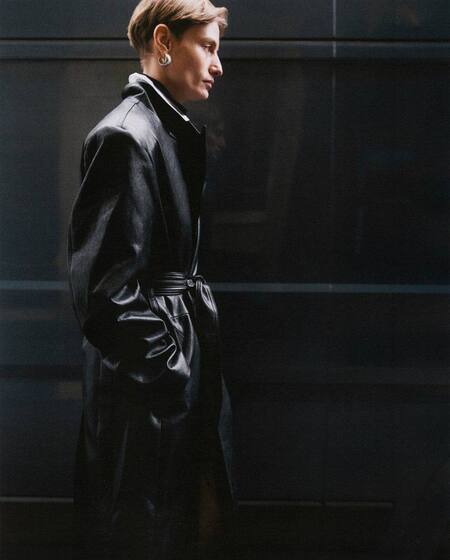
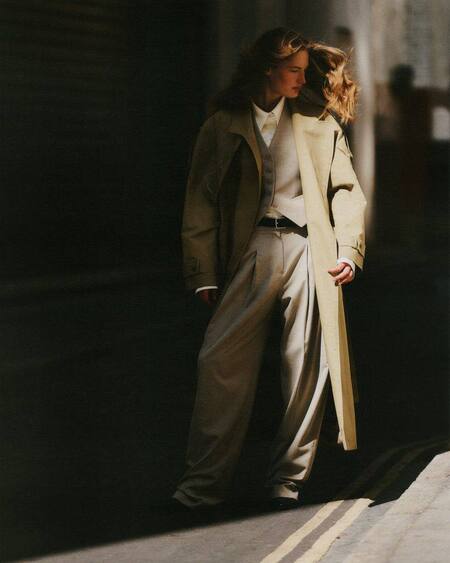
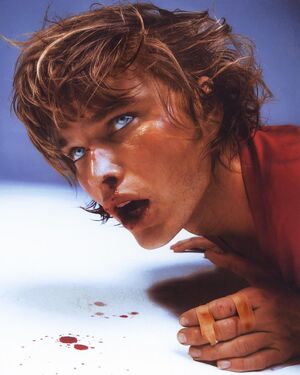
Sarah Blais — фотограф, работающий в жанрах документальной, портретной и фэшн-съемки. В центре её творчества — умение находить сюрреализм в повседневной жизни и мягко трансформировать привычные сюжеты, создавая в кадре напряжение и эмоциональную связь, но всегда с оттенком лёгкости и радости. Игра стала неотъемлемой частью её процесса — инструментом, раскрепощающим воображение как её самой, так и тех, кого она фотографирует.
Её работы участвовали в групповых выставках от Гонконга до Монреаля и публиковались в фотоальбомах, включая «The Kinfolk Garden», «On Further Developments» (издательство Anticàmera), «Same, Same But Different» (автор Max Siedentopf).
Среди её клиентов — Loewe, Christian Dior, Louis Vuitton, Coach, Calvin Klein, Ami Paris, Vince, Beaufille, Zara, Soeur, Ashlyn, Jigsaw, Icicle, Byredo, By Malene Birger, Studio Nicholson, Arket, Aeyde и Solid Homme. Её редакционные проекты публиковались в WSJ, D La Repubblica, Document Journal, Footnote, Family Style, Kinfolk, Vogue, Sleek и Manifesto.
Мария Нехвядович подготовила исследование фотографа SARAH BLAIS, охватывающее её творческие подходы и профессиональные достижения. Особенностью проекта является акцент на сюрреализме и эмоциональной связи в её фотографиях, а также участие в престижных изданиях и брендах моды.
Ангелина Галеева подготовила исследование фотографа Джека Бриджленда. Проект включает анализ его использования драматичного света и ассоциаций с видеоиграми.
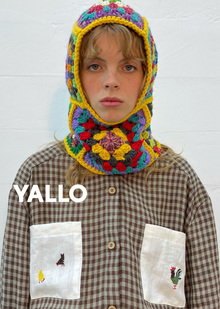
Yallo Fashion brand представила профайл, описывающий развитие нижегородского проекта с 2016 года. Проект известен индивидуальным подходом к пошиву одежды и отказом от сотрудничества с фабриками.
Ana Selivanova Fashion brand представила профайл бренда, созданный Анастасией Селивановой после обучения в Лондонском колледже моды и стажировок в Pringle of Scotland и Lemaire. Бренд известен футуристичными изделиями из переработанных материалов, которые носят мировые звезды, включая Дрейка и Трэвиса Скотта.
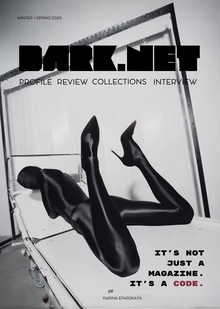
Карина Епарская создала авторский журнал DARK.NET, погружающий читателя в мир тёмной моды. Журнал включает профайлы, ревью, интервью и тематические подборки, представляя себя как портал в теневую реальность.
cgrave
Portfolio CG Rave — это открытая площадка для авторских портфолио 3D художников. Размещайте свои работы, чтобы их заметили в сообществе CG, ваши будущие коллеги и потенциальные заказчики.
Press space bar to start a drag.
When dragging you can use the arrow keys to move the item around and escape to cancel.
Some screen readers may require you to be in focus mode or to use your pass through key
Press space bar to start a drag.
When dragging you can use the arrow keys to move the item around and escape to cancel.
Some screen readers may require you to be in focus mode or to use your pass through key
Press space bar to start a drag.
When dragging you can use the arrow keys to move the item around and escape to cancel.
Some screen readers may require you to be in focus mode or to use your pass through key
Press space bar to start a drag.
When dragging you can use the arrow keys to move the item around and escape to cancel.
Some screen readers may require you to be in focus mode or to use your pass through key
Press space bar to start a drag.
When dragging you can use the arrow keys to move the item around and escape to cancel.
Some screen readers may require you to be in focus mode or to use your pass through key
Press space bar to start a drag.
When dragging you can use the arrow keys to move the item around and escape to cancel.
Some screen readers may require you to be in focus mode or to use your pass through key
Press space bar to start a drag.
When dragging you can use the arrow keys to move the item around and escape to cancel.
Some screen readers may require you to be in focus mode or to use your pass through key
Press space bar to start a drag.
When dragging you can use the arrow keys to move the item around and escape to cancel.
Some screen readers may require you to be in focus mode or to use your pass through key
Press space bar to start a drag.
When dragging you can use the arrow keys to move the item around and escape to cancel.
Some screen readers may require you to be in focus mode or to use your pass through key
Press space bar to start a drag.
When dragging you can use the arrow keys to move the item around and escape to cancel.
Some screen readers may require you to be in focus mode or to use your pass through key
Press space bar to start a drag.
When dragging you can use the arrow keys to move the item around and escape to cancel.
Some screen readers may require you to be in focus mode or to use your pass through key
Press space bar to start a drag.
When dragging you can use the arrow keys to move the item around and escape to cancel.
Some screen readers may require you to be in focus mode or to use your pass through key
Press space bar to start a drag.
When dragging you can use the arrow keys to move the item around and escape to cancel.
Some screen readers may require you to be in focus mode or to use your pass through key
Press space bar to start a drag.
When dragging you can use the arrow keys to move the item around and escape to cancel.
Some screen readers may require you to be in focus mode or to use your pass through key
Press space bar to start a drag.
When dragging you can use the arrow keys to move the item around and escape to cancel.
Some screen readers may require you to be in focus mode or to use your pass through key
Press space bar to start a drag.
When dragging you can use the arrow keys to move the item around and escape to cancel.
Some screen readers may require you to be in focus mode or to use your pass through key
Press space bar to start a drag.
When dragging you can use the arrow keys to move the item around and escape to cancel.
Some screen readers may require you to be in focus mode or to use your pass through key
Press space bar to start a drag.
When dragging you can use the arrow keys to move the item around and escape to cancel.
Some screen readers may require you to be in focus mode or to use your pass through key
Press space bar to start a drag.
When dragging you can use the arrow keys to move the item around and escape to cancel.
Some screen readers may require you to be in focus mode or to use your pass through key
Press space bar to start a drag.
When dragging you can use the arrow keys to move the item around and escape to cancel.
Some screen readers may require you to be in focus mode or to use your pass through key