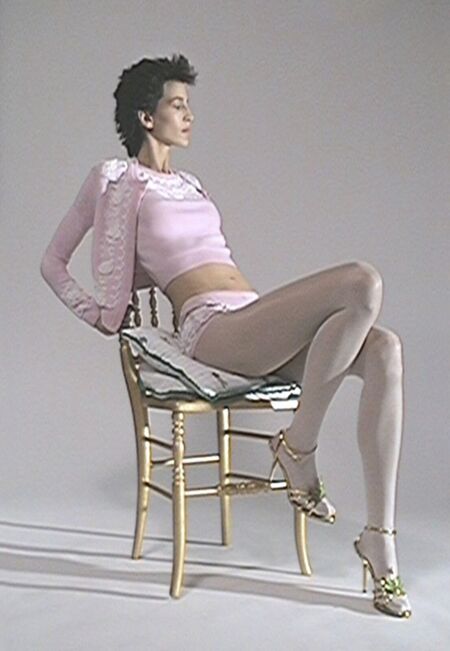
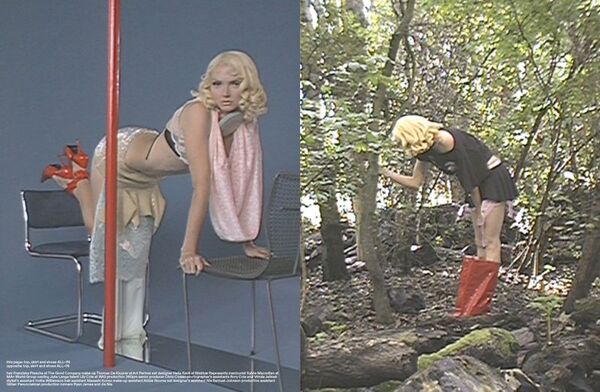
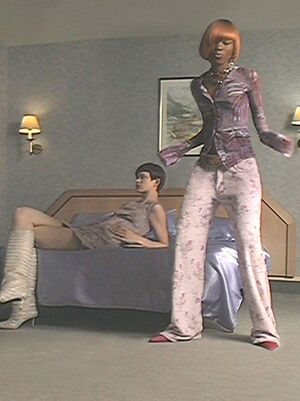
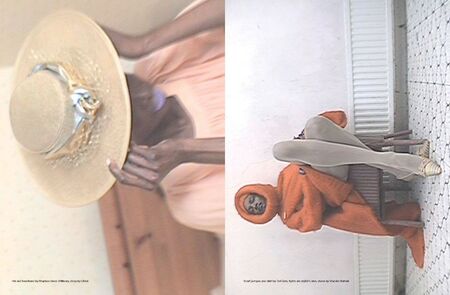
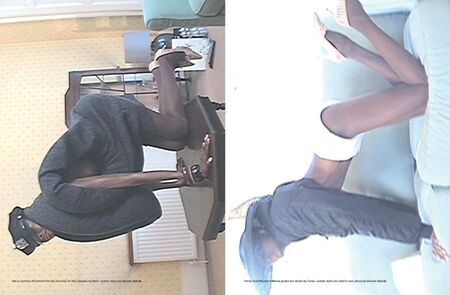
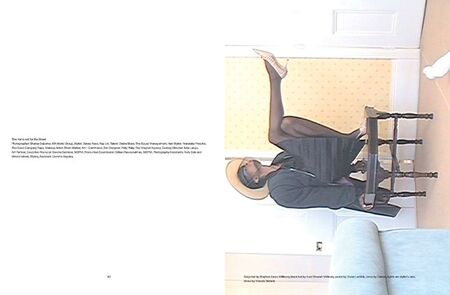
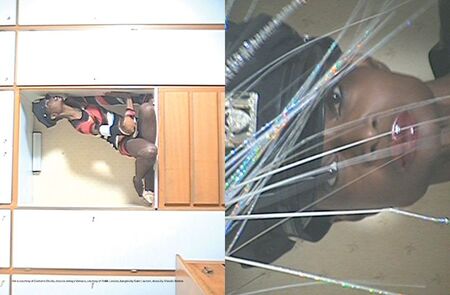
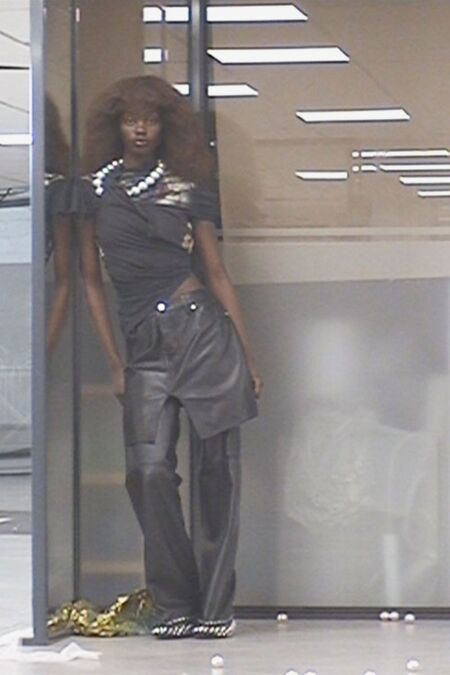
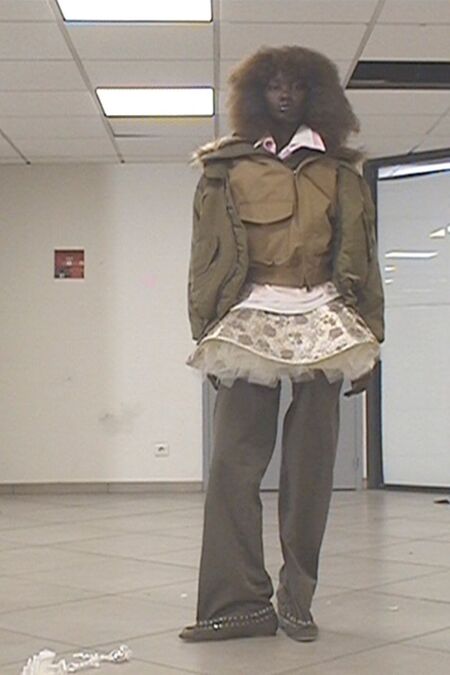
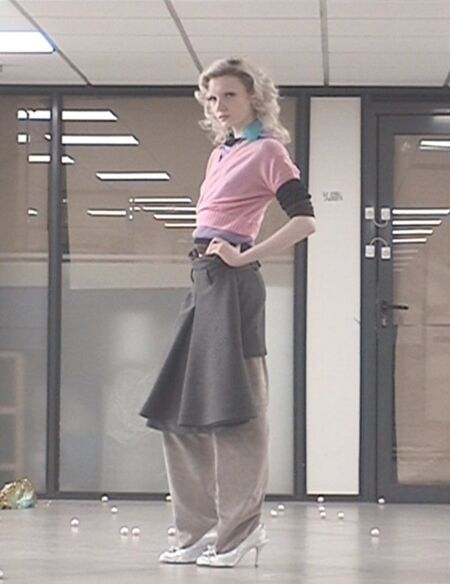
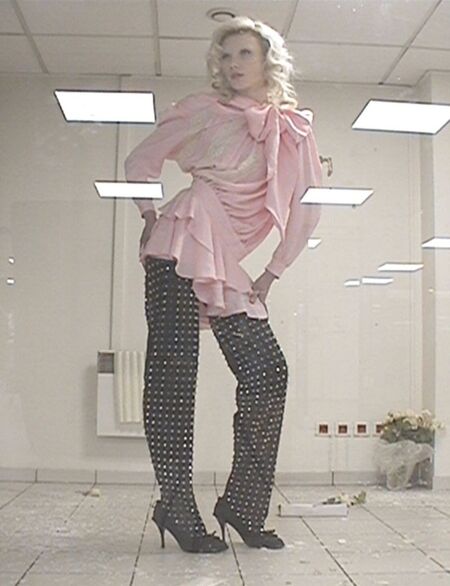
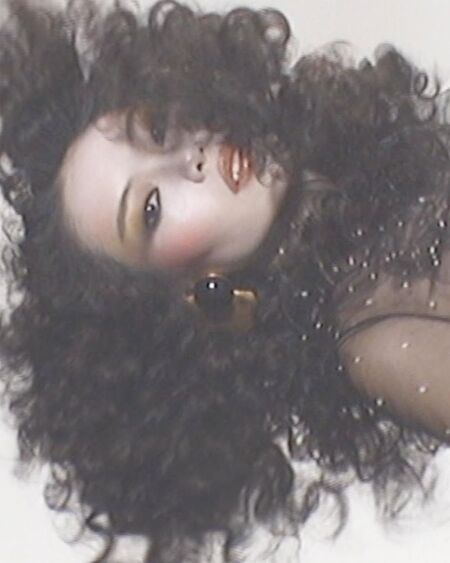
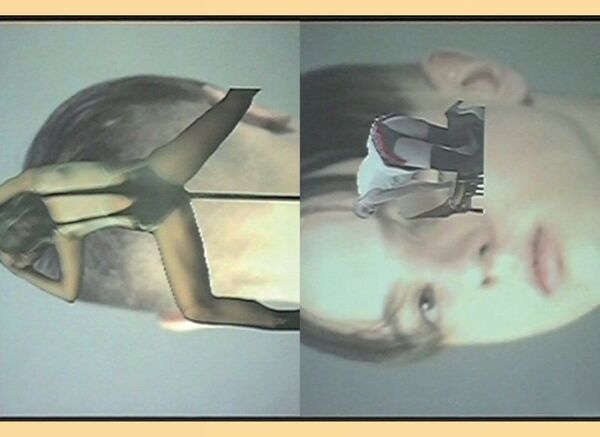
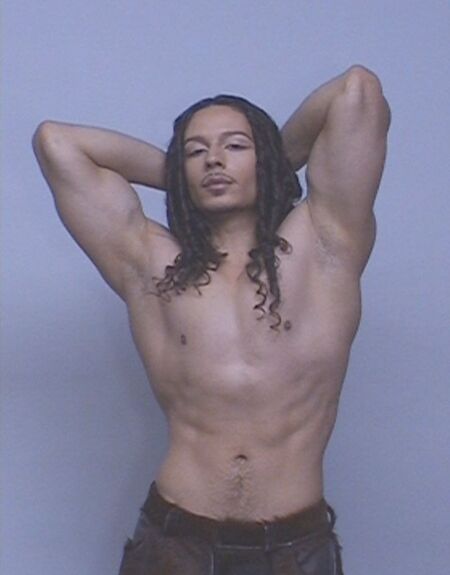
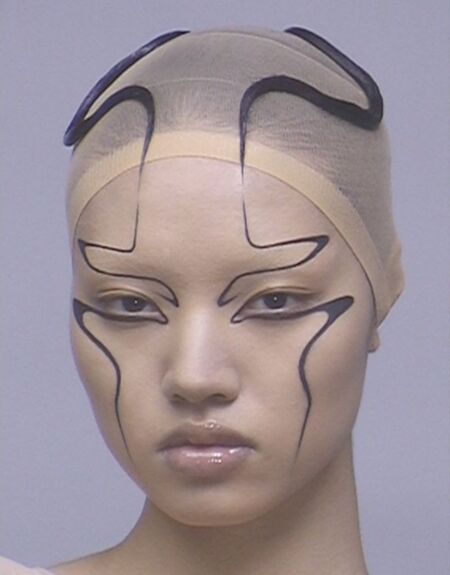
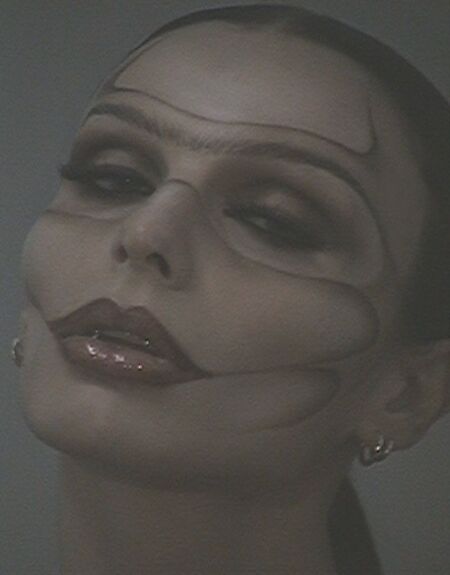
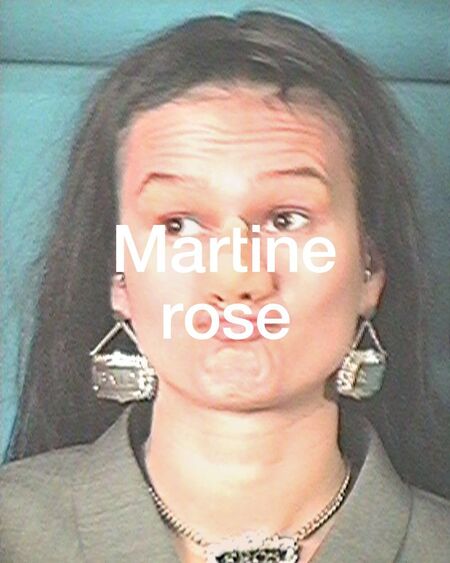
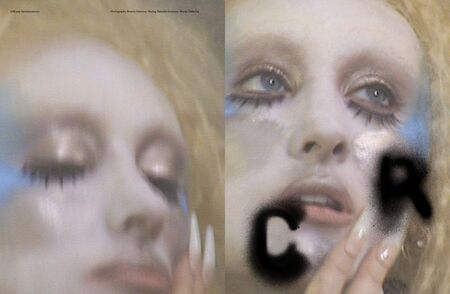
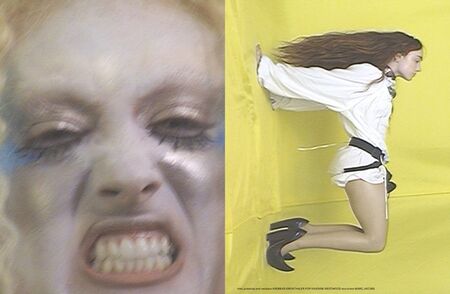
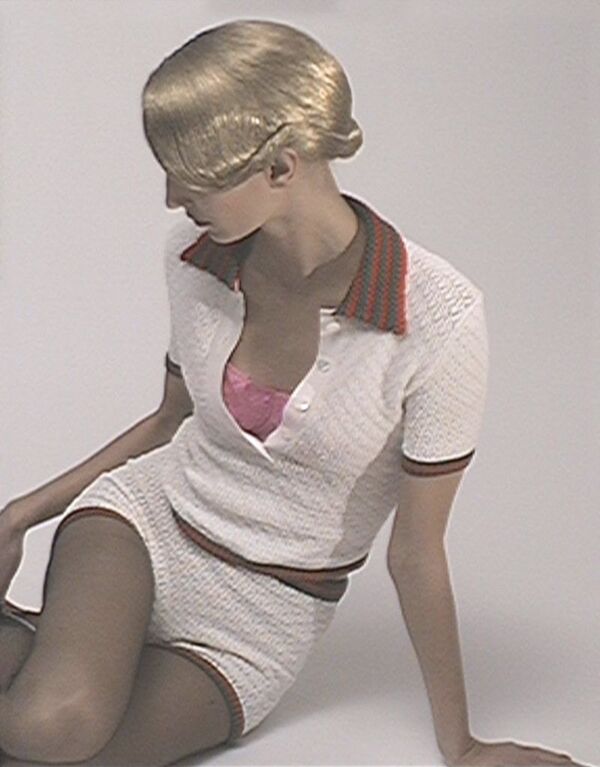
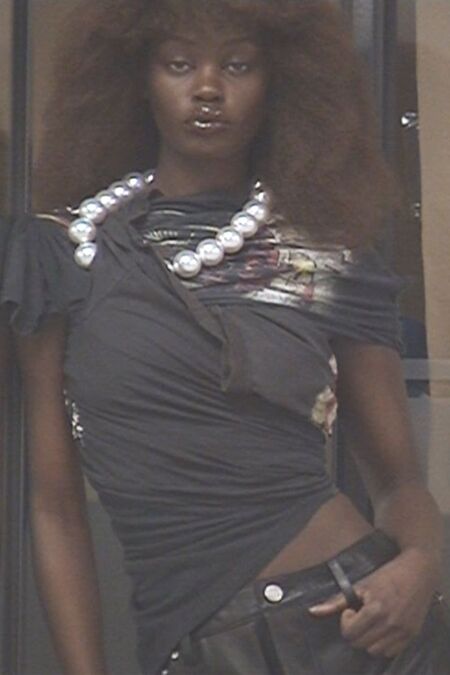
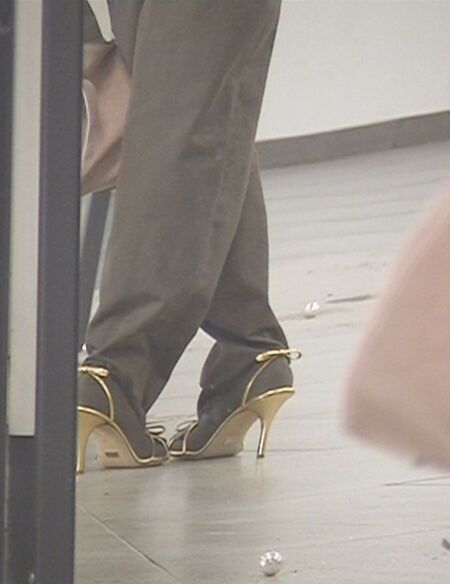
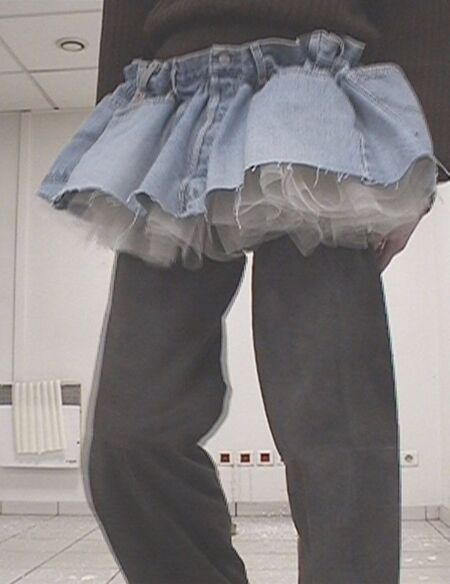
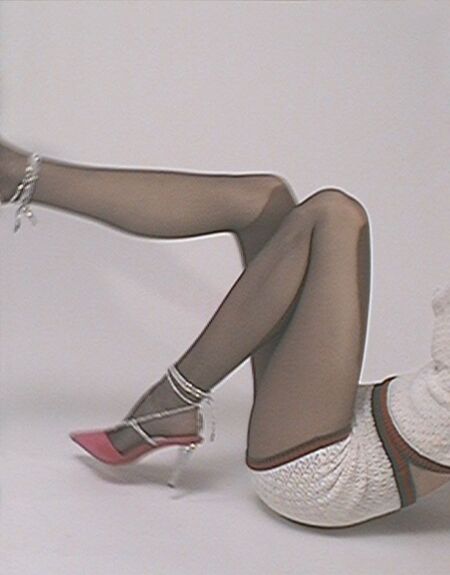
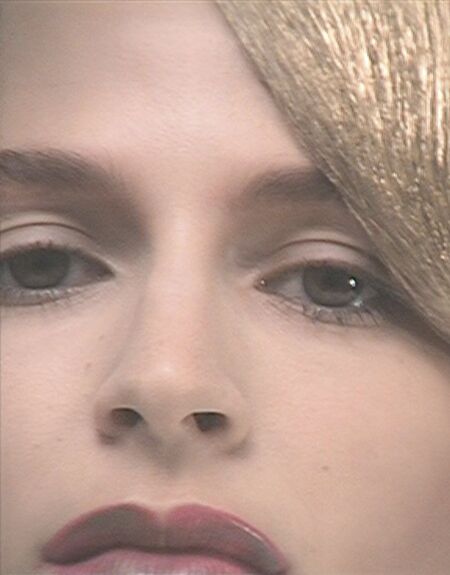
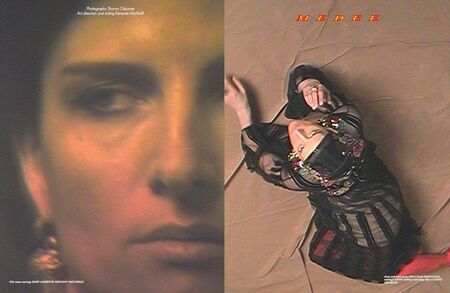
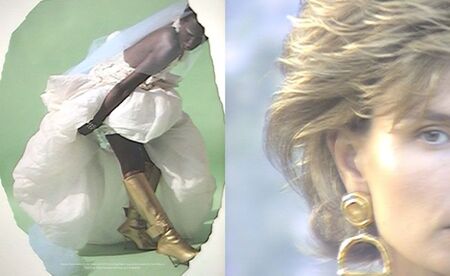
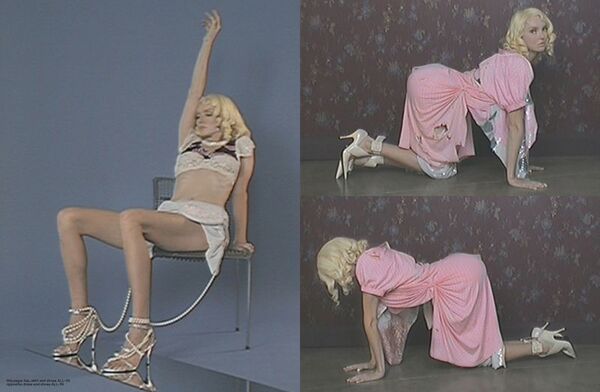
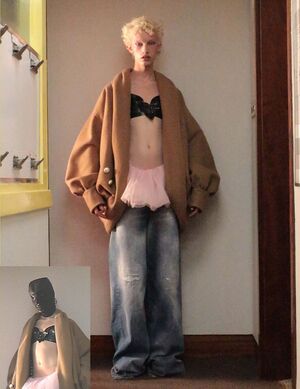
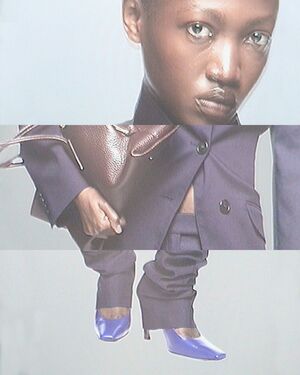
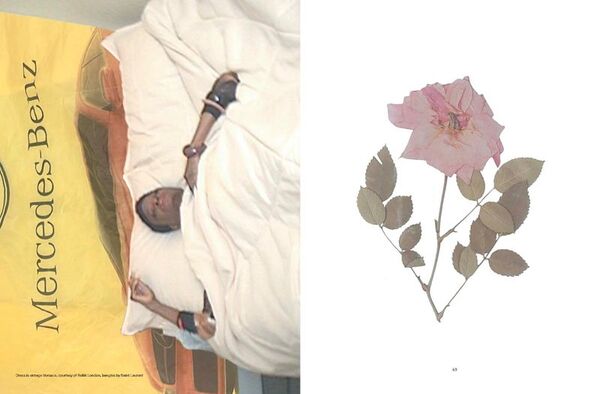
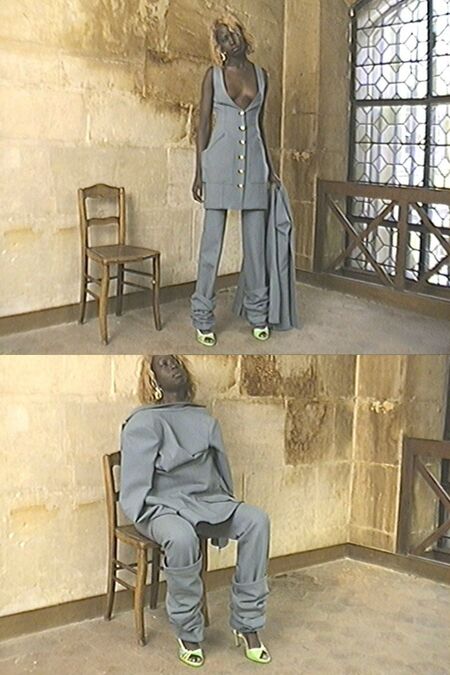
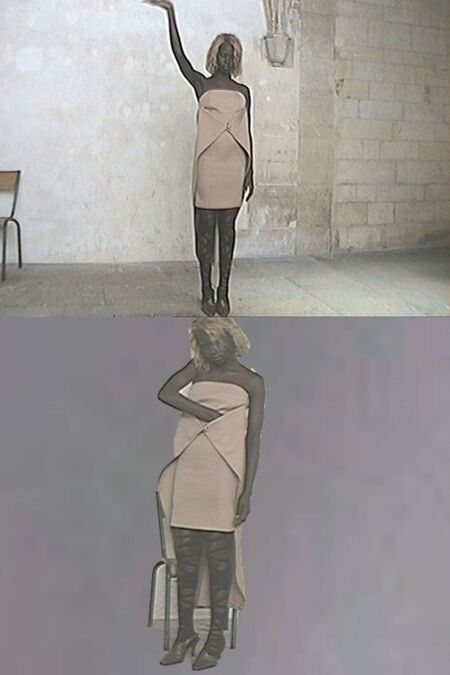
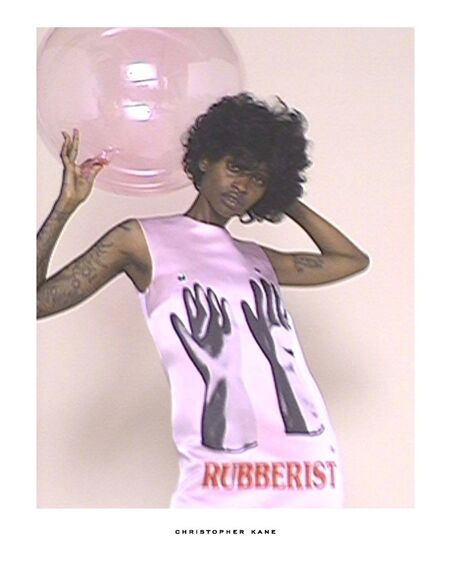
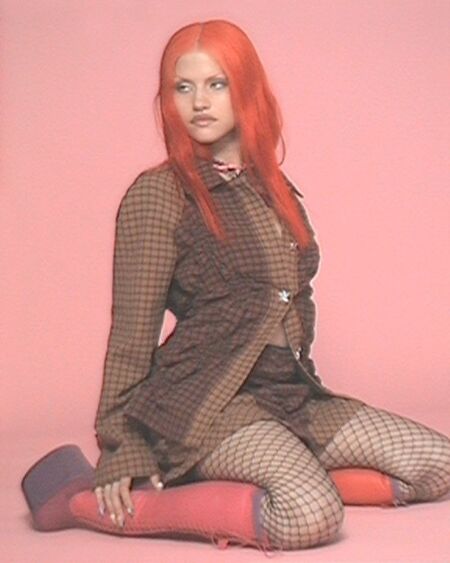
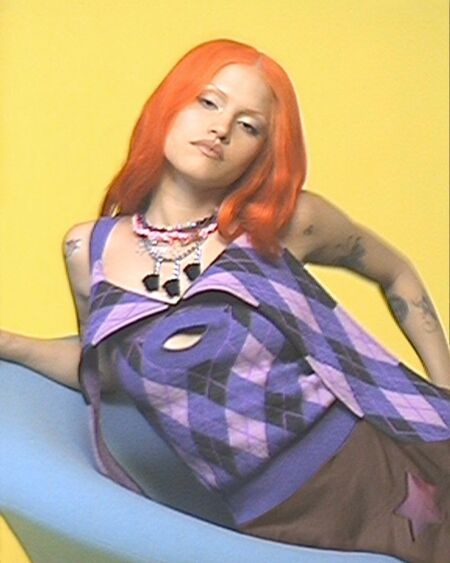
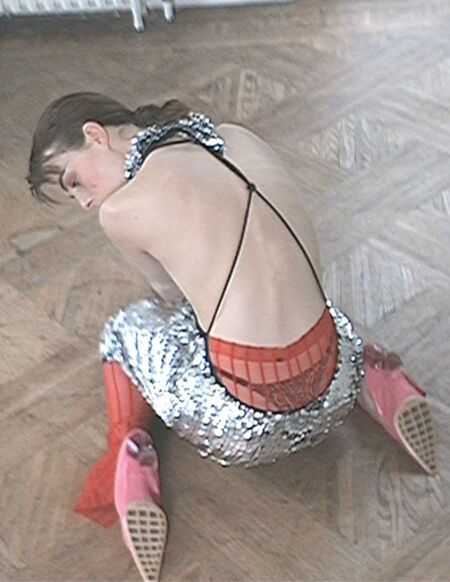
Шарна Осборн — фотограф и кинорежиссер, чье уникальное видение и стиль позволили ей снимать редакционные статьи и обложки для таких журналов, как Dazed, i-D, Vogue Italia и System. Ее фирменное использование низкокачественных цифровых изображений и непредвзятый подход к человеческому образу делают ее мгновенно узнаваемой.
Мария Мельникова подготовила исследование работ фотографа Sharna Osborne. Проект включает анализ её фирменного стиля, включая использование низкокачественных цифровых изображений и непредвзятый подход к человеческому образу.
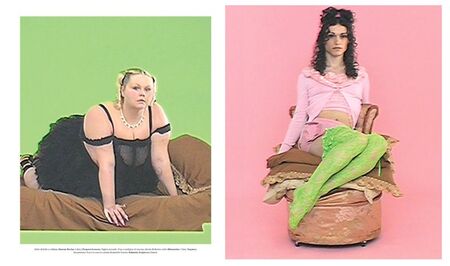
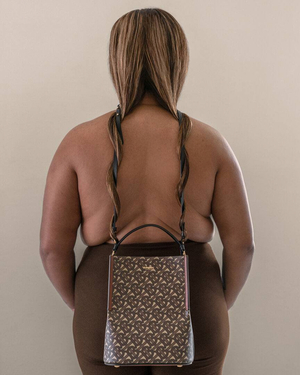
Калимат Гапизова подготовила визуальное исследование Талии Четрит. Проект включает тексты, посвящённые гендерной дуальности, геометрии, кропу и другим аспектам её фотографической практики.
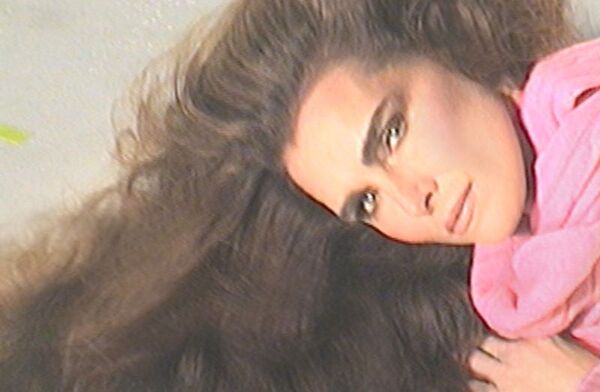
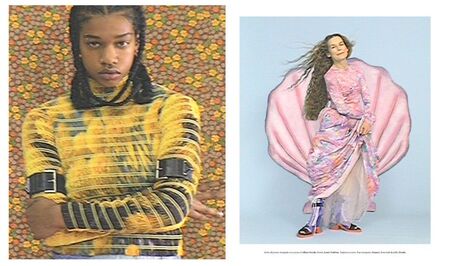
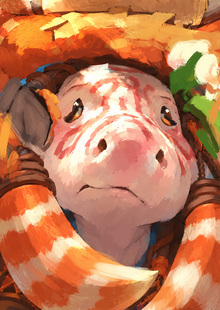
Дарья Лекомцева подготовила исследование фотографа BROOKE DIDONATO, объясняя её подход к визуальному искусству и постановке кадров. Проект включает анализ сюрреалистических композиций, в которых тело и пространство сливаются через метафоры и цветовые решения.
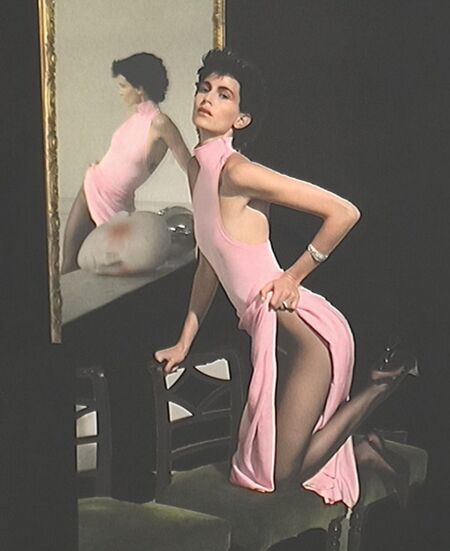
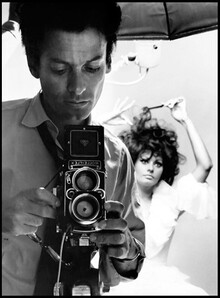
Анастасия Смирнова подготовила текст о фотографе Ричард Аведон, описывающий его подход к портретной и модной съёмке. Проект включает детали о его использовании черно-белого формата и работе с естественным светом в портретах обычных людей.
MUUS Fashion brand представил профайл бренда, в котором описаны особенности дизайна и история создания московского модного дома. Проект включает информацию о культурном наследии северных народов, используемом в коллекциях, и уникальных деталях в одежде.
cgrave
Portfolio CG Rave — это открытая площадка для авторских портфолио 3D художников. Размещайте свои работы, чтобы их заметили в сообществе CG, ваши будущие коллеги и потенциальные заказчики.
Press space bar to start a drag.
When dragging you can use the arrow keys to move the item around and escape to cancel.
Some screen readers may require you to be in focus mode or to use your pass through key
Press space bar to start a drag.
When dragging you can use the arrow keys to move the item around and escape to cancel.
Some screen readers may require you to be in focus mode or to use your pass through key
Press space bar to start a drag.
When dragging you can use the arrow keys to move the item around and escape to cancel.
Some screen readers may require you to be in focus mode or to use your pass through key
Press space bar to start a drag.
When dragging you can use the arrow keys to move the item around and escape to cancel.
Some screen readers may require you to be in focus mode or to use your pass through key
Press space bar to start a drag.
When dragging you can use the arrow keys to move the item around and escape to cancel.
Some screen readers may require you to be in focus mode or to use your pass through key
Press space bar to start a drag.
When dragging you can use the arrow keys to move the item around and escape to cancel.
Some screen readers may require you to be in focus mode or to use your pass through key
Press space bar to start a drag.
When dragging you can use the arrow keys to move the item around and escape to cancel.
Some screen readers may require you to be in focus mode or to use your pass through key
Press space bar to start a drag.
When dragging you can use the arrow keys to move the item around and escape to cancel.
Some screen readers may require you to be in focus mode or to use your pass through key
Press space bar to start a drag.
When dragging you can use the arrow keys to move the item around and escape to cancel.
Some screen readers may require you to be in focus mode or to use your pass through key
Press space bar to start a drag.
When dragging you can use the arrow keys to move the item around and escape to cancel.
Some screen readers may require you to be in focus mode or to use your pass through key
Press space bar to start a drag.
When dragging you can use the arrow keys to move the item around and escape to cancel.
Some screen readers may require you to be in focus mode or to use your pass through key
Press space bar to start a drag.
When dragging you can use the arrow keys to move the item around and escape to cancel.
Some screen readers may require you to be in focus mode or to use your pass through key
Press space bar to start a drag.
When dragging you can use the arrow keys to move the item around and escape to cancel.
Some screen readers may require you to be in focus mode or to use your pass through key
Press space bar to start a drag.
When dragging you can use the arrow keys to move the item around and escape to cancel.
Some screen readers may require you to be in focus mode or to use your pass through key
Press space bar to start a drag.
When dragging you can use the arrow keys to move the item around and escape to cancel.
Some screen readers may require you to be in focus mode or to use your pass through key
Press space bar to start a drag.
When dragging you can use the arrow keys to move the item around and escape to cancel.
Some screen readers may require you to be in focus mode or to use your pass through key
Press space bar to start a drag.
When dragging you can use the arrow keys to move the item around and escape to cancel.
Some screen readers may require you to be in focus mode or to use your pass through key
Press space bar to start a drag.
When dragging you can use the arrow keys to move the item around and escape to cancel.
Some screen readers may require you to be in focus mode or to use your pass through key
Press space bar to start a drag.
When dragging you can use the arrow keys to move the item around and escape to cancel.
Some screen readers may require you to be in focus mode or to use your pass through key
Press space bar to start a drag.
When dragging you can use the arrow keys to move the item around and escape to cancel.
Some screen readers may require you to be in focus mode or to use your pass through key
Press space bar to start a drag.
When dragging you can use the arrow keys to move the item around and escape to cancel.
Some screen readers may require you to be in focus mode or to use your pass through key
Press space bar to start a drag.
When dragging you can use the arrow keys to move the item around and escape to cancel.
Some screen readers may require you to be in focus mode or to use your pass through key
Press space bar to start a drag.
When dragging you can use the arrow keys to move the item around and escape to cancel.
Some screen readers may require you to be in focus mode or to use your pass through key