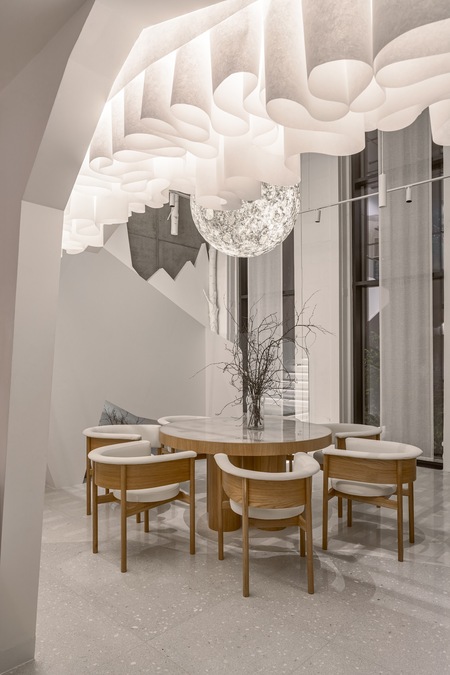
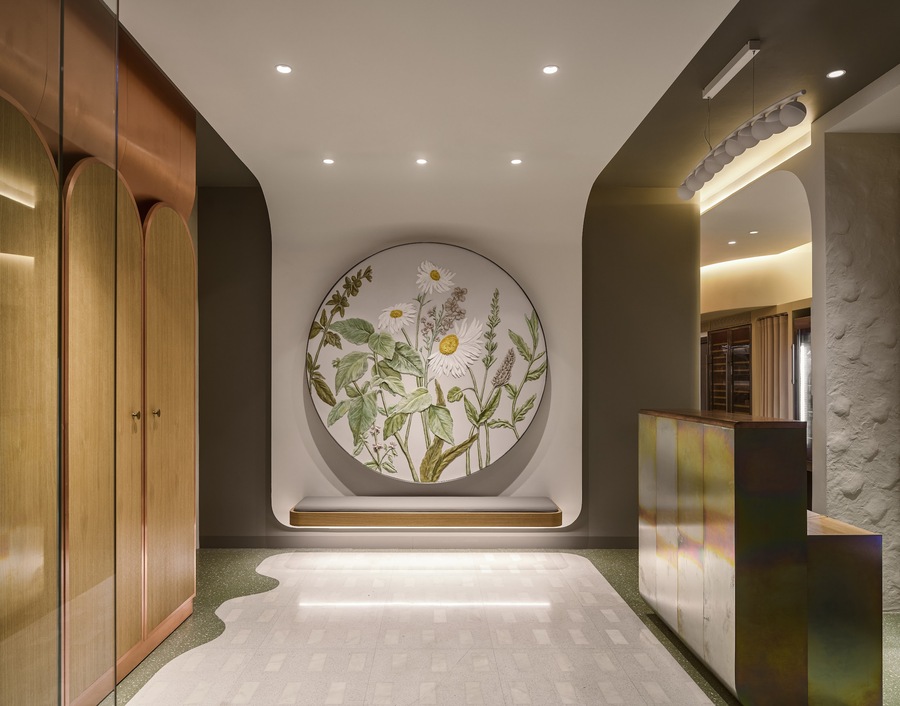
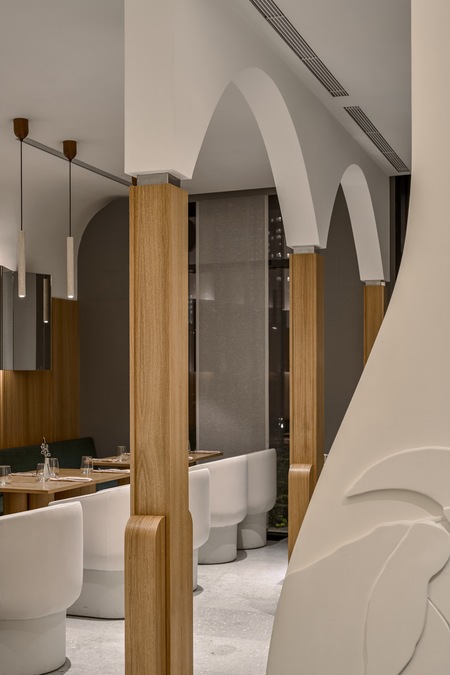
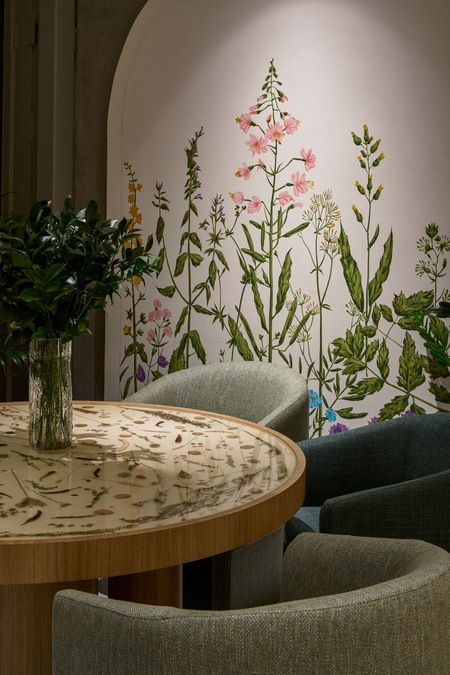
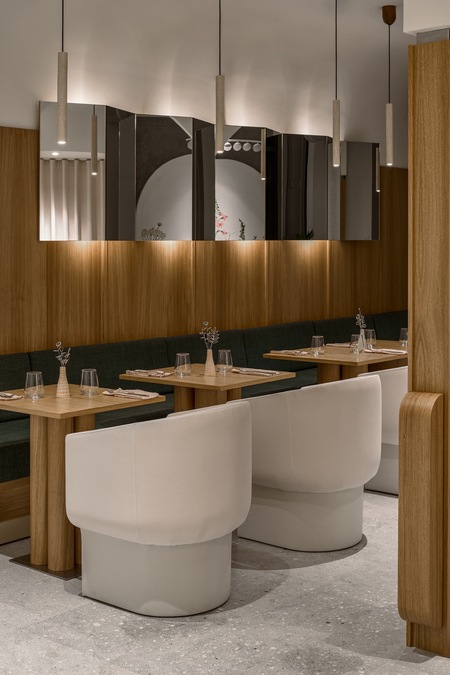
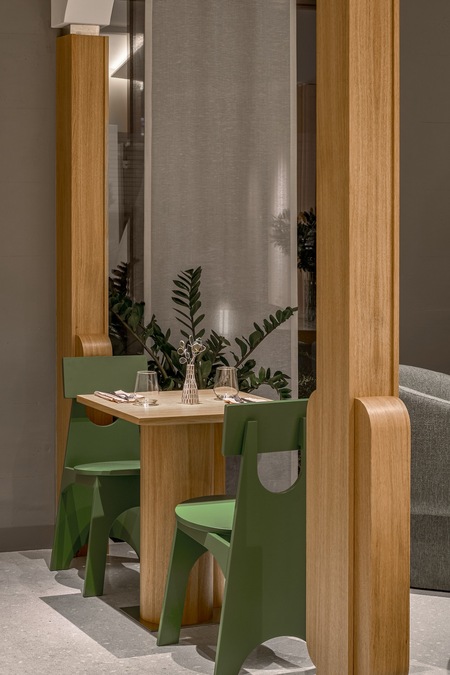
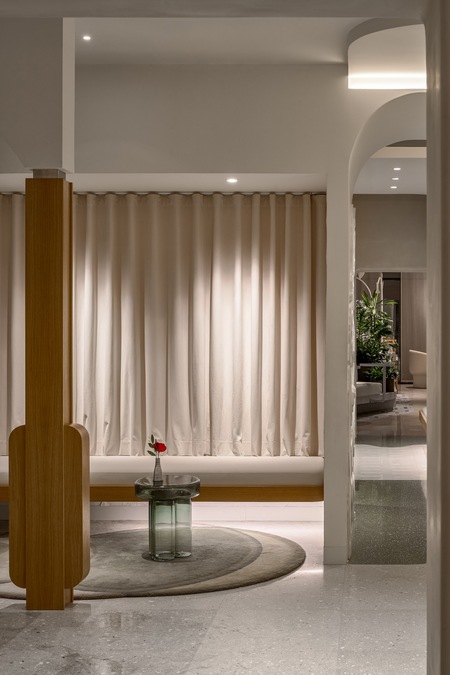
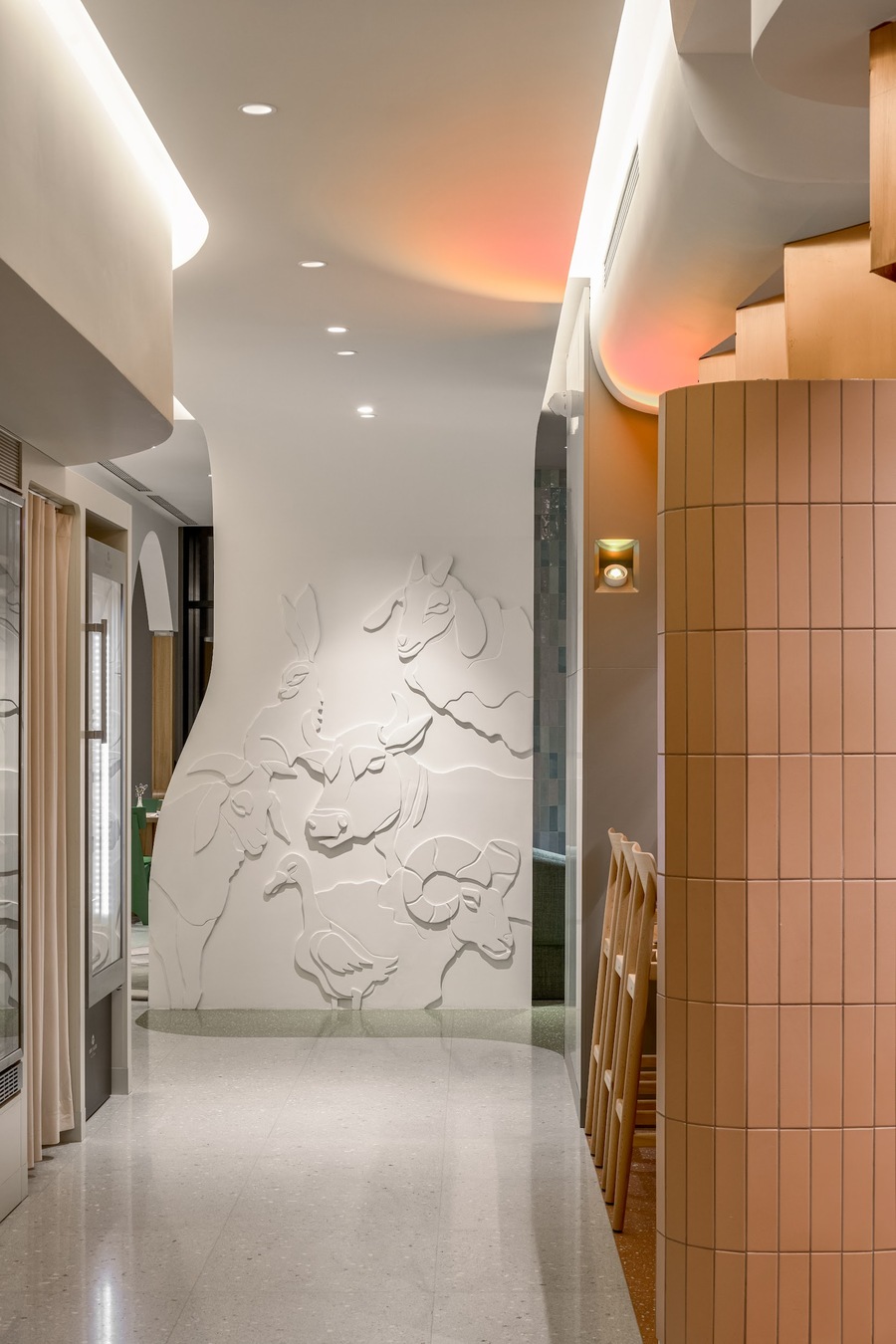
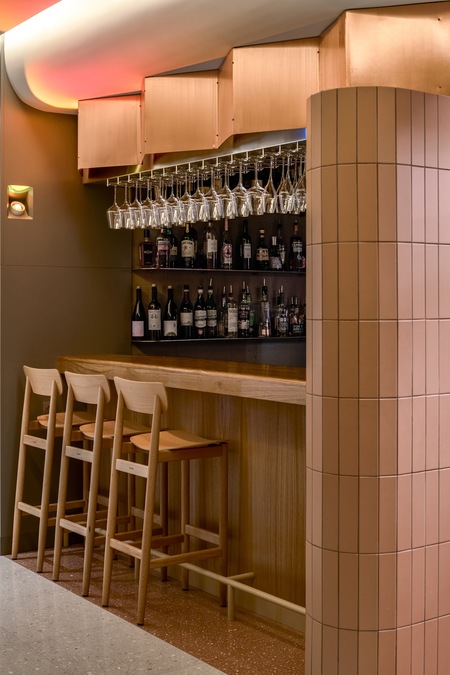
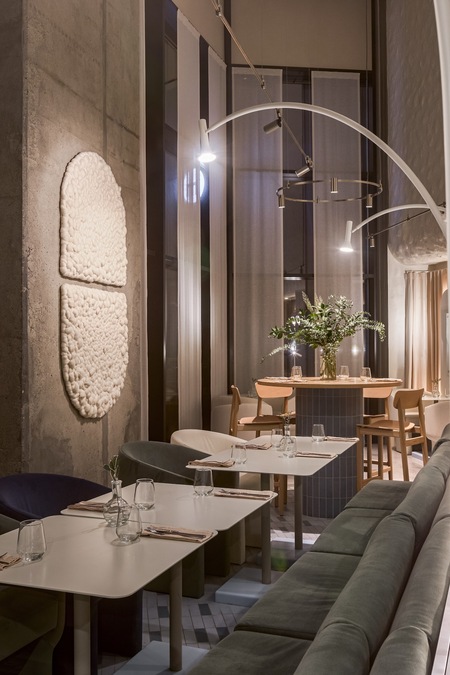
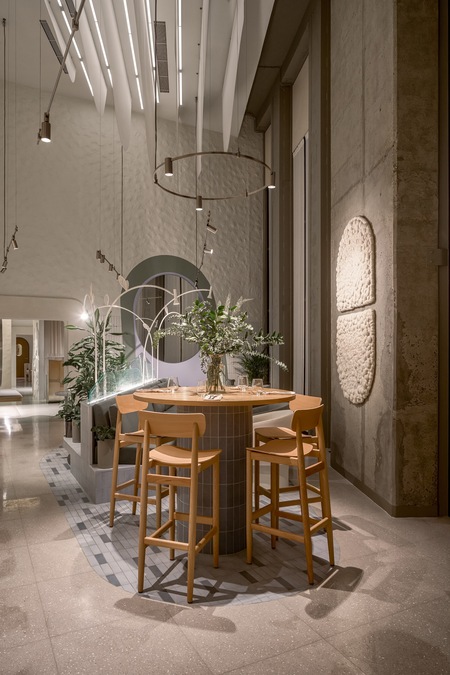
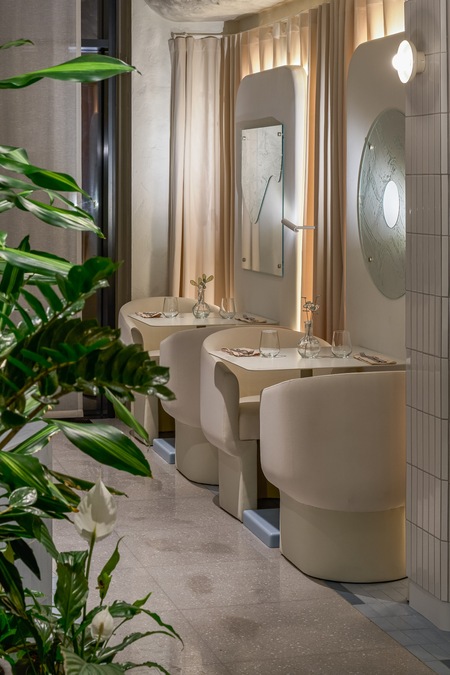
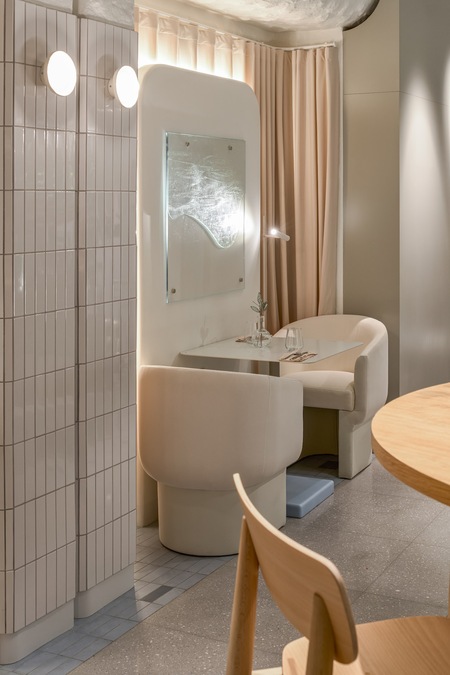
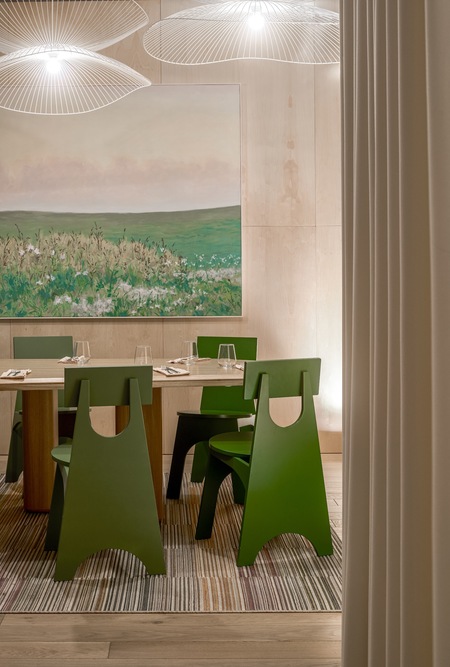
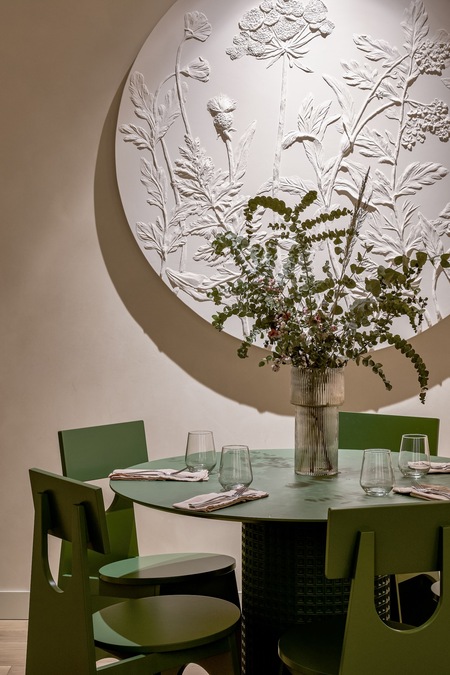
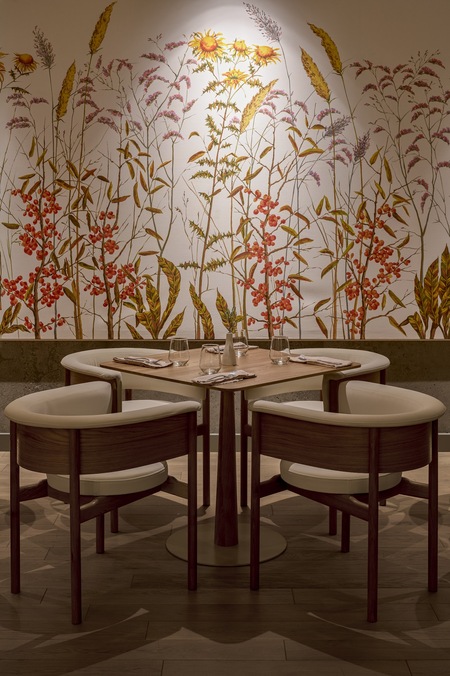
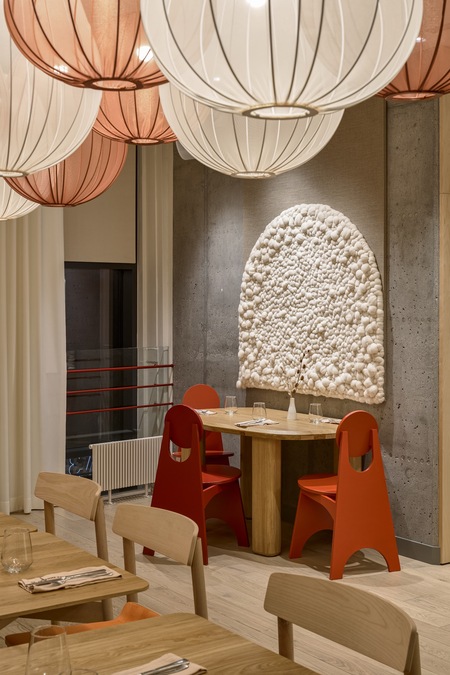
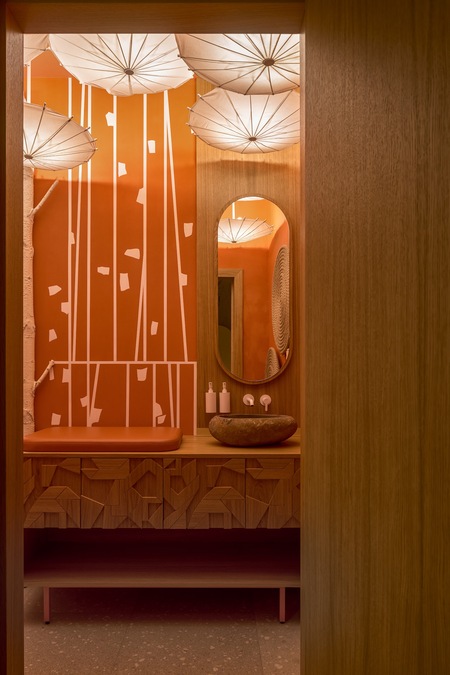
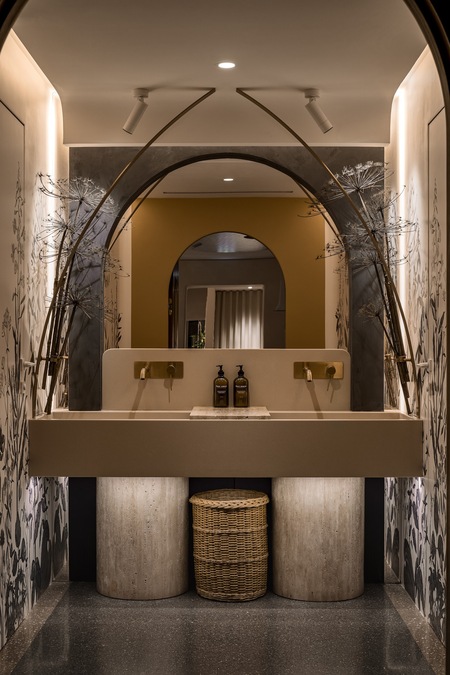
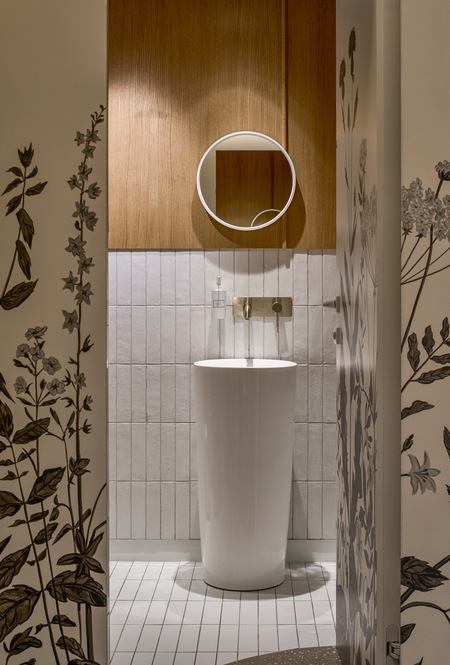
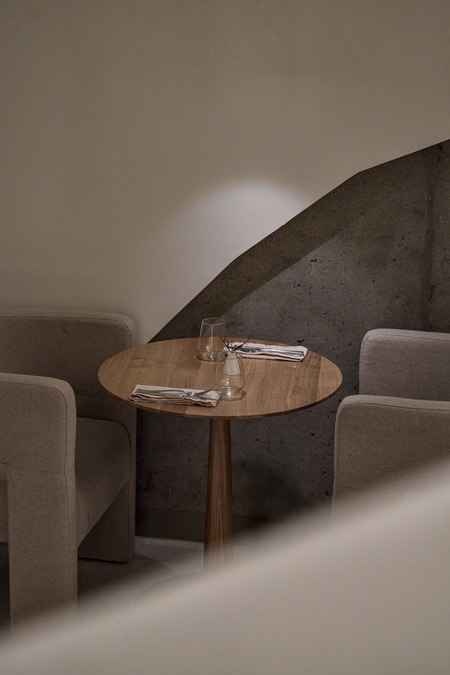
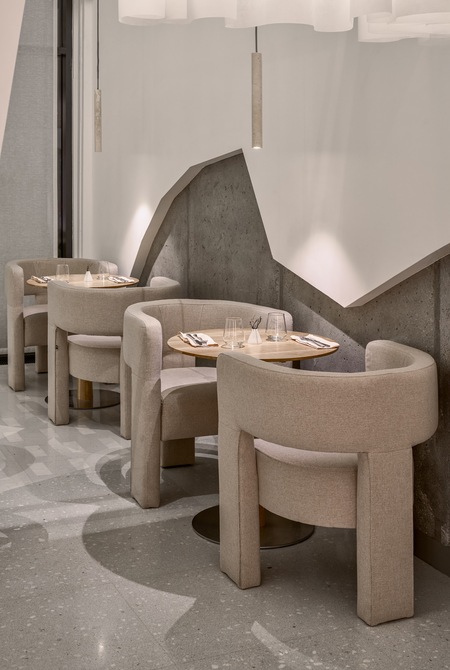
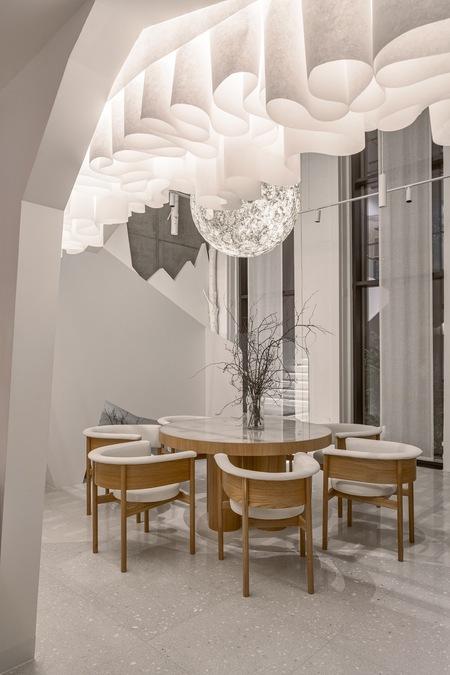
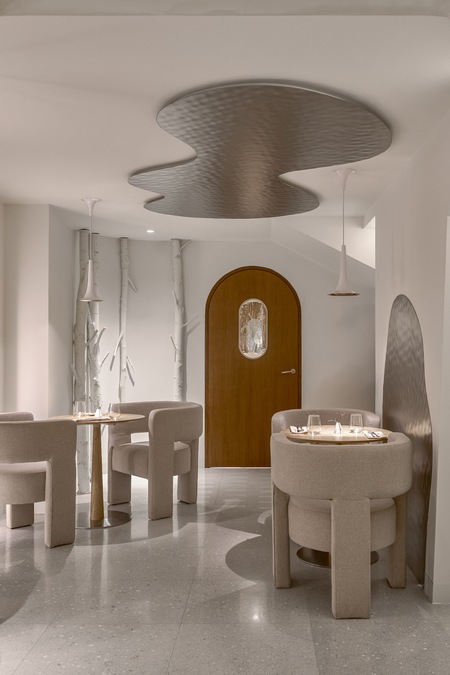
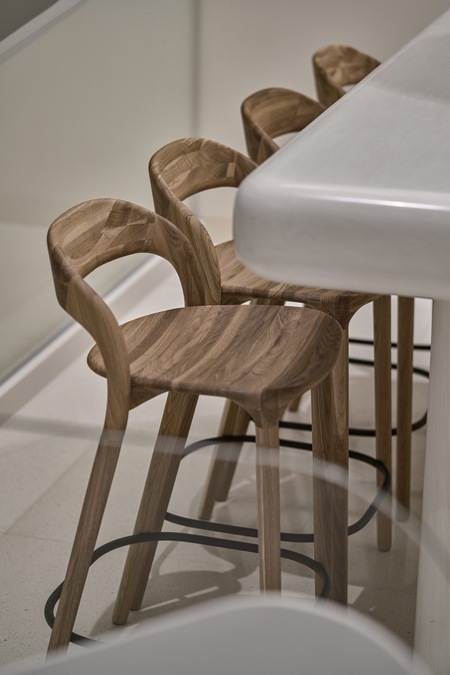
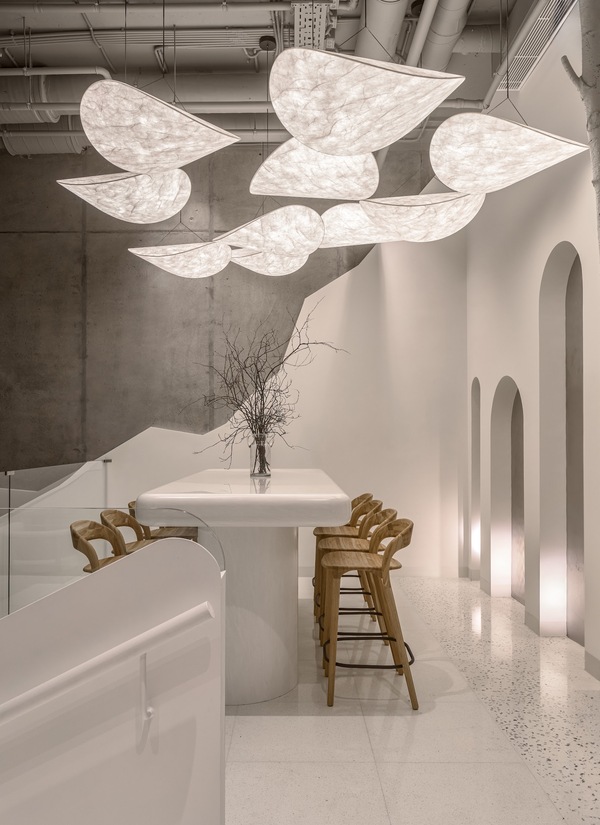
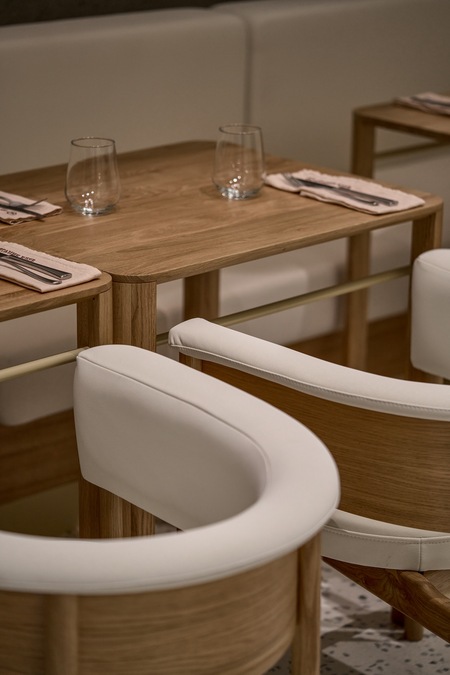
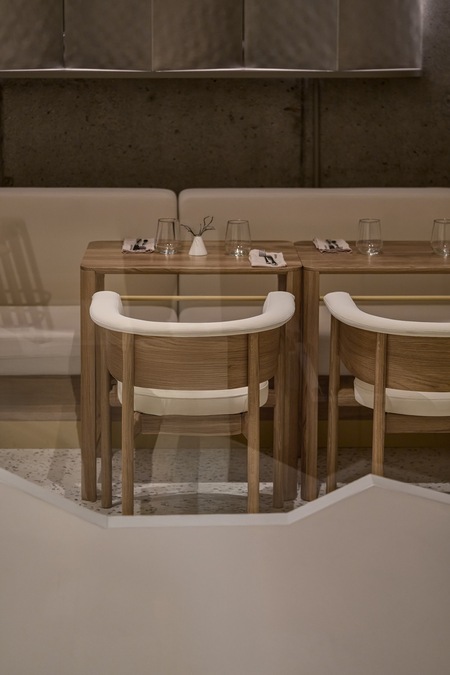
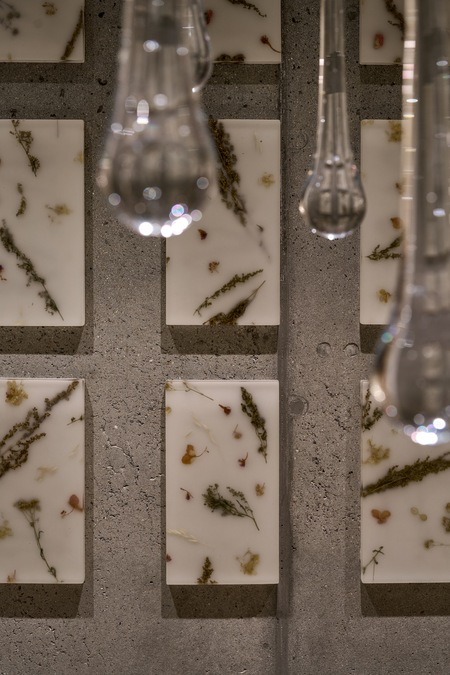
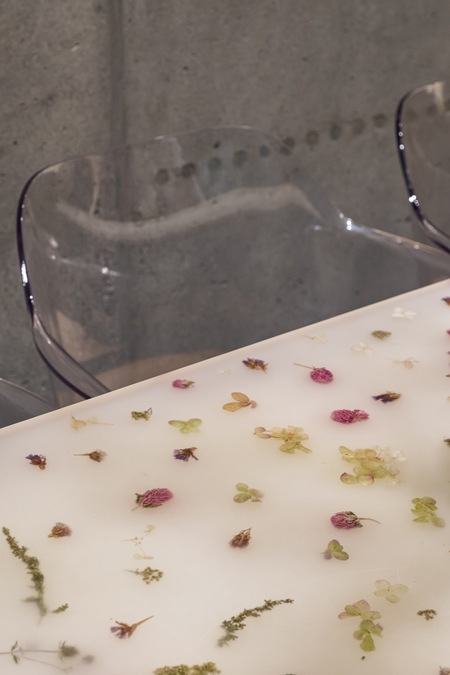
Ресторан включает в себя 4 времени года, которые представлены ассоциативно.
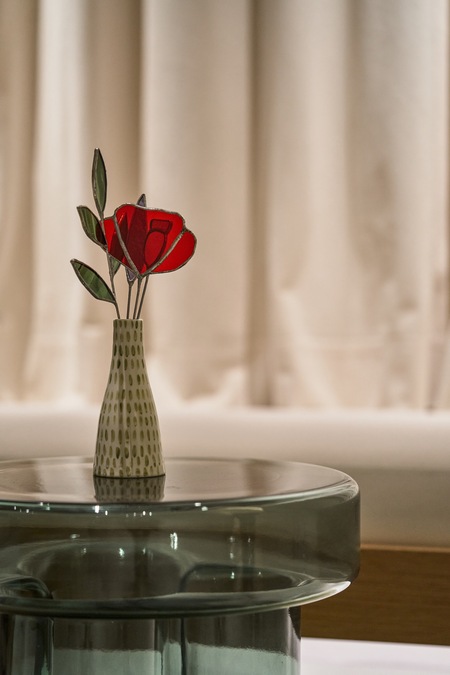
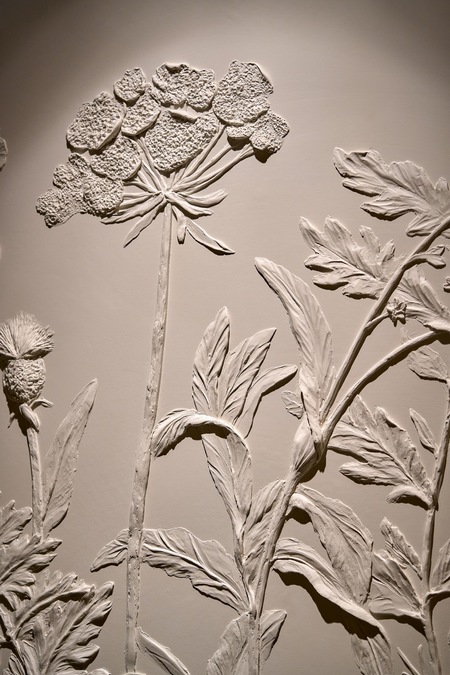
Лето встречает круглым гипсовым панно с цветами и травами. В залах расположились крупные светильники-стрекозки парят в небе, витражные букеты на столах, создающие акцентные яркие пятна, круглый стол с первыми заготовками — овощами, злаками и орешками.
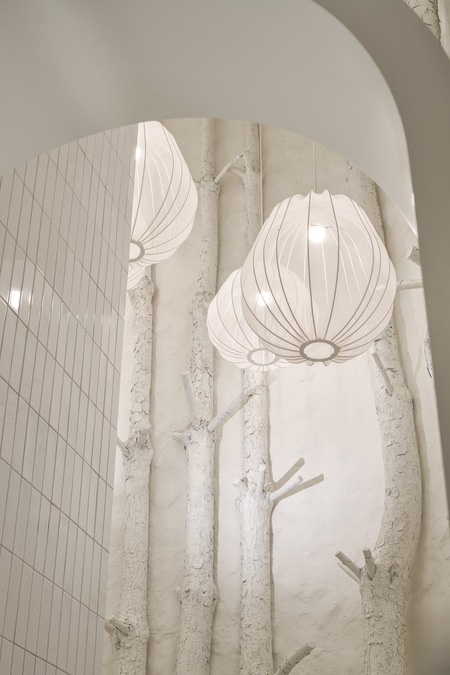
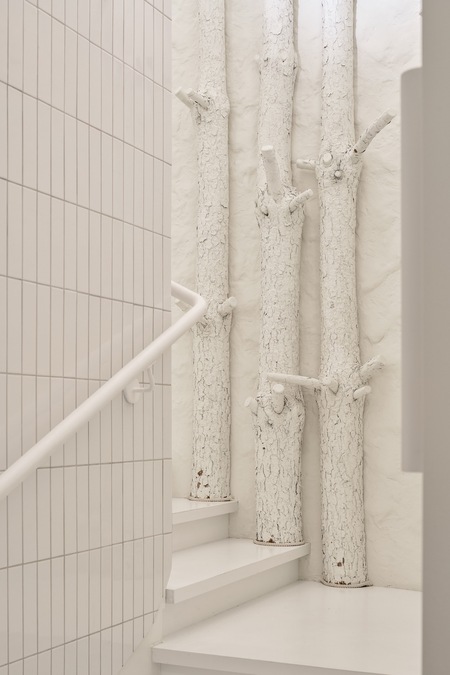
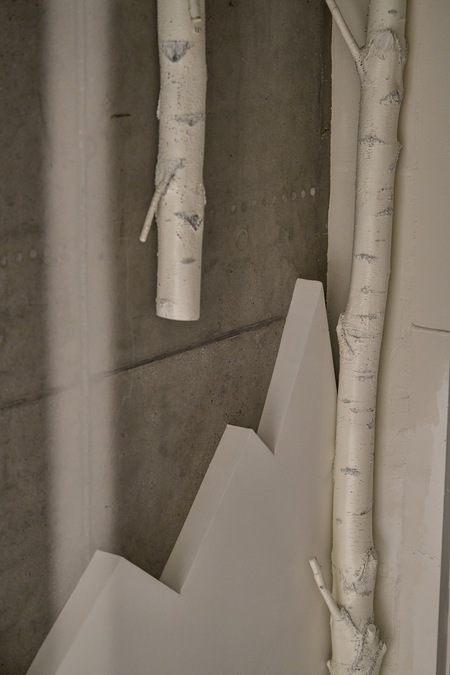
Зима — это чистейший заснеженный зимний лес, выстроенный из белых сосен с легкими светильниками, слово снегопад.
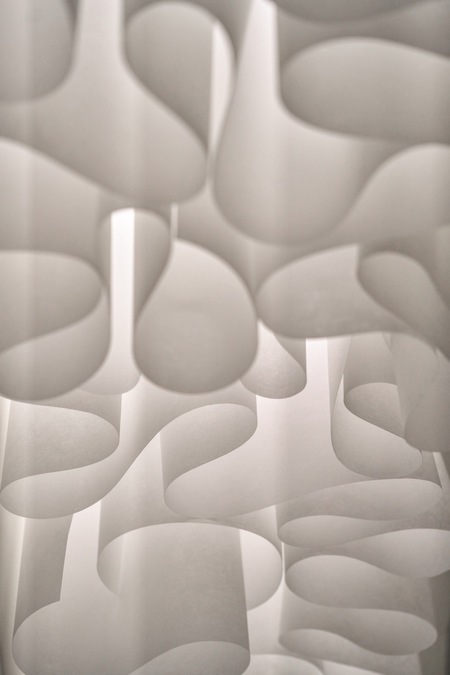
В зале Весна из бумажных полотен собран легкий весенний сугроб, накапавший целую лужу, из которой у нас выросли весенние подснежники и первая зелень. На стенах льдины, сделанные из стекол разных фактур.
Осень — это красно-оранжевые оттенки мебели с природными оттенками отделки. Свет как бутоны-коробочки и лампы-грибочки указывают на осеннее настроение.
Авторы проекта:
Надежда Голубева, Кристина Лазарева
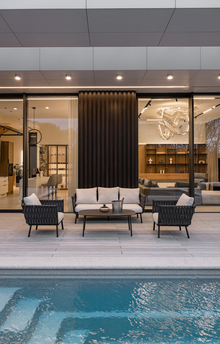
Надежда Голубева создала концепцию интерьера ресторана Organic Club m2 в ЖК "Крылья". Проект включает в себя четыре временных зоны, каждая из которых визуально ассоциируется с сезоном.
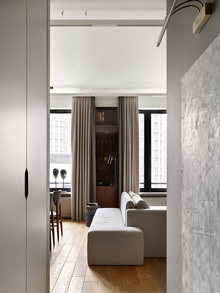
Влада Стеблина спроектировала маленькую квартиру площадью 44 кв. метра для зрелого мужчины в московском ЖК Nagatino iLand. Проект включает нейтральную базу с легкими цветовыми акцентами и функциональное пространство для проживания и приёма гостей.
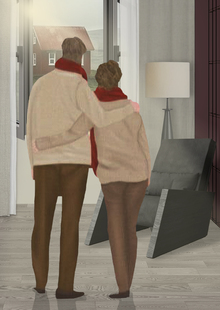
Ксения Чукалкина создала дизайн проект трехкомнатной квартиры для семейной пары 60+. Проект включает минималистичный интерьер с акцентами красно-коричневого цвета и элементами деревенского убранства.
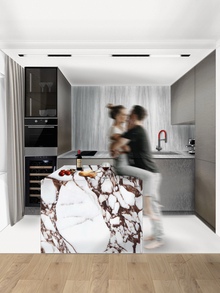
Светлана Глазко создала дизайн проект квартиры для двоих, сочетающий классику и современность в интерьере площадью 80 кв. м. Проект включает объединённую кухню и гостиную, кабинет, гардероб и другие зоны, выполненные в стиле с яркими акцентами и функциональным планированием.
cgrave
Portfolio CG Rave — это открытая площадка для авторских портфолио 3D художников. Размещайте свои работы, чтобы их заметили в сообществе CG, ваши будущие коллеги и потенциальные заказчики.
portfolio
tutorials
media
Press space bar to start a drag.
When dragging you can use the arrow keys to move the item around and escape to cancel.
Some screen readers may require you to be in focus mode or to use your pass through key
Press space bar to start a drag.
When dragging you can use the arrow keys to move the item around and escape to cancel.
Some screen readers may require you to be in focus mode or to use your pass through key
Press space bar to start a drag.
When dragging you can use the arrow keys to move the item around and escape to cancel.
Some screen readers may require you to be in focus mode or to use your pass through key
Press space bar to start a drag.
When dragging you can use the arrow keys to move the item around and escape to cancel.
Some screen readers may require you to be in focus mode or to use your pass through key
Press space bar to start a drag.
When dragging you can use the arrow keys to move the item around and escape to cancel.
Some screen readers may require you to be in focus mode or to use your pass through key
Press space bar to start a drag.
When dragging you can use the arrow keys to move the item around and escape to cancel.
Some screen readers may require you to be in focus mode or to use your pass through key
Press space bar to start a drag.
When dragging you can use the arrow keys to move the item around and escape to cancel.
Some screen readers may require you to be in focus mode or to use your pass through key
Press space bar to start a drag.
When dragging you can use the arrow keys to move the item around and escape to cancel.
Some screen readers may require you to be in focus mode or to use your pass through key
Press space bar to start a drag.
When dragging you can use the arrow keys to move the item around and escape to cancel.
Some screen readers may require you to be in focus mode or to use your pass through key
Press space bar to start a drag.
When dragging you can use the arrow keys to move the item around and escape to cancel.
Some screen readers may require you to be in focus mode or to use your pass through key
Press space bar to start a drag.
When dragging you can use the arrow keys to move the item around and escape to cancel.
Some screen readers may require you to be in focus mode or to use your pass through key
Press space bar to start a drag.
When dragging you can use the arrow keys to move the item around and escape to cancel.
Some screen readers may require you to be in focus mode or to use your pass through key
Press space bar to start a drag.
When dragging you can use the arrow keys to move the item around and escape to cancel.
Some screen readers may require you to be in focus mode or to use your pass through key
Press space bar to start a drag.
When dragging you can use the arrow keys to move the item around and escape to cancel.
Some screen readers may require you to be in focus mode or to use your pass through key
Press space bar to start a drag.
When dragging you can use the arrow keys to move the item around and escape to cancel.
Some screen readers may require you to be in focus mode or to use your pass through key
Press space bar to start a drag.
When dragging you can use the arrow keys to move the item around and escape to cancel.
Some screen readers may require you to be in focus mode or to use your pass through key
Press space bar to start a drag.
When dragging you can use the arrow keys to move the item around and escape to cancel.
Some screen readers may require you to be in focus mode or to use your pass through key