Данный проект является учебной работой студента Школы дизайна или исследовательской работой преподавателя Школы дизайна. Данный проект не является коммерческим и служит образовательным целям
Мерлин Бронкс
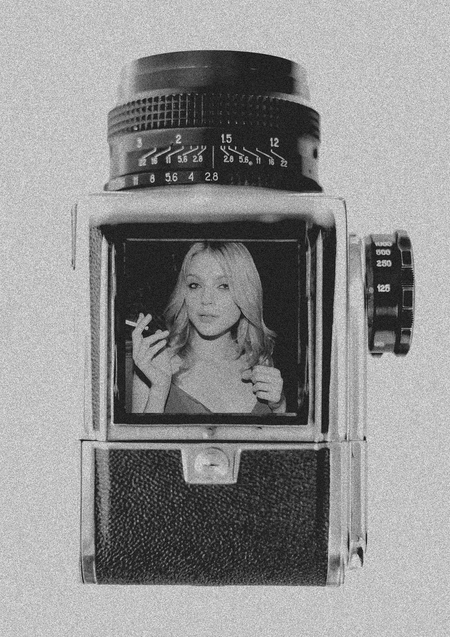
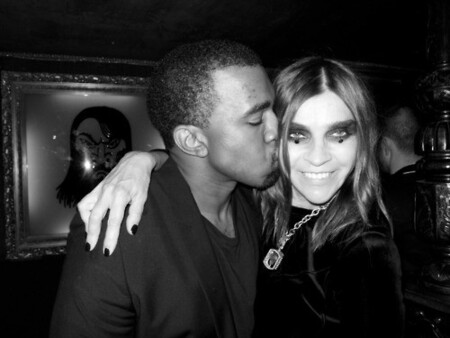
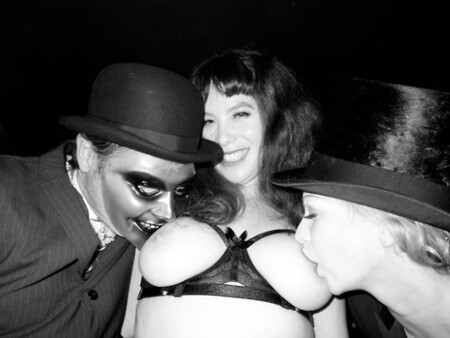
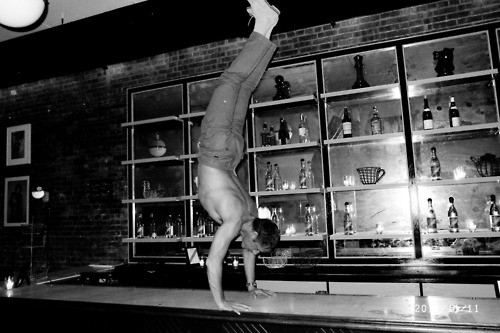
Фотографии самого Мерлина Бронкса, начало 00-х
Исходный размер 1217x425
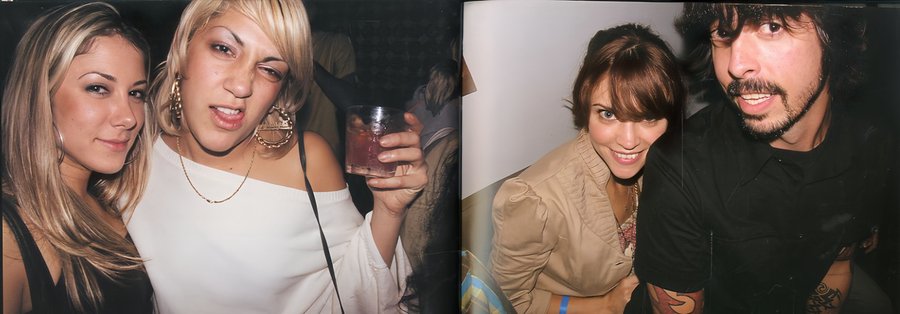
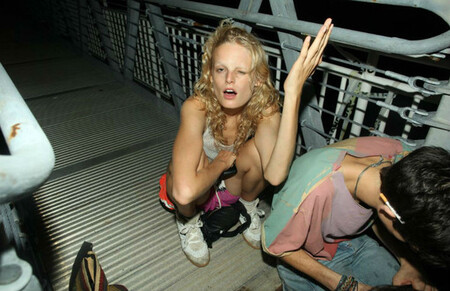
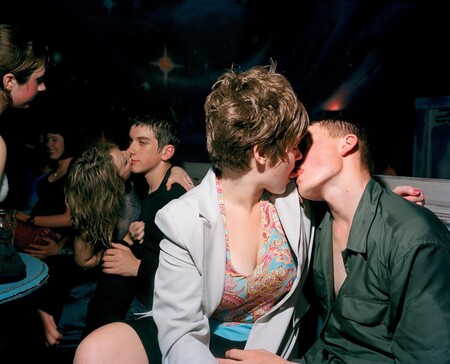
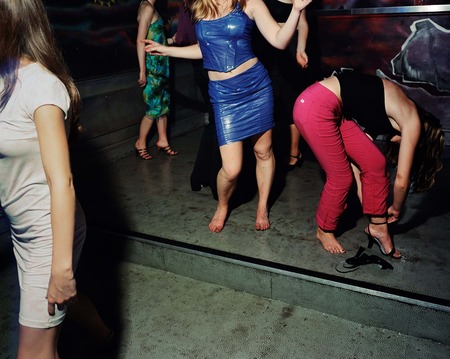
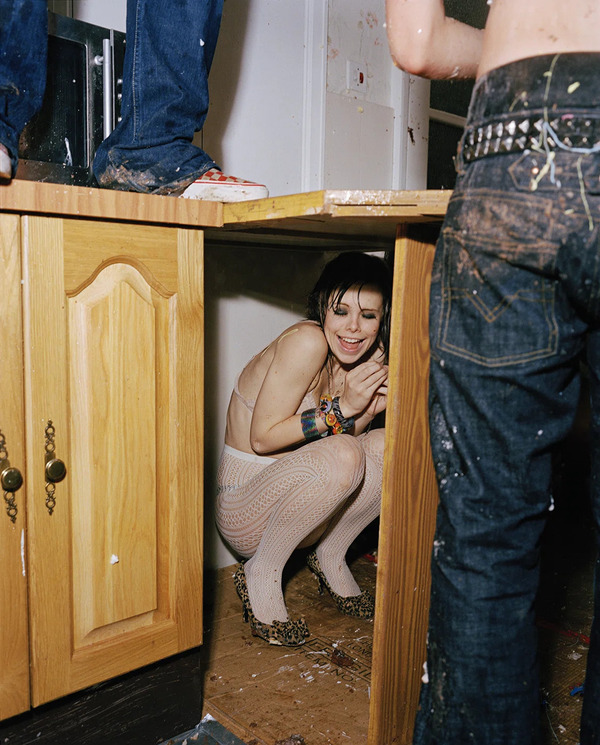
Мерлин Бронкс, книга «Где ты был последнюю ночь?», 2006 г.
Исходный размер 1217x425
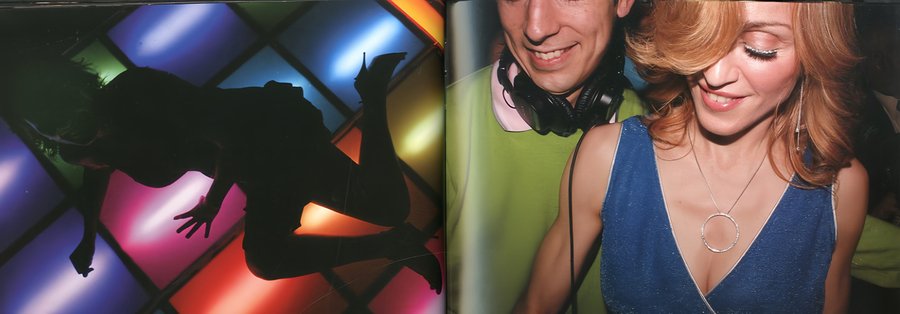
Мерлин Бронкс, книга «Где ты был последнюю ночь?», 2006 г.
0
0
0
0
0
0
0
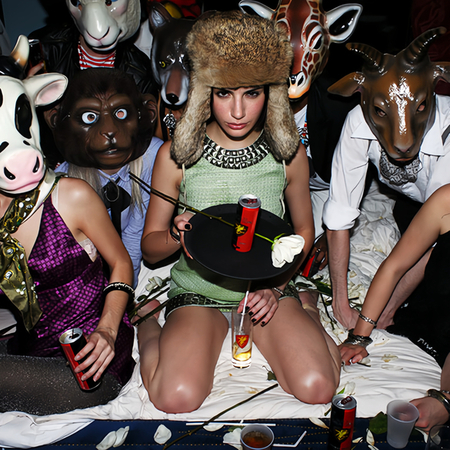
Мерлин Бронкс, книга «Где ты был последнюю ночь?», 2006 г.
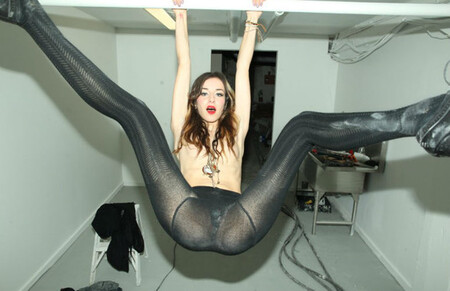
Мерлин Бронкс, глобальная маркетинговая кампания «Дикий дракон», сентябрь 2008 г.
Мерлин Бронкс, глобальная маркетинговая кампания «Дикий дракон», сентябрь 2008 г.
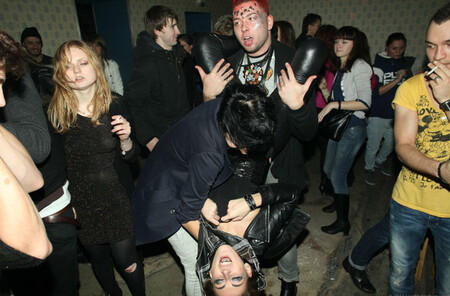
Мерлин Бронкс, архивные фотографии, начало 00-х
Мерлин Бронкс, архивные фотографии, начало 00-х
Ивен Спенсер
Исходный размер 1440x1145
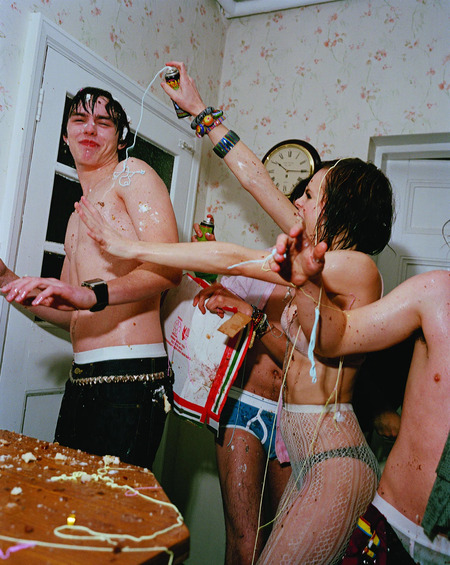
Ивен Спенсер, постеры для сериала «Молокососы», 2007 г.
«Я не просто слонялся без дела и делал фотографии. Я разговаривал с людьми всю ночь. Это было похоже на то, что вы просто часть этой ночи, или этого собрания людей» — Ивен Спенсер
Исходный размер 1400x1750
Ивен Спенсер, архивное фото, начало 00-х
«Я просто выхожу на улицу, делаю фотографии и иду на запах», — Ивен Спенсер
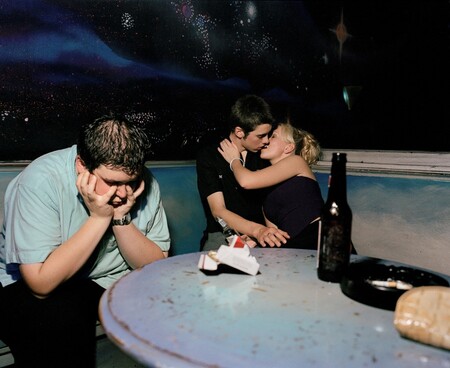
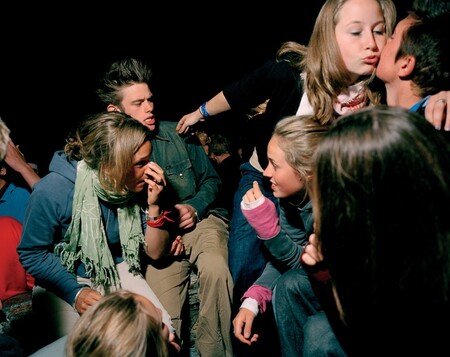
Ивен Спенсер, подборка из книги 'Young Love', сделанной в период с 2000 по 2001 гг.
Ивен Спенсер, подборка из книги 'Young Love', сделанной в период с 2000 по 2001 гг.
«Успех фотографий — с точки зрения Джозефа Сзабо или Ларри Кларка, этих парней — в том, что они легко узнаваемы… Мы все в той или иной степени оказывались в подобных ситуациях» — Ивен Спенсер
Ивен Спенсер, постеры для сериала «Молокососы», 2007 г.
Иван Спенсер, постеры для сериала «Молокососы», 2007 г.
0
0
0
0
0
0
0
0
0
Ивен Спенсер, подборка из книги 'Young Love', сделанной в период с 2000 по 2001 гг.
Исходный размер 947x759
Ивен Спенсер, постеры для сериала «Молокососы», 2007 г.
Дэш Сноу
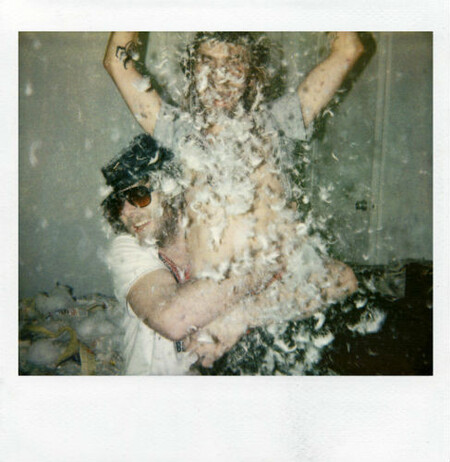
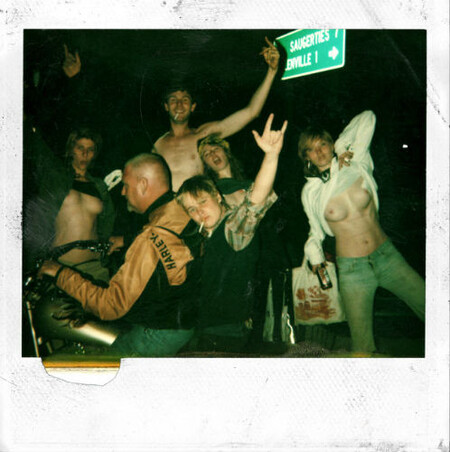
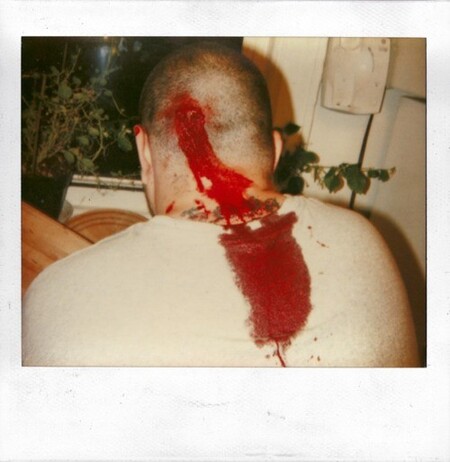
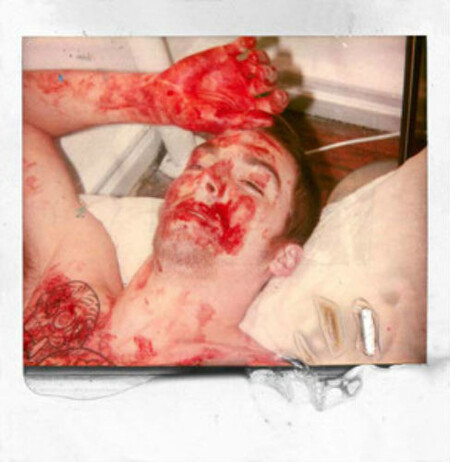
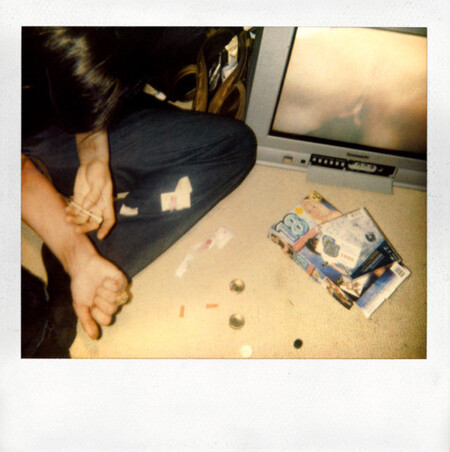
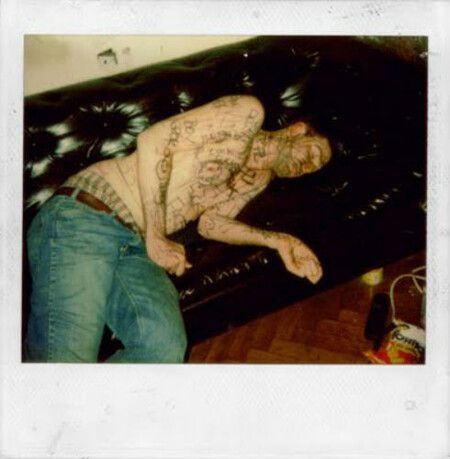
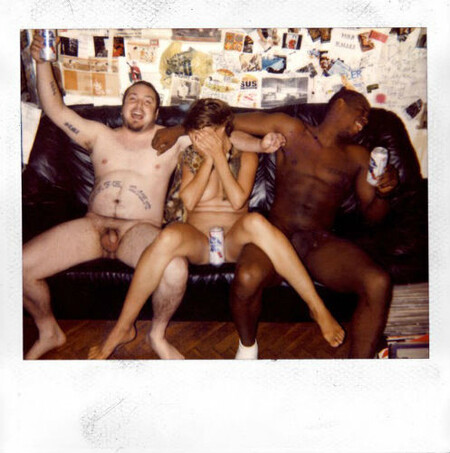
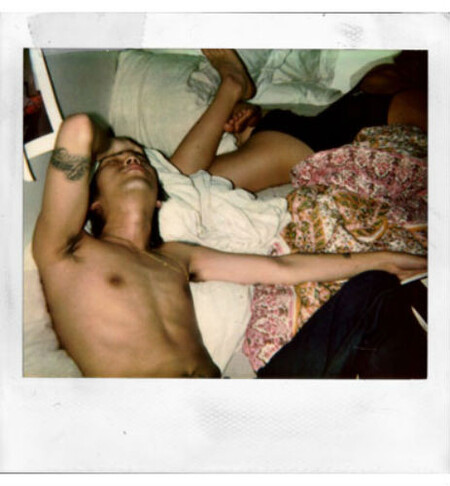
Дэш Сноу, архивные фото, полароид, начало 00-х
Дэш Сноу, архивные фото, полароид, начало 00-х
Дэш Сноу, архивные фото, полароид, начало 00-х
Дэш Сноу, архивные фото, полароид, начало 00-х
Терри Ричардсон
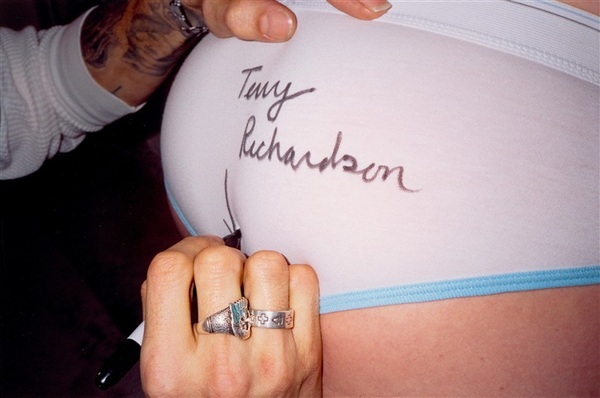
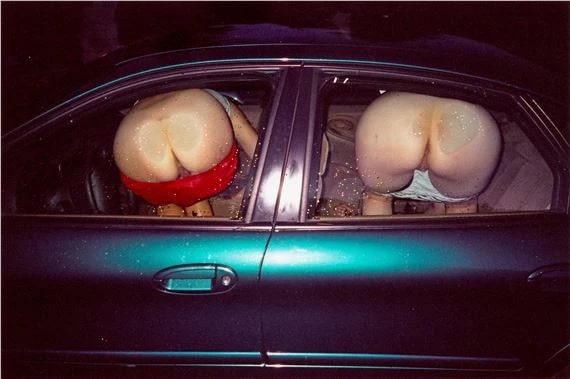
Терри Ричардсон, архивные фотографии из книги «Мир Терри», 2004 г.
Терри Ричардсон, архивные фотографии из книги «Мир Терри», 2004 г.
Исходный размер 1920x984
Терри Ричардсон, архивные фотографии из книги «Мир Терри», 2004 г.
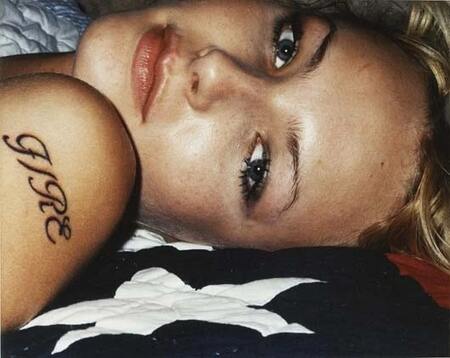
Терри Ричардсон, архивные фотографии Голливуда, 00-е
Подтвердите возрастПроект содержит информацию, предназначенную только для лиц старше 18 лет
Мне уже исполнилось 18 лет
Отменить
Подтвердить
Press space bar to start a drag.
When dragging you can use the arrow keys to move the item around and escape to cancel.
Some screen readers may require you to be in focus mode or to use your pass through key
Press space bar to start a drag.
When dragging you can use the arrow keys to move the item around and escape to cancel.
Some screen readers may require you to be in focus mode or to use your pass through key
Press space bar to start a drag.
When dragging you can use the arrow keys to move the item around and escape to cancel.
Some screen readers may require you to be in focus mode or to use your pass through key
Press space bar to start a drag.
When dragging you can use the arrow keys to move the item around and escape to cancel.
Some screen readers may require you to be in focus mode or to use your pass through key
Press space bar to start a drag.
When dragging you can use the arrow keys to move the item around and escape to cancel.
Some screen readers may require you to be in focus mode or to use your pass through key
Press space bar to start a drag.
When dragging you can use the arrow keys to move the item around and escape to cancel.
Some screen readers may require you to be in focus mode or to use your pass through key
Press space bar to start a drag.
When dragging you can use the arrow keys to move the item around and escape to cancel.
Some screen readers may require you to be in focus mode or to use your pass through key
Press space bar to start a drag.
When dragging you can use the arrow keys to move the item around and escape to cancel.
Some screen readers may require you to be in focus mode or to use your pass through key
Press space bar to start a drag.
When dragging you can use the arrow keys to move the item around and escape to cancel.
Some screen readers may require you to be in focus mode or to use your pass through key
Press space bar to start a drag.
When dragging you can use the arrow keys to move the item around and escape to cancel.
Some screen readers may require you to be in focus mode or to use your pass through key
Press space bar to start a drag.
When dragging you can use the arrow keys to move the item around and escape to cancel.
Some screen readers may require you to be in focus mode or to use your pass through key
Press space bar to start a drag.
When dragging you can use the arrow keys to move the item around and escape to cancel.
Some screen readers may require you to be in focus mode or to use your pass through key
Press space bar to start a drag.
When dragging you can use the arrow keys to move the item around and escape to cancel.
Some screen readers may require you to be in focus mode or to use your pass through key
Press space bar to start a drag.
When dragging you can use the arrow keys to move the item around and escape to cancel.
Some screen readers may require you to be in focus mode or to use your pass through key
Press space bar to start a drag.
When dragging you can use the arrow keys to move the item around and escape to cancel.
Some screen readers may require you to be in focus mode or to use your pass through key
Press space bar to start a drag.
When dragging you can use the arrow keys to move the item around and escape to cancel.
Some screen readers may require you to be in focus mode or to use your pass through key
Press space bar to start a drag.
When dragging you can use the arrow keys to move the item around and escape to cancel.
Some screen readers may require you to be in focus mode or to use your pass through key
Press space bar to start a drag.
When dragging you can use the arrow keys to move the item around and escape to cancel.
Some screen readers may require you to be in focus mode or to use your pass through key
Press space bar to start a drag.
When dragging you can use the arrow keys to move the item around and escape to cancel.
Some screen readers may require you to be in focus mode or to use your pass through key